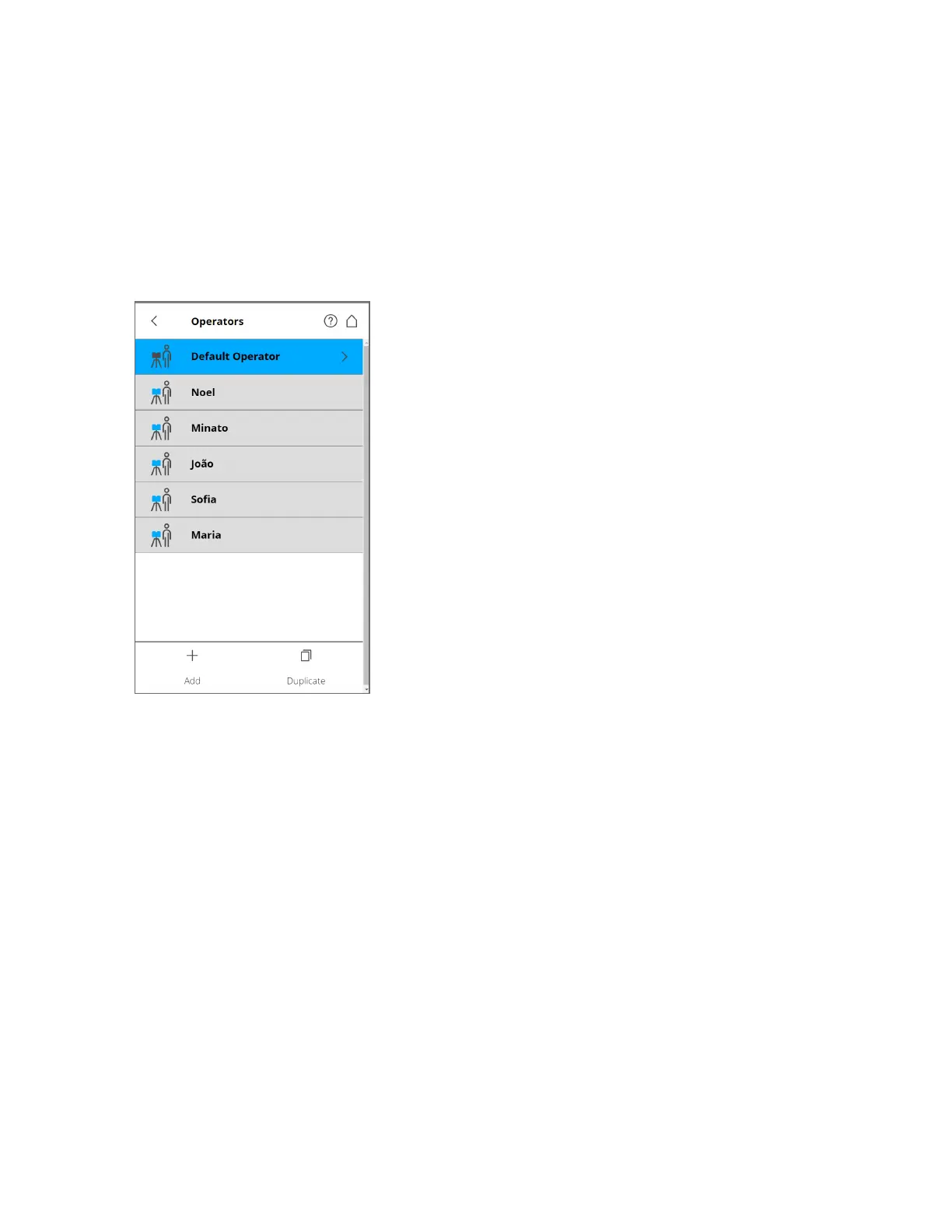
You can assign scanner operators to the captured scans. To do this, select the operator in the operators
list. Create an operator profile, if it does not already exist. The information regarding the selected
operator is stored in the data of the next scans, and can be accessed in SCENE during the post-processing
of scans.
Creating an Operator Profile
Figure 6-16 Operator Profiles list
To add a new operator profile, tap Add. You can also add new operator profiles by duplicating an
existing operator profile. To do this, select the operator profile you want to duplicate and tap Duplicate.
Tap again to view a screen, and enter the operator profile details.
To delete an operator profile, select it and tap Delete.
Operator Profile details include the following:
Name - The name of the scanner operator.
Company - The name of the company providing the scanning service.
Department - The department the operator works for.
Phone - The operator's phone number.
Email - The operator's email address.
Info - Any additional information required by the service provider or shift leaders, project managers, etc.
FARO
®
Focus Premium Laser Scanner User Manual
Chapter 6: Controller Software
FARO Focus Premium (March 2022) Page79of157



 To Next Page