WLAN
Manage > General Settings > WLAN
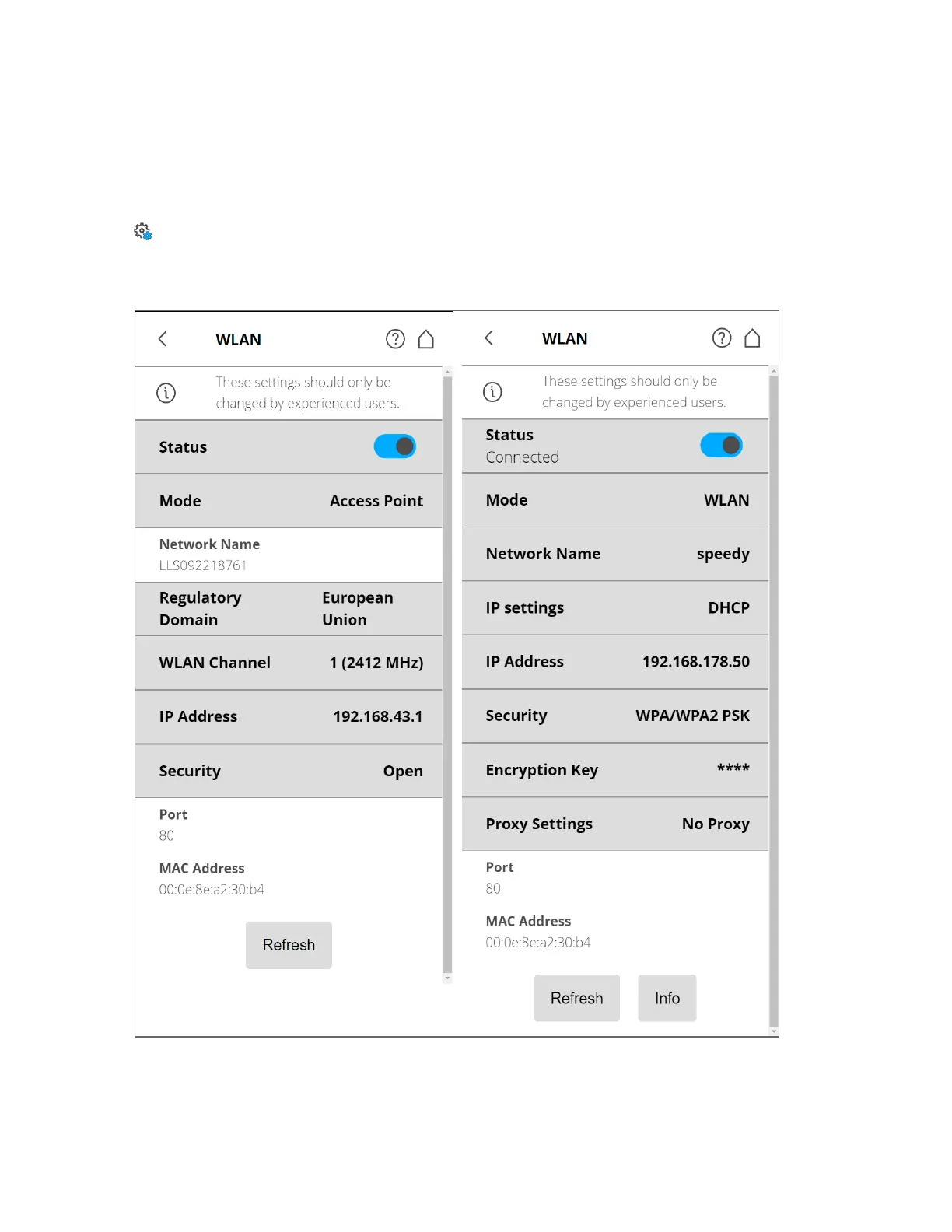
The WLAN interface can be used for remote connections, especially if your scanner is not equipped with
an Automation Interface connection.
Figure 6-21 WLAN Settings
The scanner has an integrated WLAN module that remotely connects to the scanner with portable
devices, such as notebooks, PDAs, or tablets. Connect your remote device to the scanner via WLAN, and
FARO
®
Focus Premium Laser Scanner User Manual
Chapter 6: Controller Software
FARO Focus Premium (March 2022) Page89of157



 To Next Page