FARO
®
Laser Scanner Focus
3D
X 130 Manual
January 2014
56
Chapter 5: Getting Started
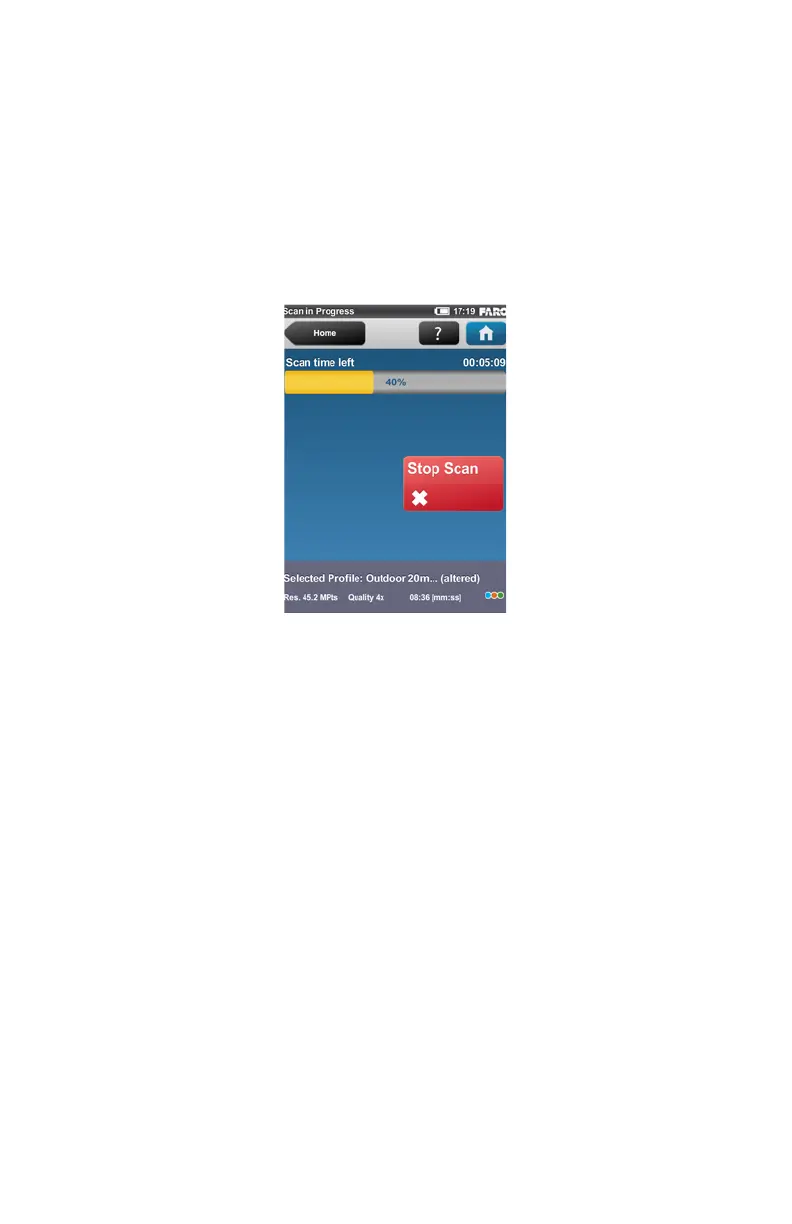
The scan process starts, the laser of the scanner will be switched ON and the
scanning view will be displayed. The scanner's LEDs are blinking red as long as
the laser of the scanner is switched ON. During scanning, the scanner rotates
clockwise by 180°. If you are scanning with color, the scanner will continue to
turn to 360° to take the pictures. The executed processing steps are displayed in
the status bar of the scanning screen, the scan progress is indicated by the
progress bar..
To stop a scan touch the Stop Scan button in the scanning view or press the
Start / Stop button on the scanner. You will then be asked to keep or delete the
incomplete scan.
CAUTION: After having completed scanning and capturing the pictures,
depending on environmental conditions, the scanner may make another full
turn to capture inclination data. It is important NOT to move the scanner
while it is capturing the inclination data. Else, the inclination data of the
scan may be inaccurate and may not be usable for the scan registration.
As soon as the entire scanning process is complete, the scanner plays a
notification sound (if not turned off in the settings) and a new screen appears with
Figure 5-30 Scanning View



 To Next Page