3-35
1
2
3
Basic Usage
Frequently Used Functions
3-7-1 [S1] Output Mode (N.O./N.C.)
Set the output mode to light on (on when light is received) or dark on (on when light is not received).
Switching the output mode inverts the output.
Output mode
Light on: Output generated when light is
received.
Dark on: Output generated when light is not
received.
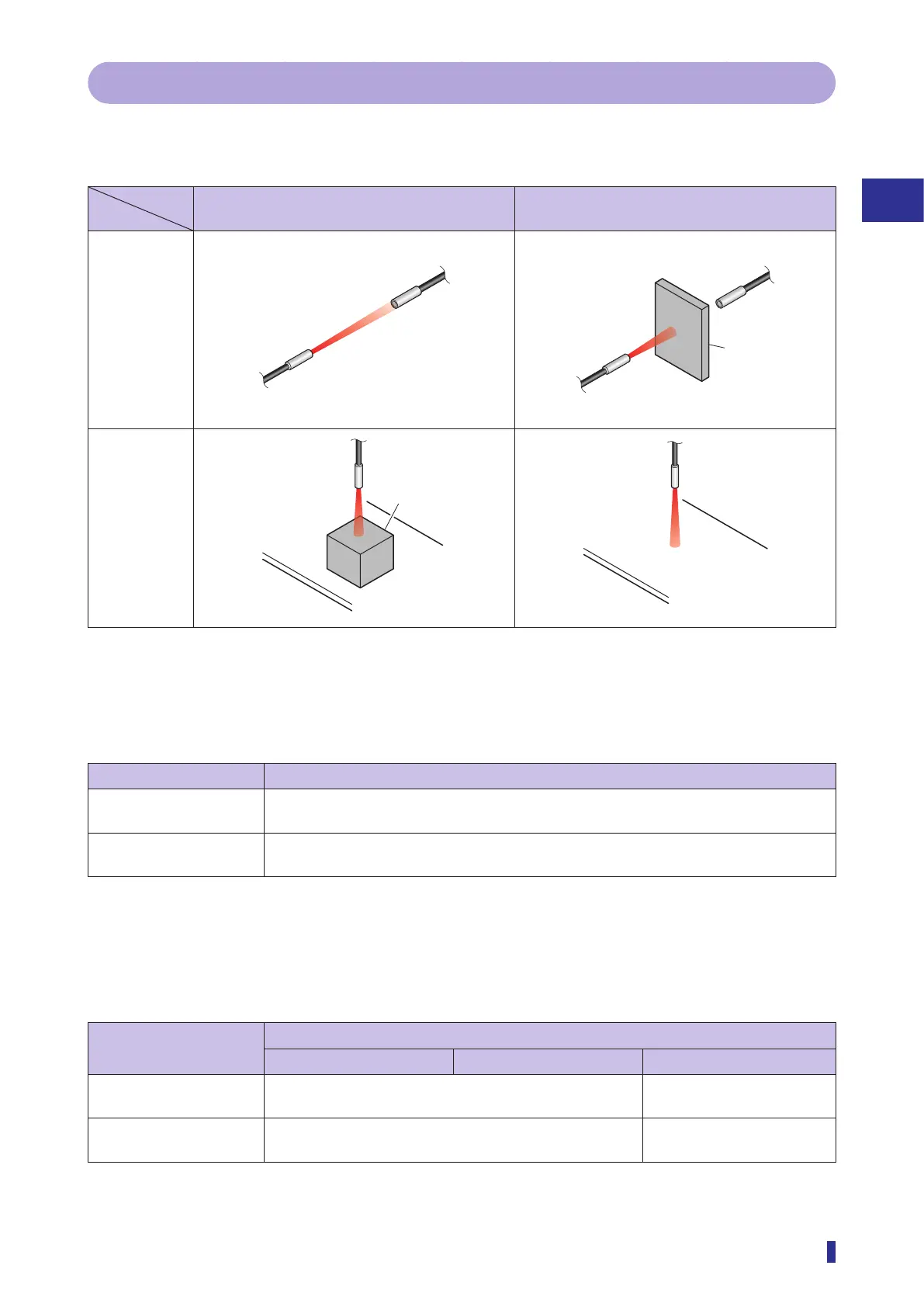
Through-beam
Diffuse
reflective
Selectable Options with 1-point, 2-point, Auto, and Through
Teach Modes
Selectable option Function description
Light on (default value) Sets the output mode to light on (on when light is received).
Output is generated when the received light amount exceeds the threshold.
Dark on Sets the output mode to dark on (on when light is not received).
Output is generated when the received light amount drops below the threshold.
z Operations of dark on and light on
Select the mode according to whether objects are present, the detection method of the fiber unit, etc. as
shown below.
Object presence
Detection method
Through-beam Retro-reflective Diffuse reflective
Output when object
present
Dark on Light on
Output when no object
present
Light on Dark on
Detection
method
Object
Object



 To Next Page