3-37
1
2
3
Basic Usage
Frequently Used Functions
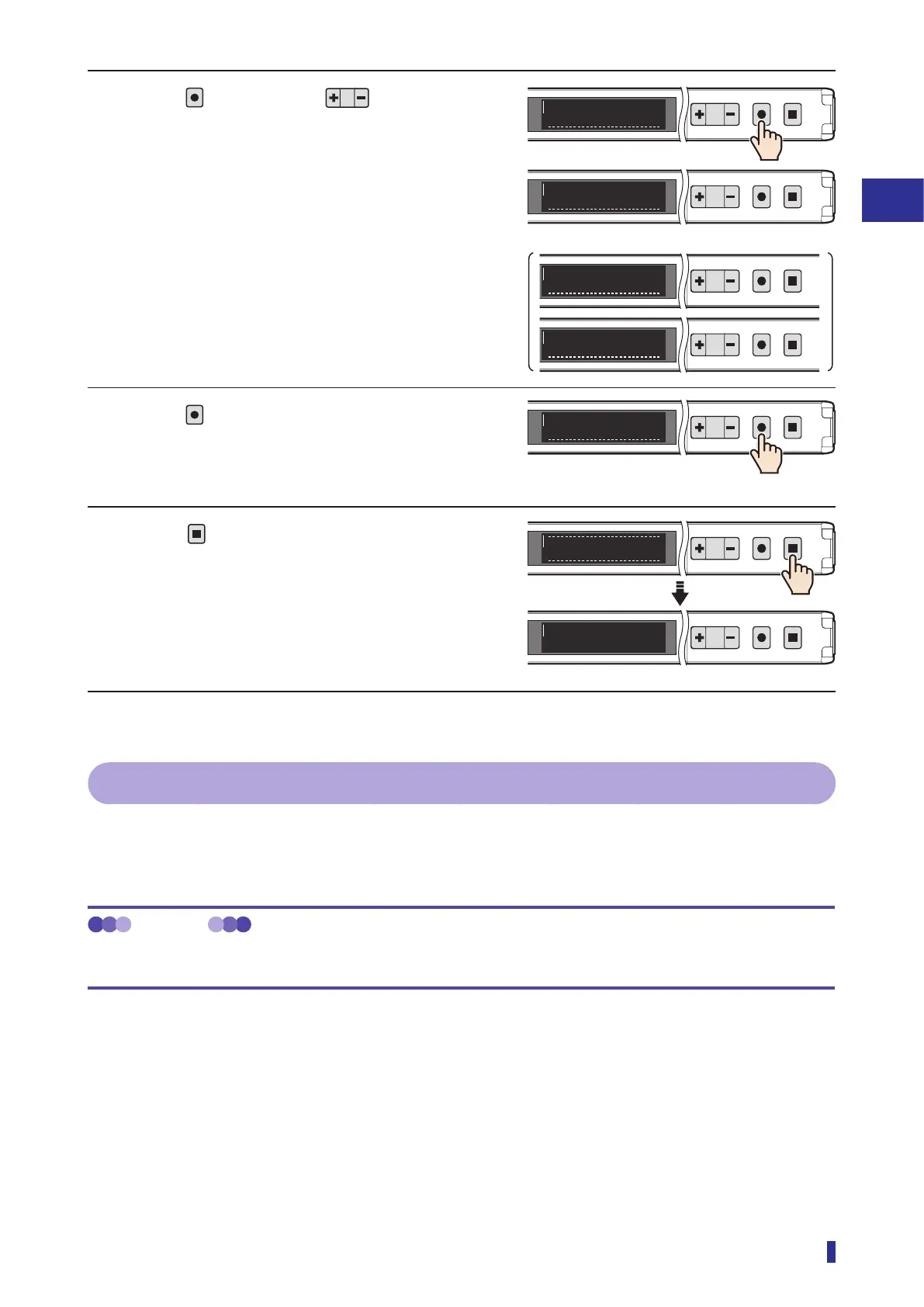
2 Press
, and then use to select the
required mode.
* When the teach function is set to “1-point Zone” or
“2-point Zone”, “N.O.” or “N.C.” is displayed.
3 Press
.
The setting is saved, and the OLED display returns
to the main menu.
4 Press
.
This completes the settings.
The OLED display returns to the RUN screen.
3-7-2 [S3] Response Time
This subsection describes how to change the response time of this product.
The response time is the time from when the received light amount changes due to the presence or absence
of an object until the sensor output is inverted.
MEMO
Depending on the response time setting, it is possible to detect fast-moving objects or objects that are at long range.
Select a suitable response time, according to the detection conditions.
1
2
MENU
OK
TEACH
ESC
1
2
MENU
OK
TEACH
ESC
MENU
OK
TEACH
ESC
MENU
OK
TEACH
ESC
S1
Light on
S1
Dark on
S1
N.O.
S1
N.C.
1
2
MENU
OK
TEACH
ESC
S1
Output mode
RUN screen
1
2
MENU
OK
TEACH
ESC
To run mode
1
2
MENU
OK
TEACH
ESC
1400
600



 To Next Page