2. Commissioning
2-23
Festo Festo P .BE CP FB13-E-EN en 9910c
Alternative identifier entry via a mask
Y o u can also enter the identifiers via a mask.
1. Access the mask “Configure”.
2. In the table, double click on the storage location, the
identifier of which you wish to modify.
3. A mask for entering the identifier now opens.
2.2.4 Input and output address
In the mask “Configure” , enter the starting addresses of the
inputs and outputs under “I address” or “O address”.
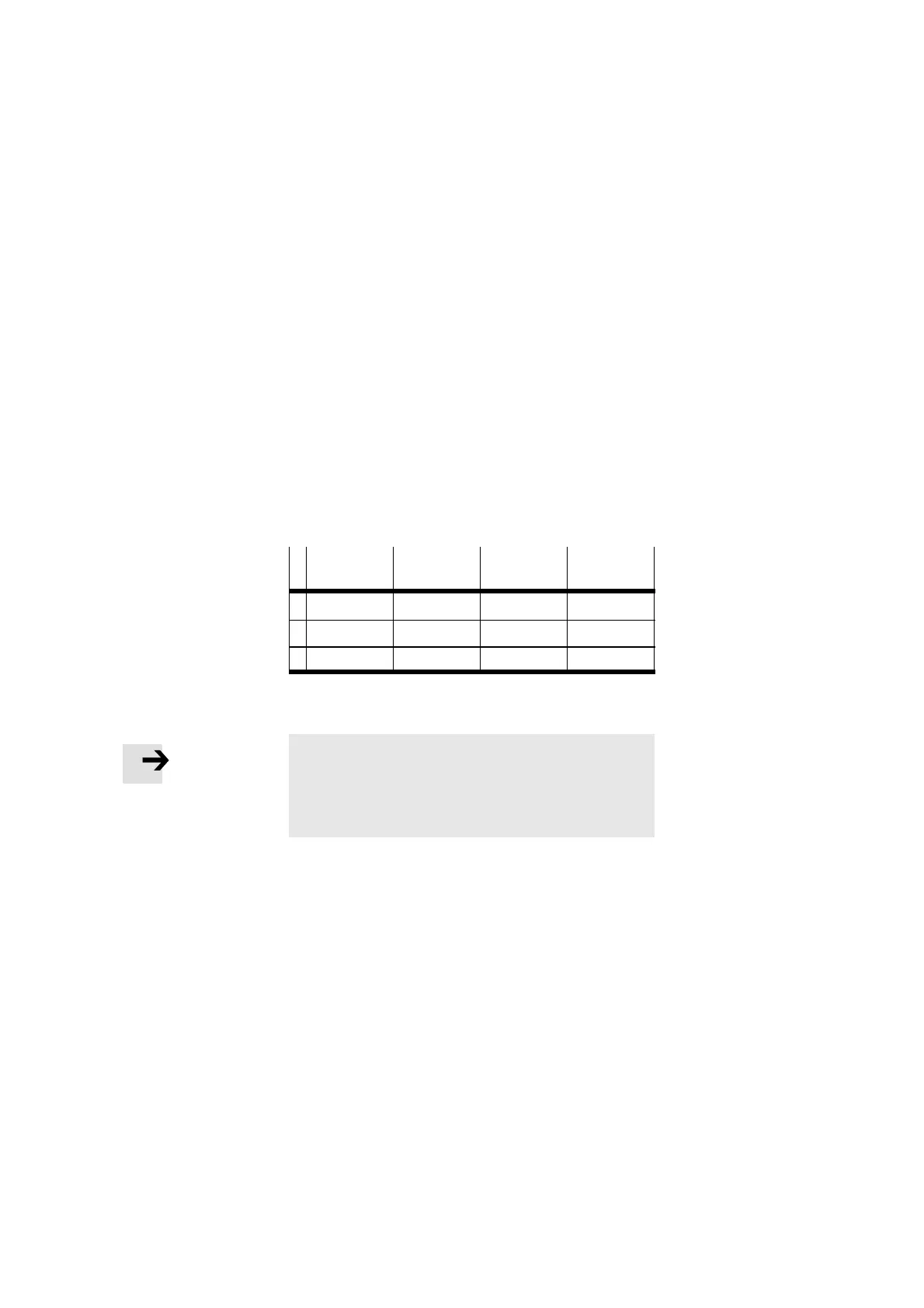
Example 3:
3 strings each assigned with input and output modules or a
valve terminal. Input addresses used as from input word 42:
DP ident-
ifier
Comment Input
address
Output
address
0 16DX P042 P042
1 16DX P044 P044
2 16DX P046 P046
Fig. 2/14: Example 3 Input and output address
Please note
The function “Auto address.” carries out, in the case of a
marked I/O address range, an automatic assignment of the
free addresses of the system depending on the system
limits.
This concludes the address assignment.








 To Next Page