SERVICE PROCEDURES 74
5. Follow the prompts on the interface that you chose.
NOTE: If an error message appears during the update process, see page 76.
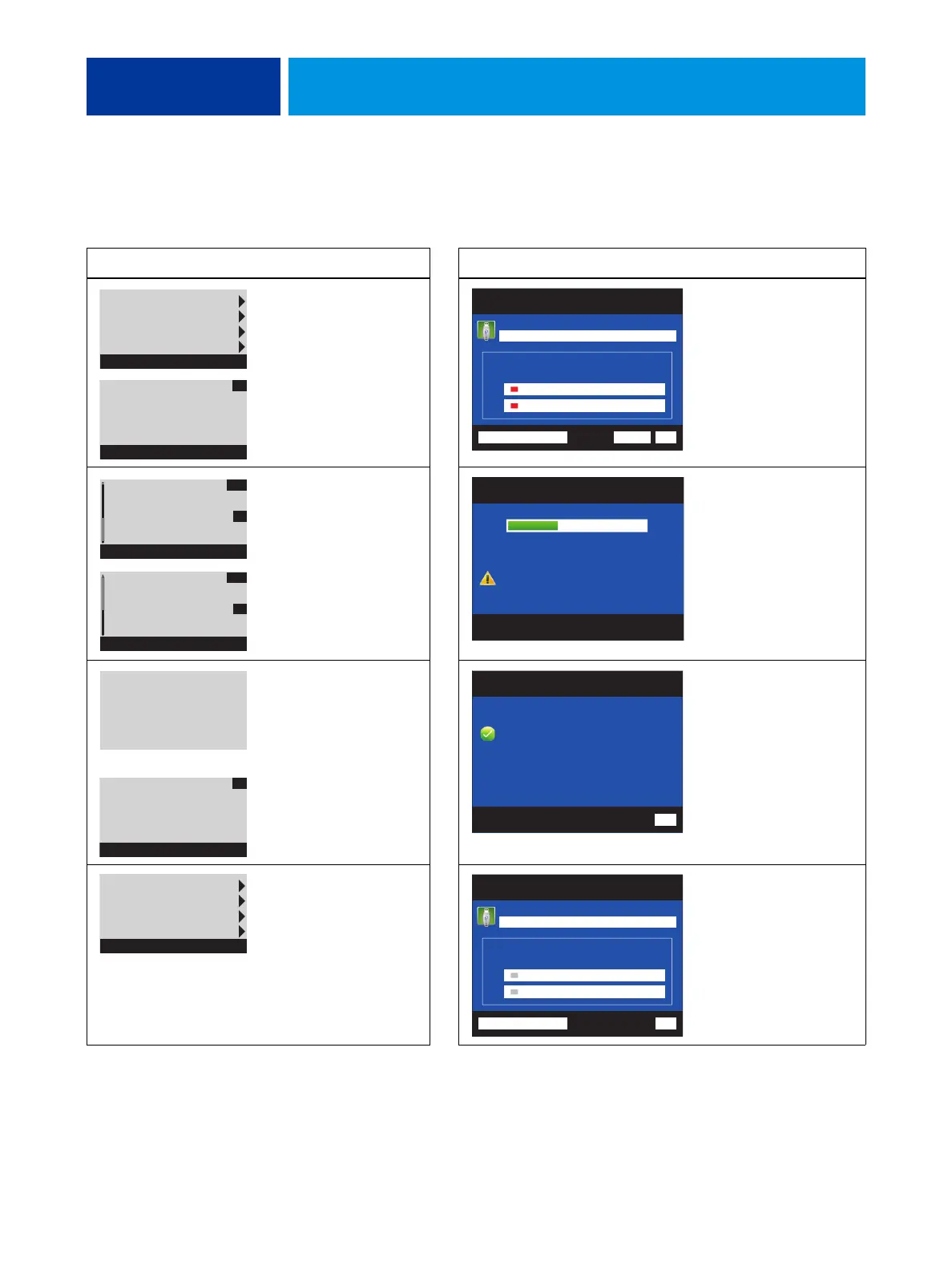
Control Panel Action Monitor Action
Select Enable option(s).
To verify the type of
dongle connected to the
E-41, select Dongle Info.
Click each item to confirm,
and then select Transfer to
transfer options.
The Transfer button is
unavailable until you click
both items.
Select YES to confirm items
and transfer options.
- or -
Select NO to return
to the Main Menu.
Wait 1 minute or longer for
the next prompt.
Wait 1 minute or longer for
the next prompt.
Select OK to continue to the
Main menu.
Select Back.
Select Server Info. Select
View Server Information.
Server Info
Dongle Info
Enable option(s)
Exit & Reboot
Main Menu
# of Uses: 1
Option:
-New MB
Dongle Info
OK
Fiery Options Utility
# of Uses: 1
ExitTransferView Server Information
Transfers options to the new motherboard.
New Motherboard
IMPORTANT
Before proceeding, make sure that you have:
Installed the new motherboard
Verified operation in Service Mode
Before
proceeding,
make sure you
have
Enable option(s)
YES
NO
1) Installed
new MB
2) Verified in
Service Mode
Enable option(s)
YES
NO
Fiery Options Utility
Enabling options. Please wait.
Do not shutdown/reset server
or remove dongle during this
operation.
Enabling options.
Please wait..
Do not shut down or
reset server or
remove dongle.
Options
transferred
successfully.
Enable Option(s)
OK
Fiery Options Utility
Options transferred successfully
to new motherboard.
Successfully enabled:
Back
Server Info
Dongle Info
Enable option(s)
Exit & Reboot
Main Menu
Fiery Options Utility
Exit
Transfers options to the new motherboard.
New Motherboard
IMPORTANT
Before proceeding, make sure that you have:
Installed the new motherboard
Verified operation in Service Mode
No uses remaining
View Server Information



 To Next Page