SERVICE PROCEDURES 75
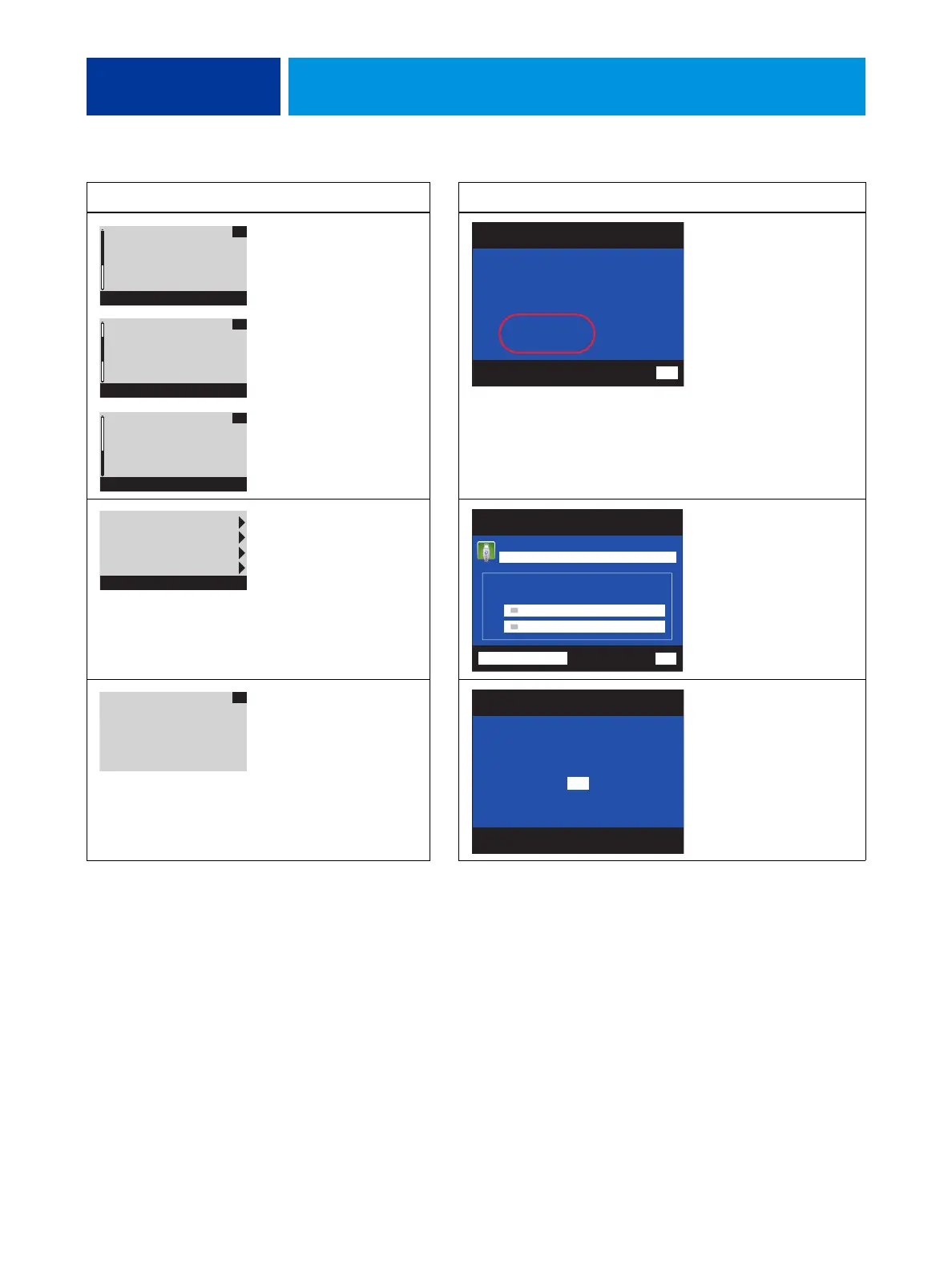
After you select OK, the message “Please standby...System restarting...” displays. Allow the
system to restart without interruption. The Fiery Options Utility ejects automatically.
6. Remove the Fiery Options Utility and the one-time use dongle.
The new motherboard is now customized and cannot be used in another system.
Scroll down and verify that
transferred options appear
under Enabled option, then
select OK.
Verify that transferred
options appear under
Enabled options, then
select Back.
Select Exit & Reboot. Select Exit.
Select OK. Select OK.
Control Panel Action Monitor Action
BIOS Version:
x.xx xxxx
Server Info
OK
MAC Address
xxxxxxxxx
xxxxxxxxx
Server Info
OK
Enabled option:
-[
Option name
]
-[
Option name
]
-[
Option name
]
Server Info
OK
Fiery Options Utility
Server Information
BIOS Version: xxxxxxx
MAC Address:
xxxxxxxxxxx
xxxxxxxxxxx
Enabled options:
xxxxxxxxxxxxxx
xxxxxxxxxxxxxx
Back
Server Info
Dongle Info
Enable option(s)
Exit & Reboot
Main Menu
Fiery Options Utility
Exit
Transfers options to the new motherboard.
New Motherboard
IMPORTANT
Before proceeding, make sure that you have:
Installed the new motherboard
Verified operation in Service Mode
No uses remaining
View Server Information
Select OK and
wait for CD to
eject.
OK
Fiery Options Utility
Click OK and wait for CD to eject.
OK



 To Next Page