General operation
Page 136 - Chapter 10: General operation 30.10.12
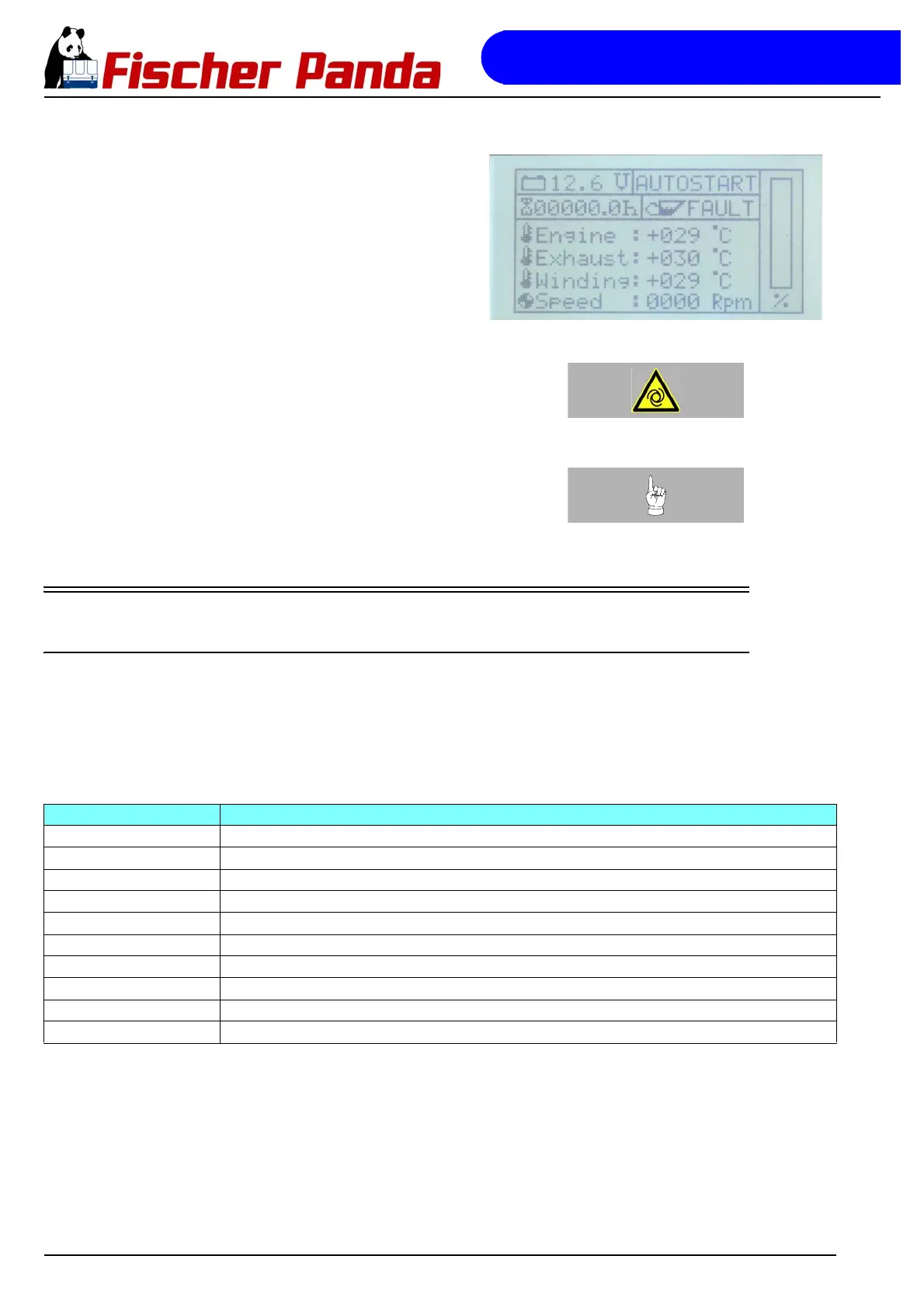
Fig. 10.1.3.6-1: Default display screen in autostart modeThe display status field reading "AUTOSTART" indicates that
the autostart function is active, or, if it reads "STANDBY", this
means that the autostart function was deactivated.
.Warning!: Automatic start-upThe autostart function will remain active even after the
controller is switched off and on again with the On/Off button.
To deactivate the autostart function, the flag in the EEPROM
must be reset with "Disable". See “Activating/deactivating the
autostart function ("Autostart")” on Page 139.
Note: Manual start in autostart modeIf the generator is manually started up and stopped while in
automatic start-up mode, it will switch to stand-by mode for
safety reasons.
If necessary, the autostart mode must be reactivated.
10.2 Other operating functions
10.2.1 Set-up menu
In the set-up menu, a series of parameters can be modified directly using the control panel. To access the set-up
menu, you have to actuate the cursor-down button immediately after switching on the controller with the On/Off
button and while the start screen with panda bear is still being displayed. This will open a menu with the following
sub-items:
Fig. 10.2.1-1: Set-up menu
Menu item Settings range for
backlight 1 Setting the brightness value for the standard backlighting to 0-9
backlight 2 Setting the brightness value for the dimmed backlighting to 0-9
Dimtime (dimming time) Time until the display switches to dimmed mode, 0-225s, 0= function deactivated
Config Password protected area for Fischer Panda associates and Fischer Panda service points
Network ID Settings for the network ID of the panel
Save & Exit Saving the values and exiting the set-up menu
Autostart Activating and deactivating the automatic start-up function
Service Resetting the "Operating hours to service" indication
Prime fuel Activation of the fuel pump to prime the generator fuel system
Degree C/F Switches the display between °C and °F



 To Next Page