13 User modes
FLUXUS WD 13.2 ExpertUser mode
107
UMFLUXUS_WDV1-3EN, 2018-07-16
Maximal amplification
In order to prevent disturbing and/or pipe wall signals (e.g., if the pipe has run empty) from being interpreted as useful
signals, it is possible to define a max. signal amplification.
If the signal amplification is greater than the max. signal amplification:
• the physical quantity cannot be determined and the measured value is marked as invalid
• a hash symbol will be displayed after the unit of measurement (in case of a normal error, an interrogation point)
• Select the menu item Special settings in the program branch Options.
• Press ENTER until the menu item Max. amplification is displayed.
•Select Off if no limit of the signal amplification is to be used.
•Select Default if no user-defined inputs are to be made.
•Select User-defined to define a limit for the max. amplification.
• Press ENTER.
• Enter the value for the max. amplification.
• Press ENTER.
Pipe signal detection
When the plausibility of the signal is evaluated, it will be checked whether the sound speed is within a defined range. The
absolute threshold of the flow velocity of the fluid used is calculated from the greatest of the following values:
• absolute threshold, default value: 1 848 m/s
• value of the sound speed curve of the fluid at the operating point plus relative threshold, default relative threshold:
200 m/s
• Select the menu item Special settings in the program branch Options.
• Press ENTER until the menu item Pipe signal detection is displayed.
•Select Off to measure without pipe signal detection.
•Select Default if no user-defined inputs are to be made and the default values are to be used.
•Select User-defined to define the values of the pipe signal detection.
• Press ENTER.
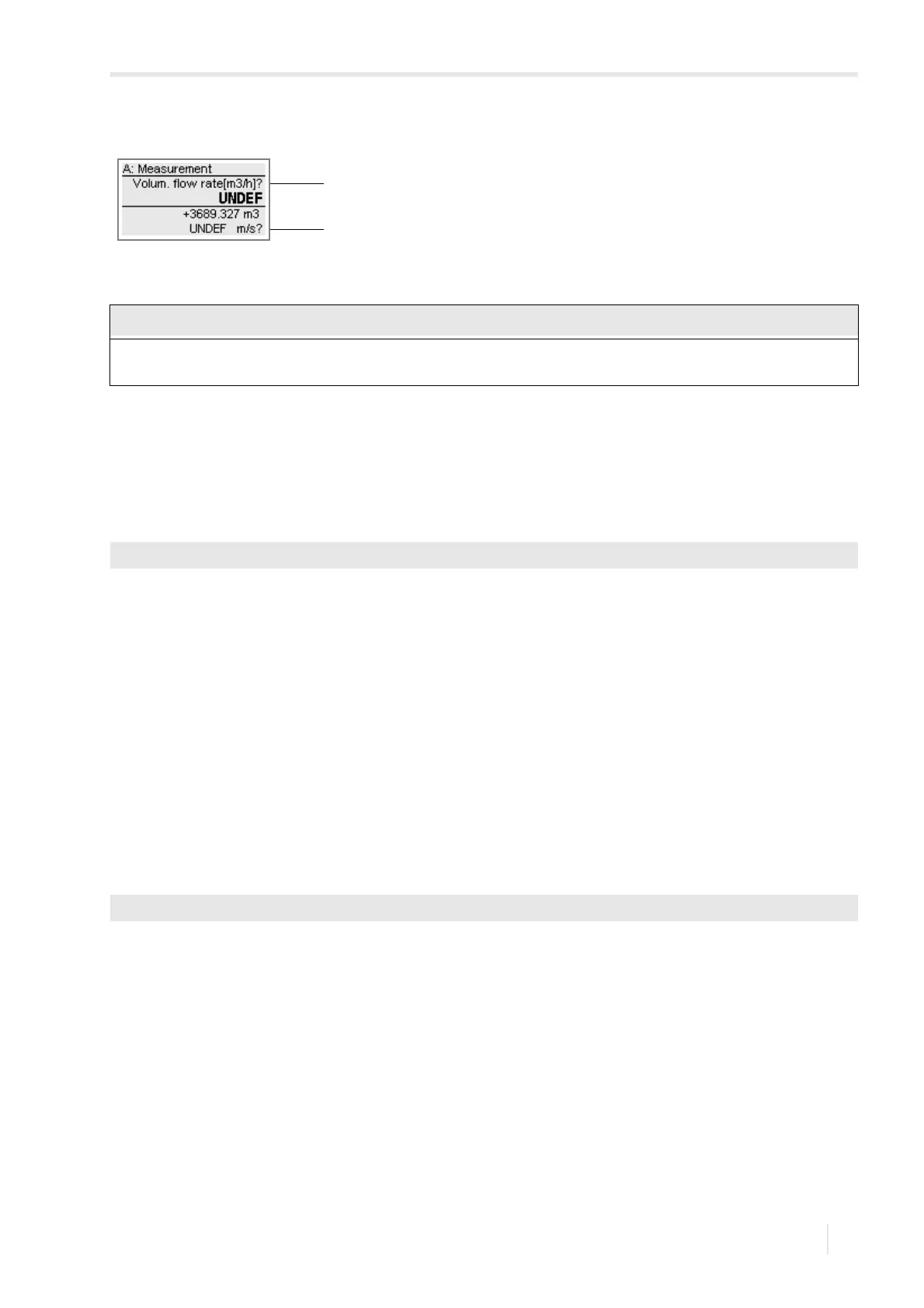
Fig. 13.1: Error message: flow velocity outside the limit
1 – physical quantity
2 – flow velocity
If the limit of the flow velocity +Flow velocity limit is too low or -Flow velocity limit too high, a mea-
surement might be impossible because most of the measured values will be marked as invalid.
Options\Special settings\Max. amplification
Options\Special settings\Pipe signal detection








 To Next Page