132 CyTOF XT User Guide
Appendix A: Troubleshooting
Power is not being
supplied to the
instrument.
1 Check that the system power cord is fully inserted into the power
source.
2 Contact your facilities department to determine if there are any
power interruptions.
The system power
circuit breaker is off.
Check the system power circuit breakers (black) on the right side of
the instrument and switch it on.
Loss of or no
communication between
the instrument and
computer
Poor thunderbolt
cable connection/
disconnected cable
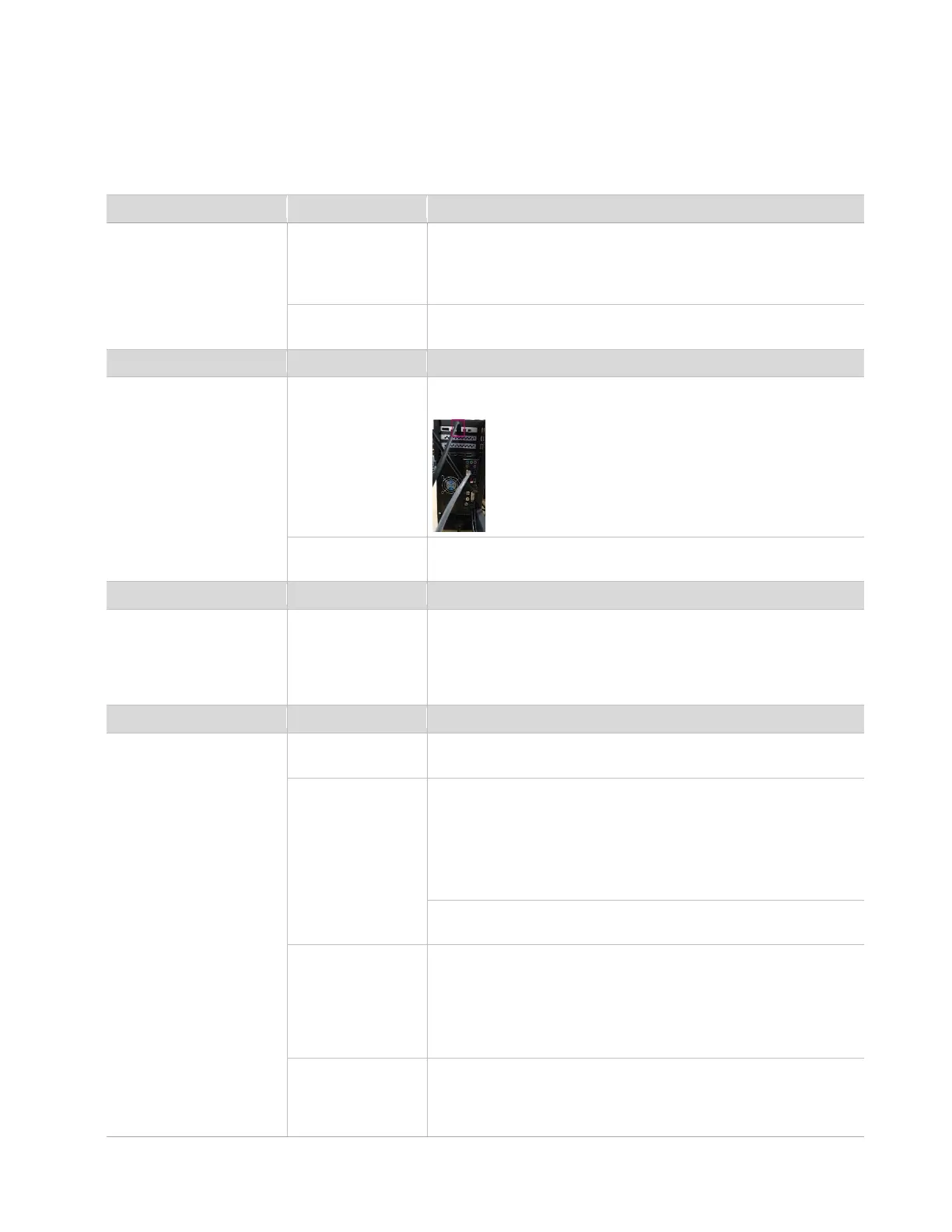
Unplug the thunderbolt connection from the back of the computer
and plug back in.
Power off the instrument and computer for a minimum of 10 sec
before powering back on.
No/poor vacuum (as
observed by the readings
under Vacuum System in
the Instrument
Configuration tab)
Vacuum pumps are
not turned on.
Check the right side of the instrument to ensure that the Vacuum
button is illuminated.
Plasma does not ignite or
does not stay lit.
RFG power circuit
breaker is off.
Check the RFG power circuit breaker (red) on the right side of the
instrument and switch it on.
Proper exhaust
level is not reached
or maintained in the
exhaust hose.
Check the exhaust flow reading in the CyTOF Software: Instrument
Configuration > Plasma and RFG > Gases> Exhaust
Flow Rate (cfm) = 80 ± 10%
Ensure proper and consistent exhaust by checking with your
laboratory facilities manager.
Also ensure proper and consistent exhaust is provided from the
building by checking with your facilities department.
Type of gas
connected to the
instrument is not
argon or the argon
purity is not
Verify with the vendor
supplied to the instrument.
Argon pressure is
not maintained.
Ensure that the argon supply is steady and proper argon pressure is
maintained. Check the argon regulator on the tank. The value should
read approximately 80 psi. If a liquid argon tank is being used,
ensure that the pressure build valve on the tank is open.



 To Next Page