Chapter 4: Maintenance
Clean the Vacuum Interface Cones
CyTOF XT User Guide 67
Remove Cones
WARNING Make sure the RFG switch is turned off before opening the instrument
door to remove cones.
IMPORTANT Before opening the instrument door, close CyTOF Software. If the software is
not closed, the alignment may shift, and the system may not reach XY boundaries (120,000
steps). If this occurs, manually rehome the system from Instrument Configuration >
Alignment.
1 Turn RFG switch off and wait 5 min.
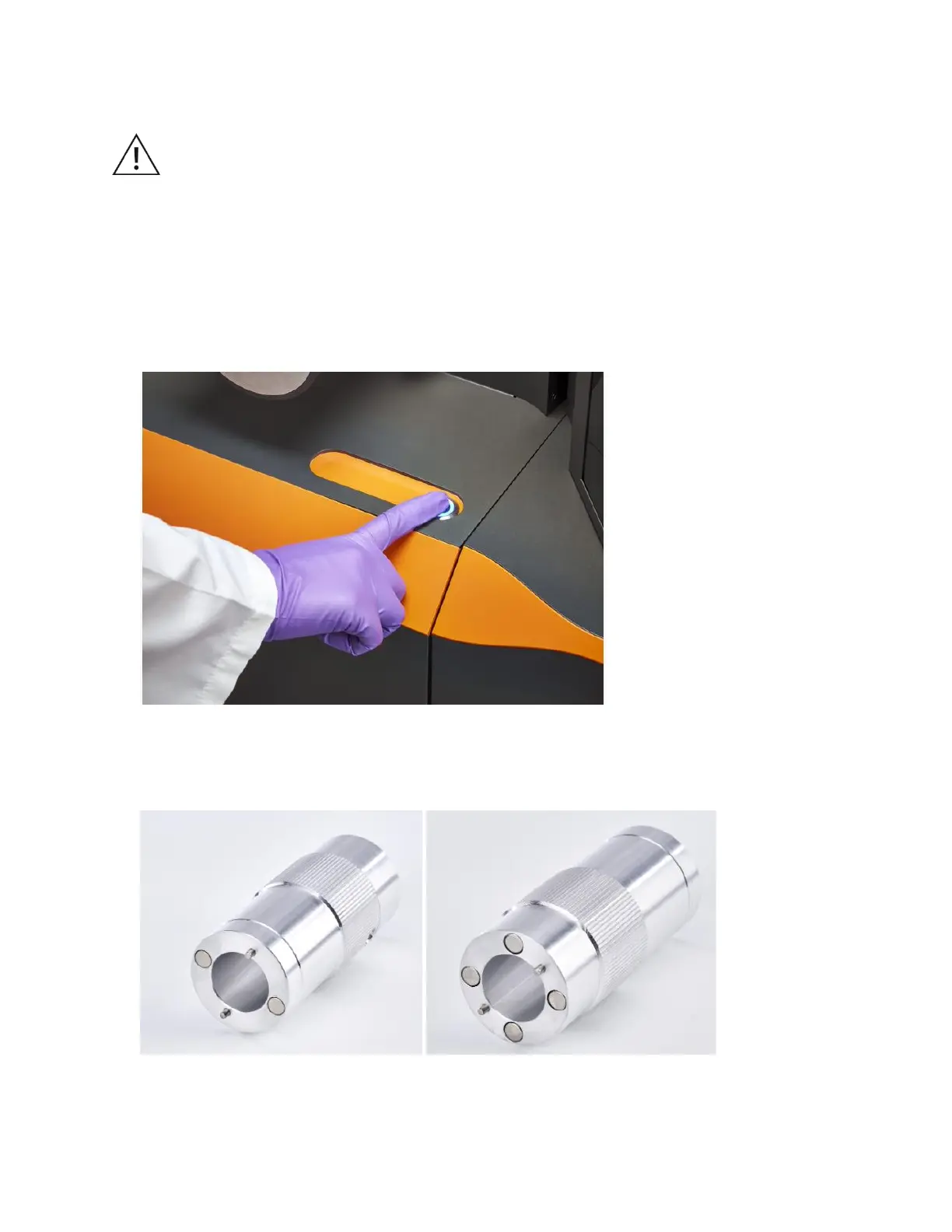
2 Press and hold the button located on the top of the instrument front door for 5 sec until
a blue LED light appears and the door opens.
3 Pull the door open fully to access the cones.
NOTE Remove the sampler cones using the cone removal tool, which has 2 ends, one
to remove the sampler cone and the other to remove the skimmer-reducer assembly.



 To Next Page