Chapter 4: Maintenance
Nebulizer Assembly Maintenance
CyTOF XT User Guide 111
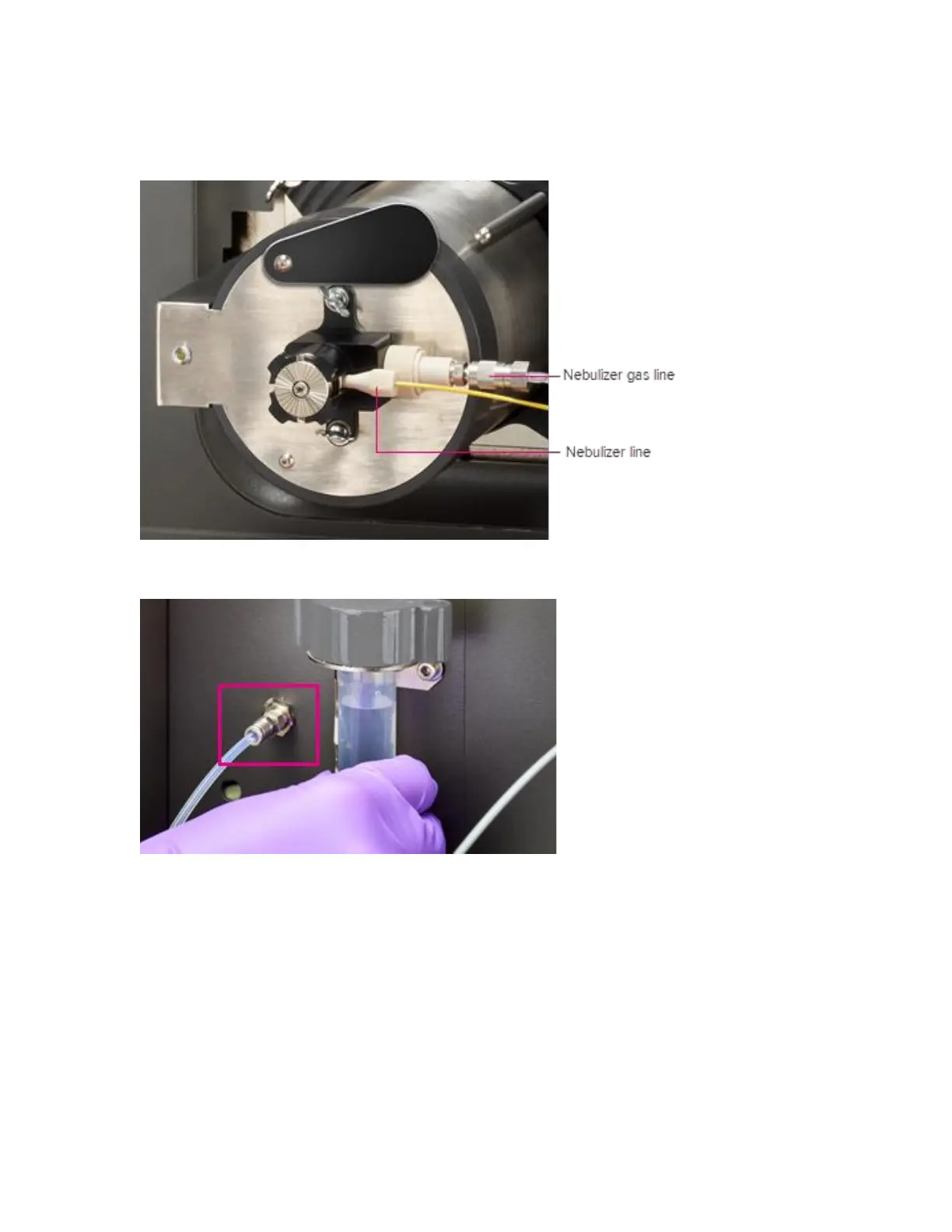
Replace the Nebulizer Gas Line
1 Pull to disconnect the quick connect nebulizer gas line from the nebulizer assembly.
2 Remove the nebulizer gas from the CyTOF XT instrument using an adjustable wrench.
3 Replace the line with a new nebulizer gas line and tighten it using an adjustable wrench.
4 Push to connect the quick connect end of the nebulizer gas line to the nebulizer
assembly.
NOTE An audible click is heard when it is connected.
Clean the Nebulizer Mount
1 When cleaning is required, remove the nebulizer holder from the nebulizer mount as
outlined in the Remove the Nebulizer section of this user guide.



 To Next Page