Chapter 4: Maintenance
Check the Cooling System Air Filter
CyTOF XT User Guide 127
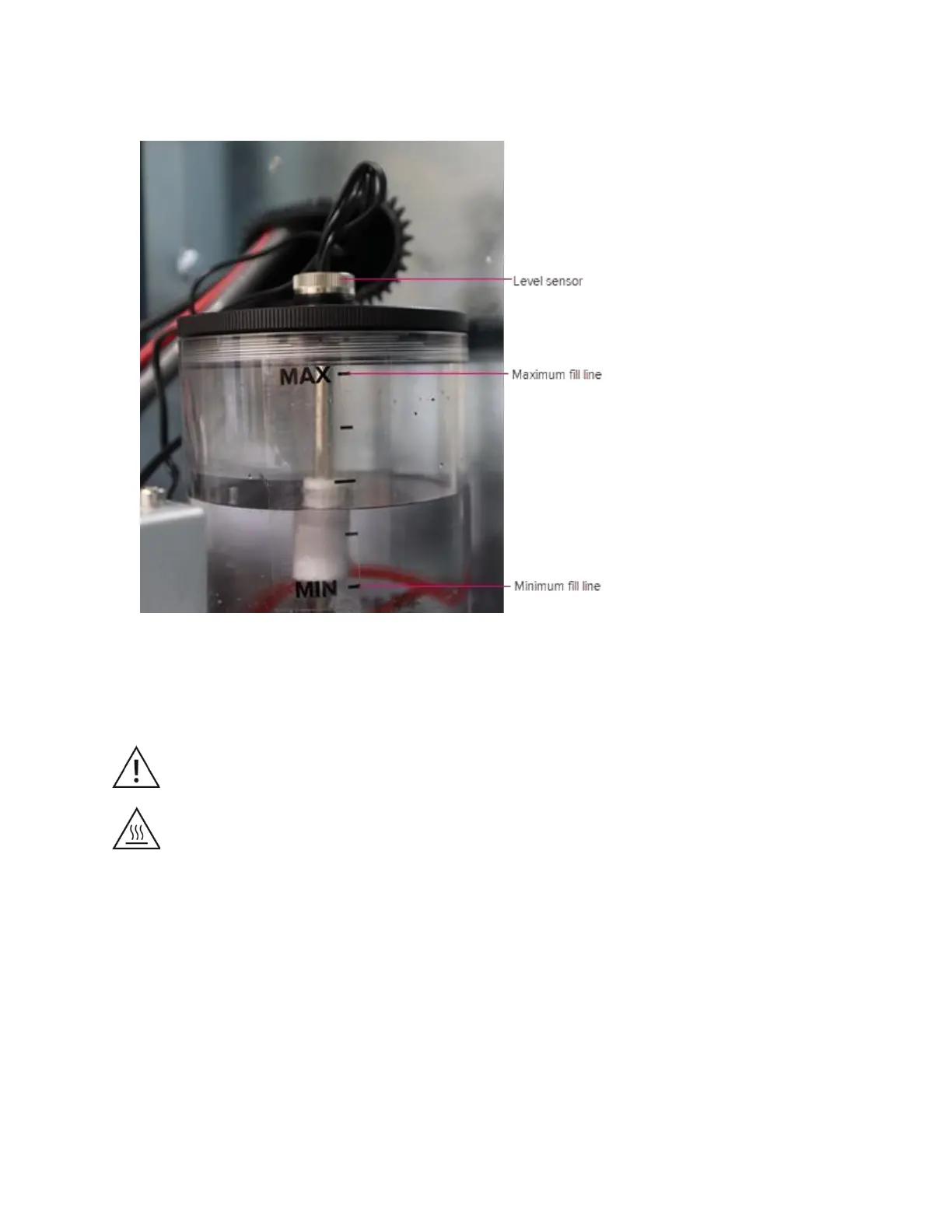
6 Hand-tighten the sensor.
7 Close the instrument front door.
Check the Cooling System Air Filter
WARNING Before performing maintenance on the air filter, switch off the RFG
power using the red circuit breaker at the right-side panel of the system. Wait at
least 5 min for residual electrical charge to dissipate.
CAUTION Hot surface hazard. The torch components, the vacuum interface, and
the heater assembly components remain hot for some time after the plasma has
been shut off. Allow sufficient time, at least 20 min, for these items to cool to room
temperature before you handle them.
IMPORTANT The following procedure should be done when the instrument plasma is off,
the CyTOF Software is closed, and the nebulizer is resting in the nebulizer rest after use.
To remove and check the air filter located below the cooling system filter duct:
1 Remove the nebulizer assembly if installed.
2 Press and hold the button located on the top of the instrument front door for 5 sec until
a blue LED light appears and the door pops open.
IMPORTANT Before opening the instrument door, close CyTOF Software. If the
software is not closed, the alignment may shift, and the system may not reach XY



 To Next Page