Chapter 4: Maintenance
Autosampler Module Maintenance
CyTOF XT User Guide 93
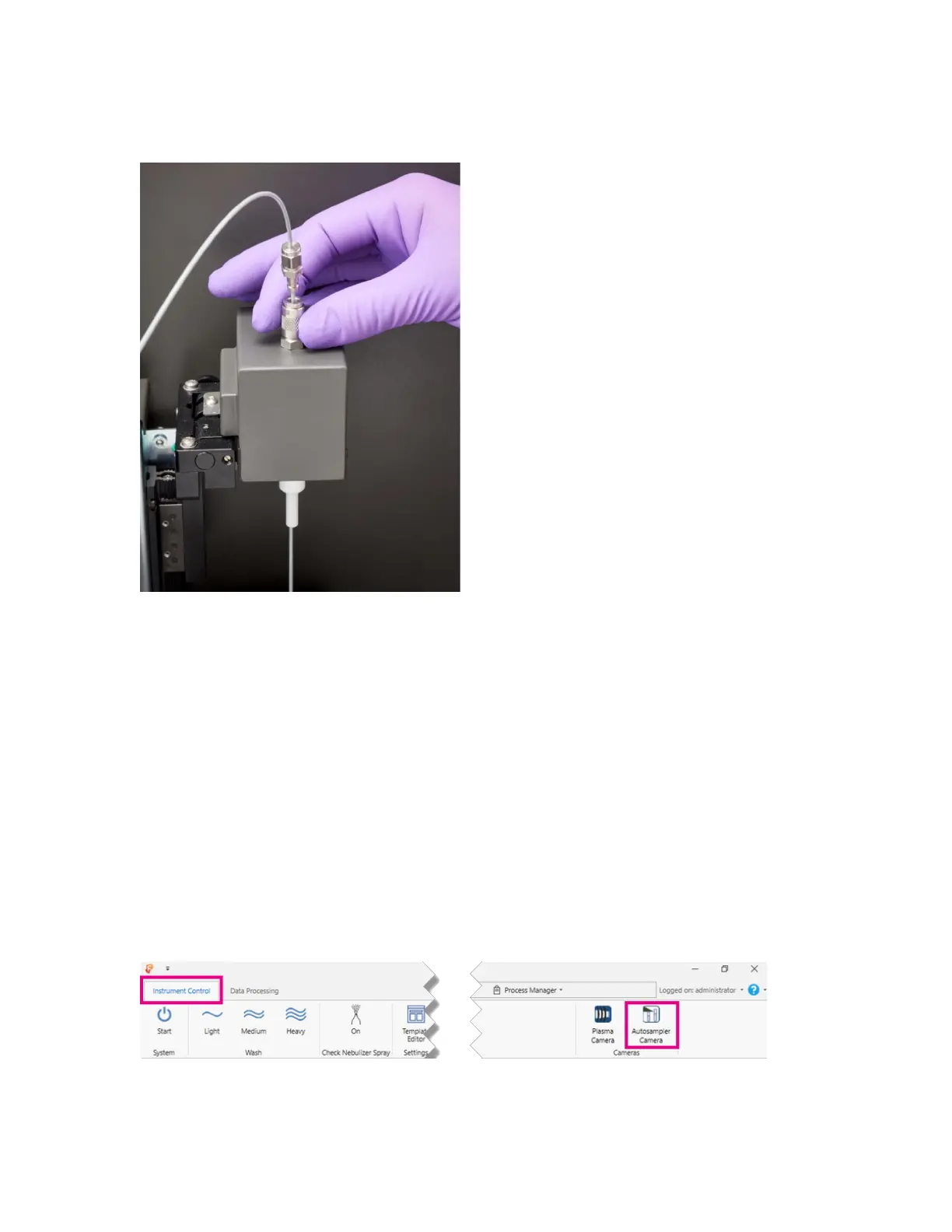
2 Pull down on the quick-release connection to unlock the probe line from its position on
the stir assembly.
3 Remove the probe line from the stir assembly.
4 Thread the new probe line through the stir assembly and lock the probe line in place
using the quick release. You should hear an audible click.
5 Insert the other end of the probe line in the PROBE (gold) position of the selector valve
on the pump and valve unit and tighten by turning clockwise until finger-tight, taking
care to not leave an air gap in between the end of the line and the valve port.
6 Recalibrate the height of the new probe line as instructed below.
Recalibrate the Probe Line
1 Place an empty tube in the carousel. Note the location number.
2 In the CyTOF Software, on the Instrument Control tab, click Autosampler camera. The
tube below the probe line in the carousel is now visible.



 To Next Page