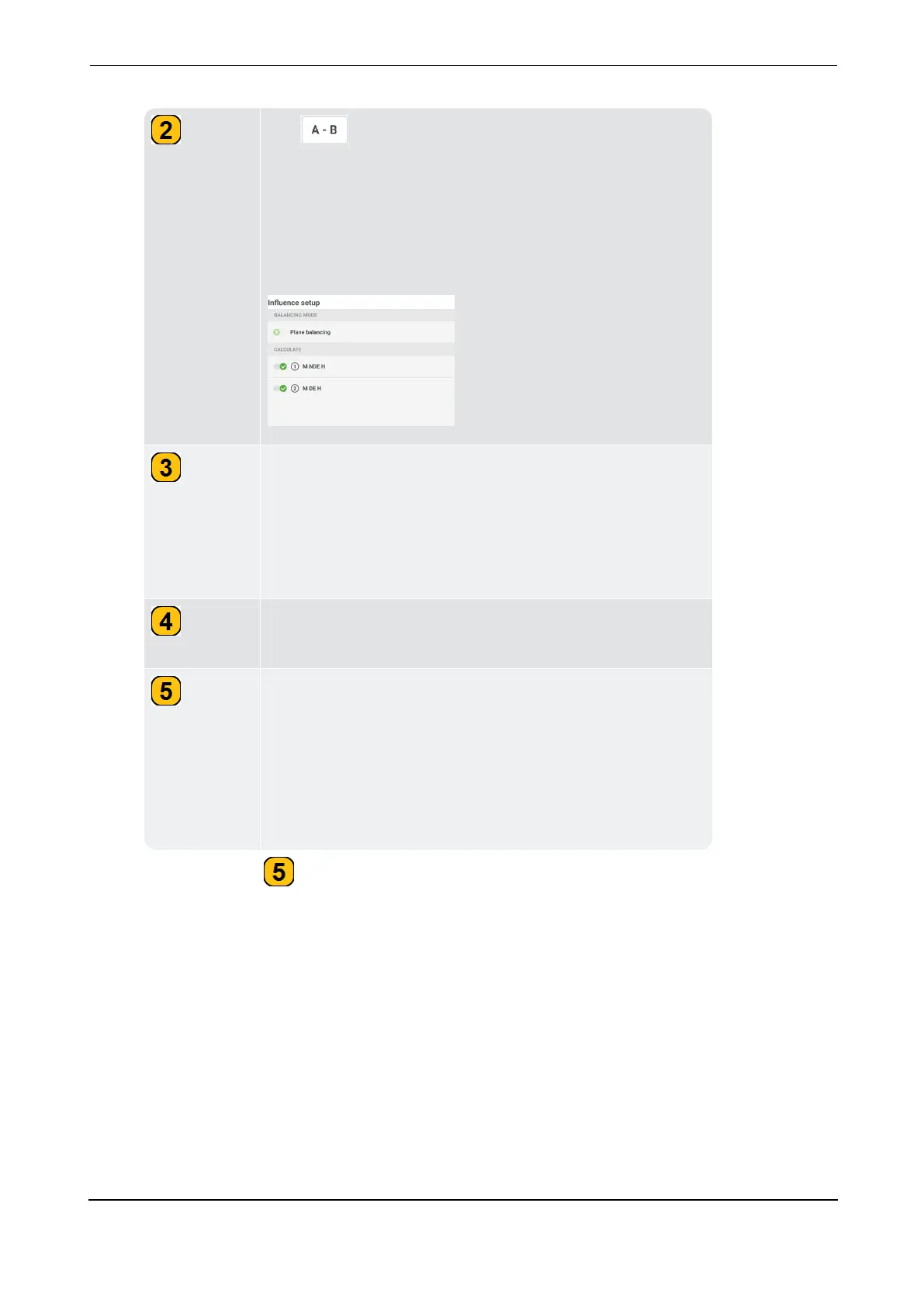
Tap to show the
influence setup
window. This
window is used to select the balancing procedure. This
could be either balancing in one plane (for static imbal-
ance or two planes (for dynamic imbalance). The loc-
ations used to calculate the balancing weights can also
be selected in this window.
Shows the phase vector (amplitude and angle) of the
measured signal, and the velocity RMS value. The
Amplitude is the highest peak value, and the angle is the
phase difference between the trigger signal and the
highest peak.
Shows the measure locations used in the polar diagram.
The polar diagram is used to show the balancing steps.
This button cycles through MEASURE, CANCEL and
STOP. MEASURE is used to start the measure procedure;
CANCEL is used to stop procedure if necessary; STOP is
used to collect data after a stable measure procedure.
Note: When measure is completed, the MEASURE button
changes to REMEASURE.



 To Next Page