42
Device Output/Color Settings
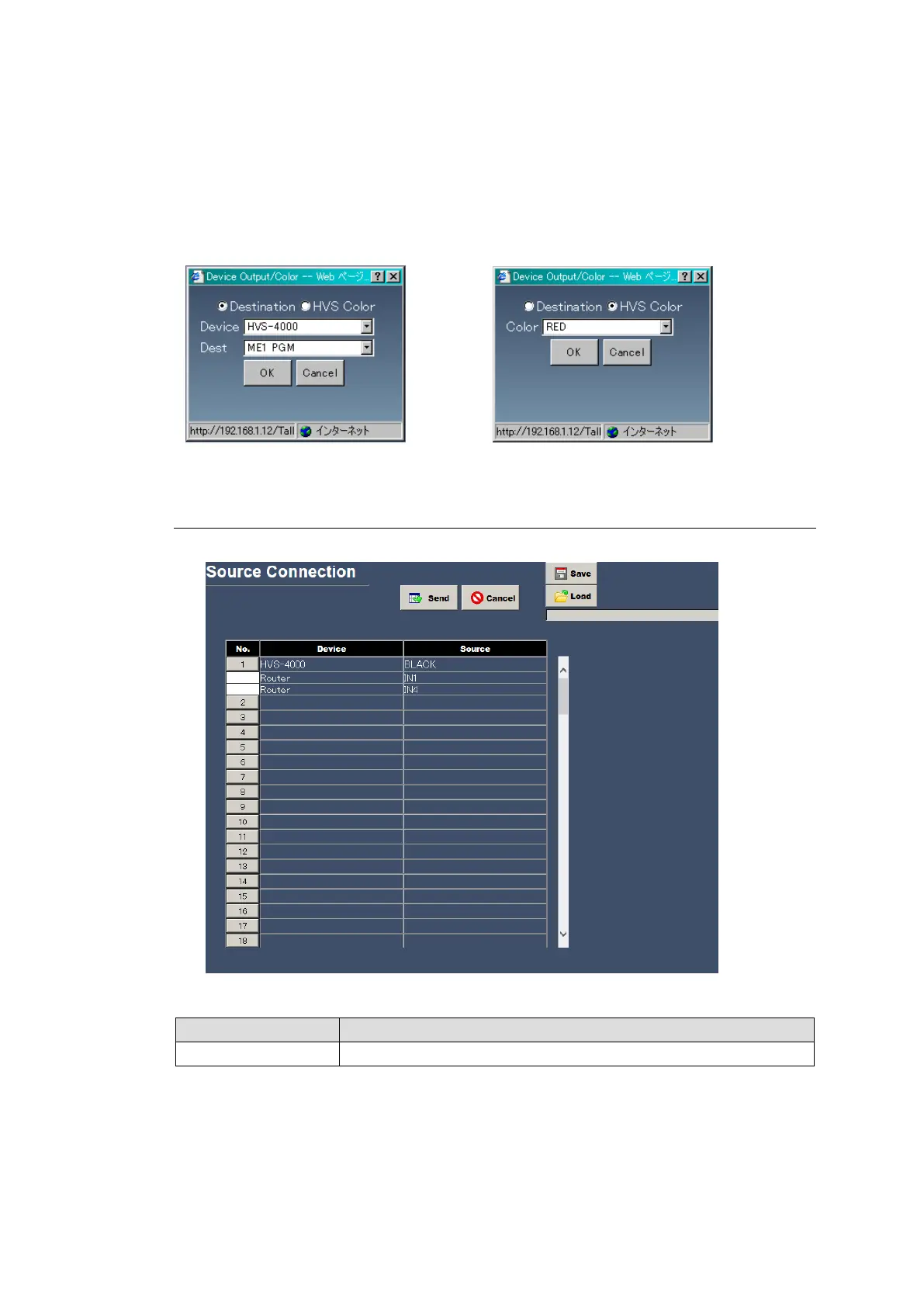
Clicking a button under the Device Output/Color cell displays a dialog box as shown below.
Selects Destination or HVS Color.
Destination: Specify a device and destination and click OK.
HVS Color: Select a color and click OK.
Devices and channels are indicated by the names set for switchers and channels in Sec. 4-2-5.
“Device Select”.
4-2-2. Source Connection
The Source Connection page allows you to group source signals.
Displays devices and sources to be grouped.
Source Connection Settings
Opening the Source Connection page and clicking a button under No. opens the dialog box
as shown below. Select the devices and sources to group and click OK. Up to five sources can
be grouped together under a single number.
Devices and channels are indicated by the names set for switchers and channels in Sec. 4-2-5.
“Device Select”.



 To Next Page