60
5-5-2. RS-422 Data I/O Settings
1. Click a slot label in the Port Assign area. A port list of the RS-422 data I/O card installed in
the slot is displayed under the slot label.
2. Specify a logical level under Level.
3. Perform the required port settings. Click the slot label again to close the port list.
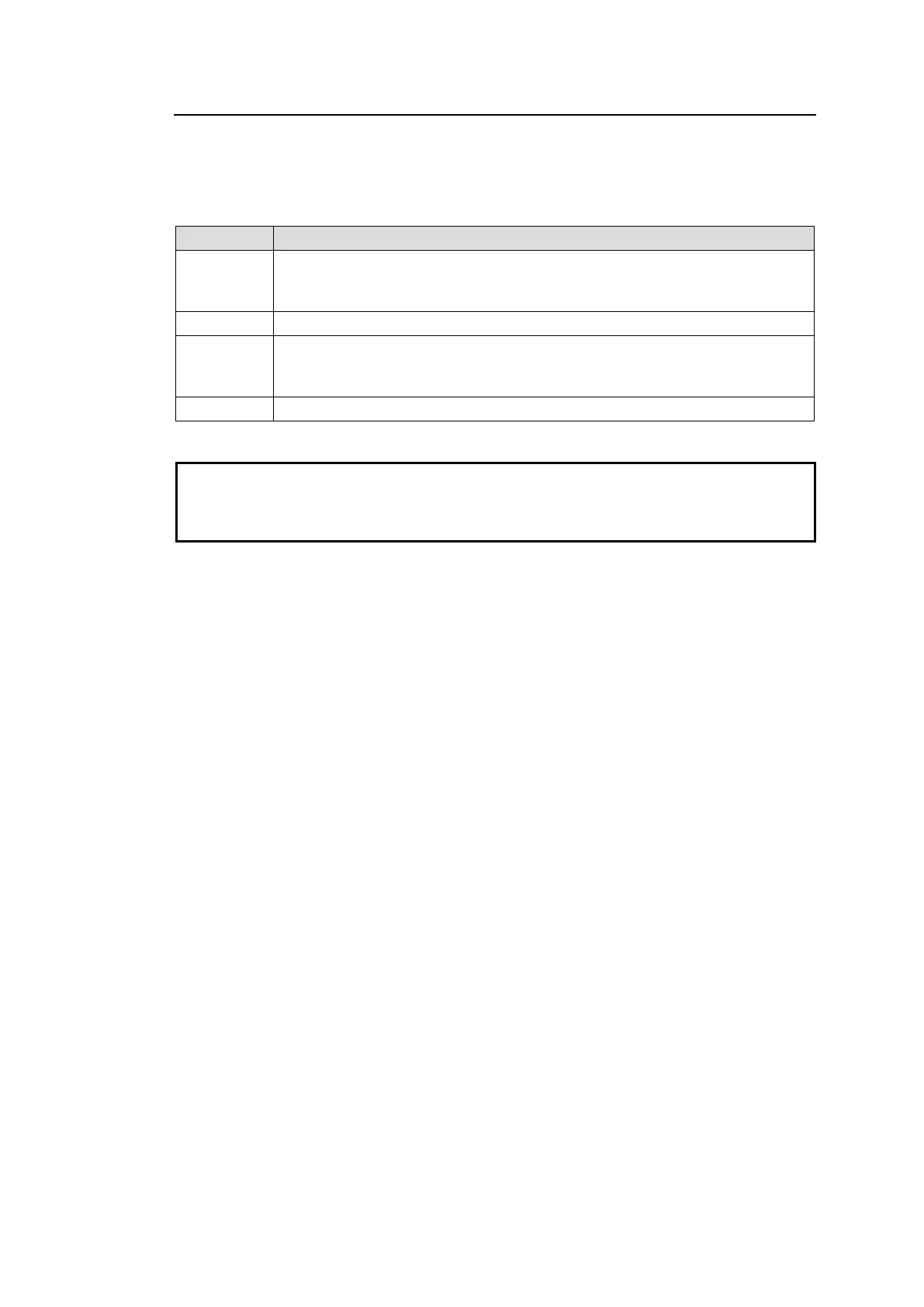
Assign Input (SRC), Output (DST), or None for a port.
Both Input and Output can be assigned to a single port. This can dynamically
change Input / Output and pin assignments. (2-Way must be checked on.)
Specify a logical level under Level.
Select a pin assignments type:
Device: Used in cases such as VTR connections via cross-over cable.
Controller: Used in cases such as Editor connections via cross-over cable.
If checked on, both Input and Output can be assigned to a single port.
Note that data switches may be delayed by one field relative to video or audio switches due
to a delay when Switching Mode is set to ON.
Lossless data transfer cannot be guaranteed when pin assignments of a port are
automatically changed due to the 2-way function.



 To Next Page