88
9-2. TOP Page
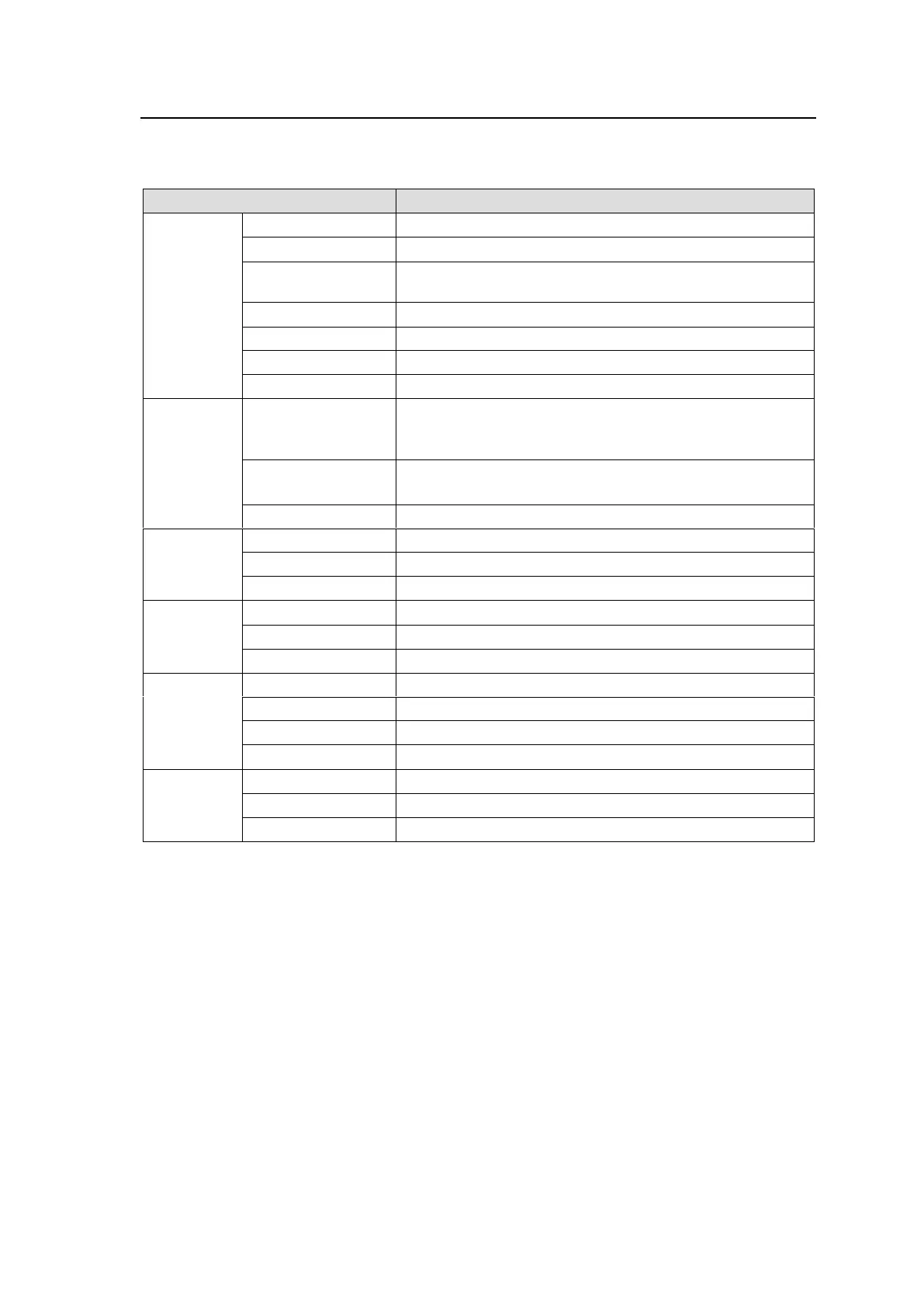
The MFR-TALM TOP page allows you to display the network and power status for the MFR-TALM
unit.
Displays the Unit Name and Unit ID.
Displays the MU Connection status.
Displays whether the MFR-TALM or Main Unit is used for
the Tally Control Unit.
Displays the MFR-TALM Firmware Version.
Displays the MFR-TALM FPGA Version.
Displays the Reference Input status.
Displays the MAC Address of the MFR-LAN port.
Displays status on AC adaptors 1 and 2.
(NORMAL: Normal / ERROR: Error / NONE: No
connection)
12V/5.0V/3.3V/
2.5V/1.8V/1.2V
Displays the Voltage Value.
(OK: Normal / NG: Error)
Displays the Temperature.
Moves to the Port Settings page (See Sec. 9-3-2.)
Displays the port number.
Displays the set communication protocol.
Moves to the GPI Pin Assign page. (See Sec. 9-3-4.)
Indicates the Pin number.
Displays the Function assigned to each pin.
Moves to the Network Settings page. (See Sec. 9-3-1.)
Displays the IP address of the PC-LAN port.
Displays the Subnet Mask of the PC-LAN port.
Displays the Gateway of the PC-LAN port.
Moves to the Network Settings page. (See Sec. 9-3-1.)
Displays the IP address of the MFR-LAN port.
Displays the subnet mask of the MFR-LAN port.



 To Next Page