51
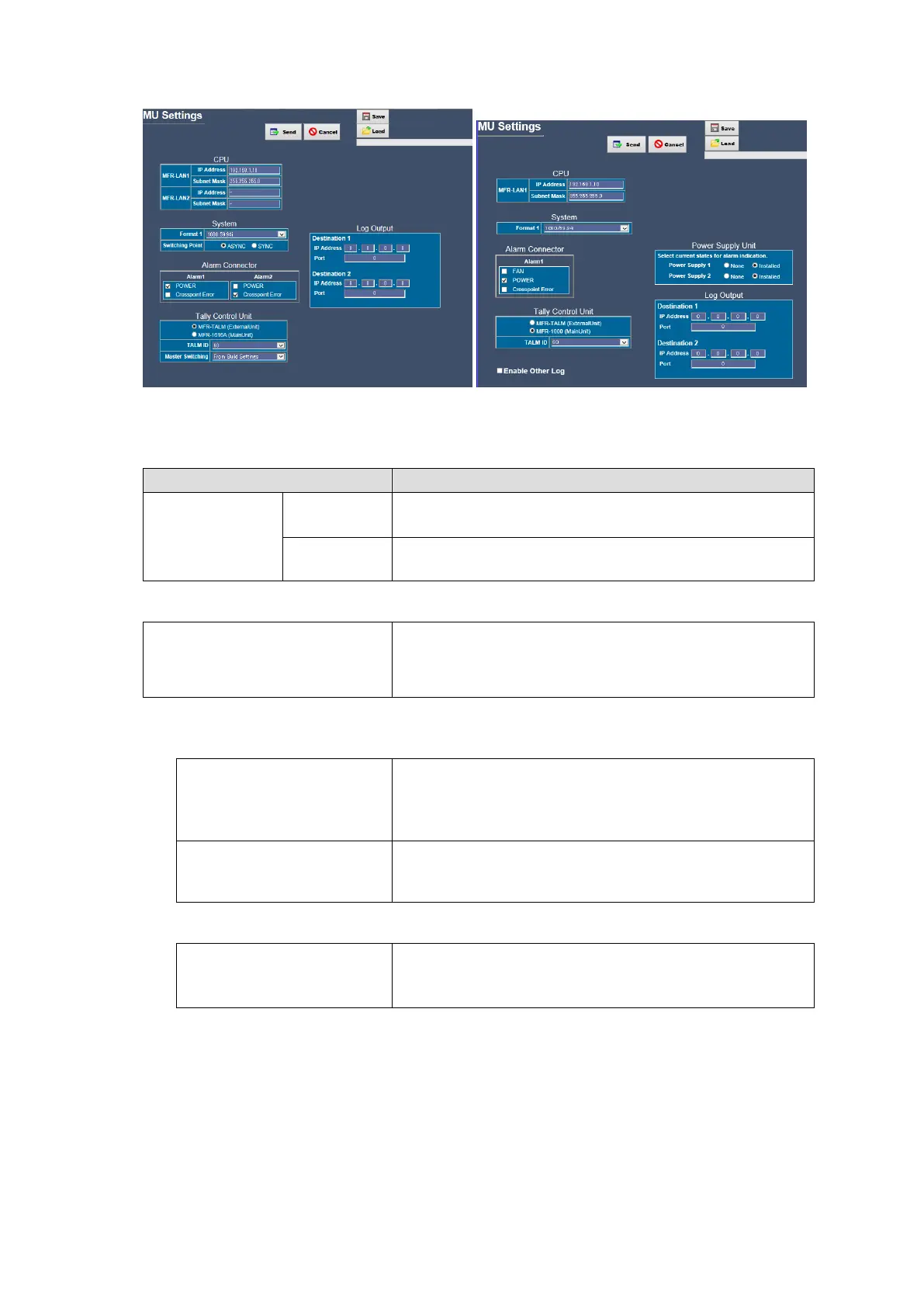
MFR-1616A Assignment MFR-1000 Assignment
* Click Send after changing settings.
<CPU>
Allows you to set each CPU IP address.
Reboot the main unit after changing the setting.
Allows you to set each CPU subnet Mask.
Changes are applied after restarting the main unit.
<System>
Allows you to select the video format. Video switching
occurs in sync with the selected signal format. If an
MFR-5000/8000/3000/1000 main unit is used, reboot the
main unit after changing the setting.
* This status is not displayed in Slave units.
MFR-5000/8000/3000 <System>
Allows you to select a reference type.
Manual: Selects a Reference signal in the right pull-down
menu.
Auto: Automatically detects a Reference signal.
Allows you to select the transition Switching Point from
Field, Odd or Even.
Changes are applied after restarting the system.
MFR-1616A <System>
Allows you to set the switching point.
Sync: Switches signals with GENLOCK TIMING.
Async: Switches signals without GENLOCK TIMING.


 To Next Page
 Loading...











