Framery 2Q Huddle
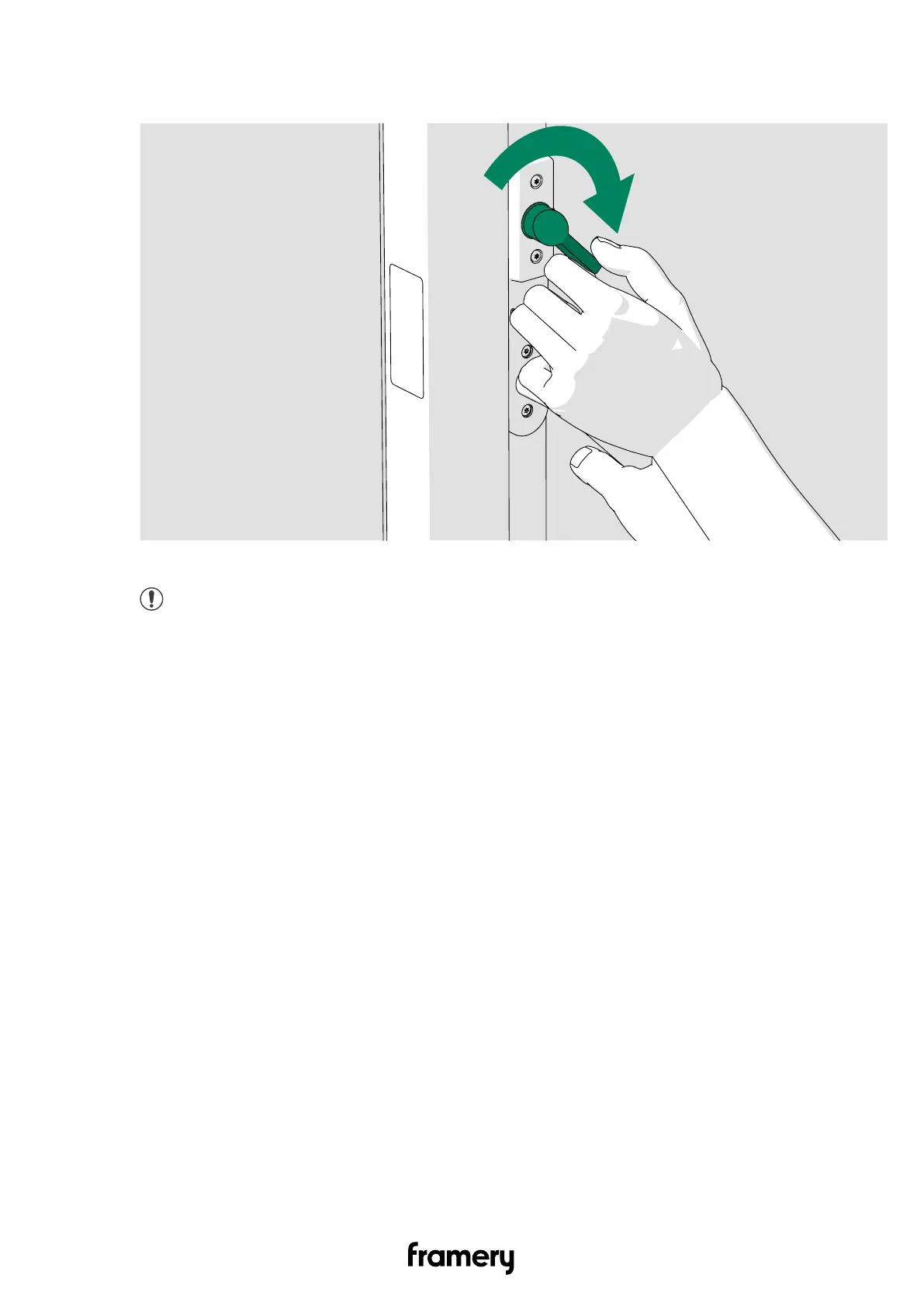
6. Press the door handle and the thumb turn down.
The door should open.
7. Program the smart lock as instructed by the manufacturer.
Note: Once the smart lock system is in use, the door cannot be opened by
pressing the door handle down.
13.7 Adjust the door height
Before the adjustments, test the operation of the door. If the door catches on the floor
threshold, you can lift the door a maximum of 3 mm (1/8 in). In all cases, it is recommended
to adjust the height of the door to a position where the hinge halves do not rub against each
other.
124
Installation instructions
info@frameryacoustics.com


 To Next Page