X20/X20S and Ethos v1.0.11 User Manual
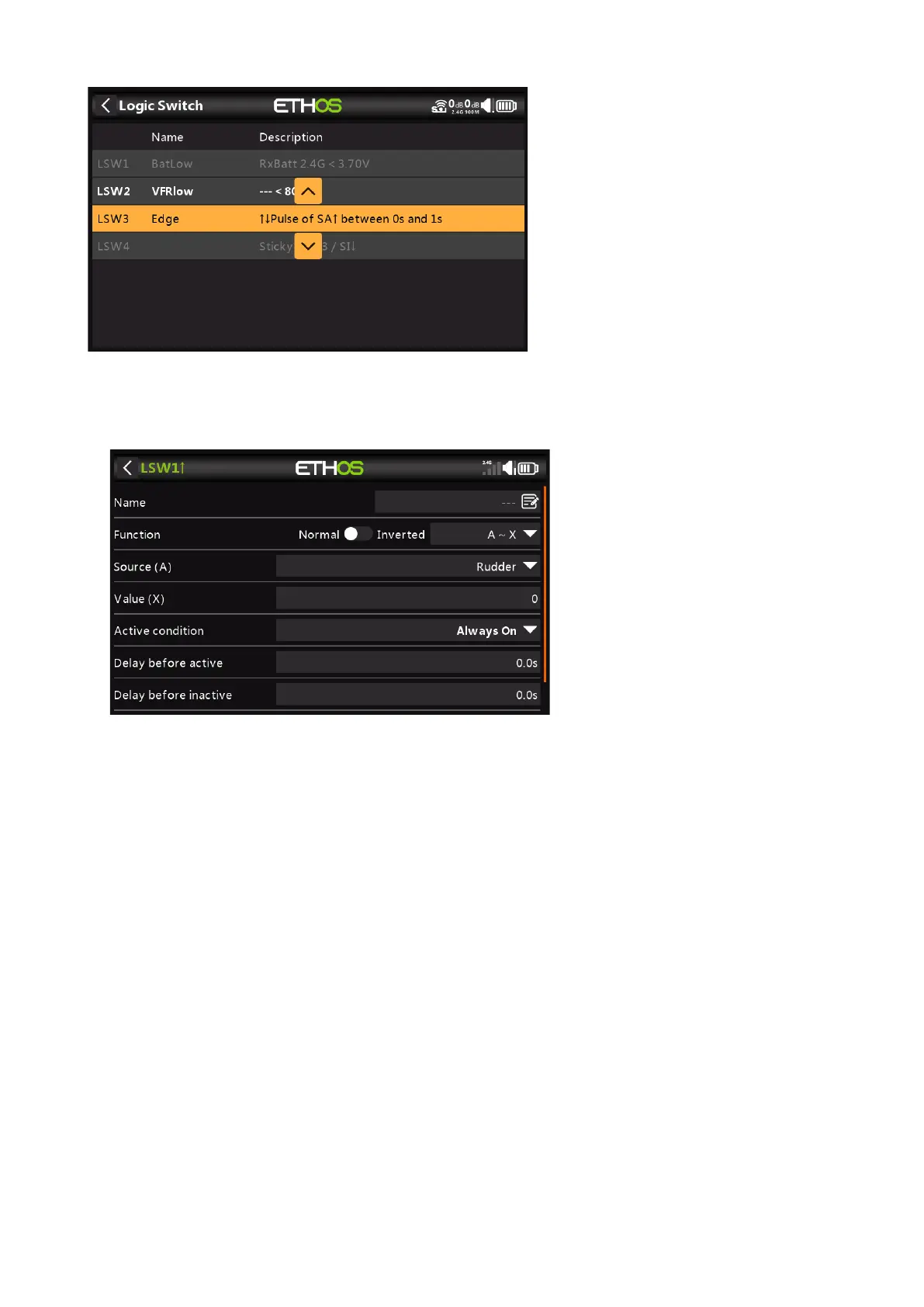
Selecting 'Move' will bring up arrow keys allowing the logic switch to be moved up or down.
Adding Logic Switches
Name
Allows the Logic Switch to be named.
Function
The functions available are listed below. Please note that all functions may have normal
or inverted outputs. Please also refer to the shared parameters section following the
function descriptions below.
A ~ X
The condition is True if the value of the selected source 'A' is approximately equal
(within about 10%) to 'X', a user defined value.
In most cases, it is better to use the approximately equals function rather than the
'exactly' equals function.
A = X
The condition is True if the value of the selected source 'A' is 'exactly' equal to 'X', a
user defined value.
Care must be taken when using the 'exactly' equals function. For example, when
testing if a voltage is equal to a setting of 8.4V, the actual telemetry reading may
jump from 8.5V to 8.35V, so the condition is never met and the Logical Switch will
never turn on.



 To Next Page