X20/X20S and Ethos v1.0.11 User Manual
Special Functions
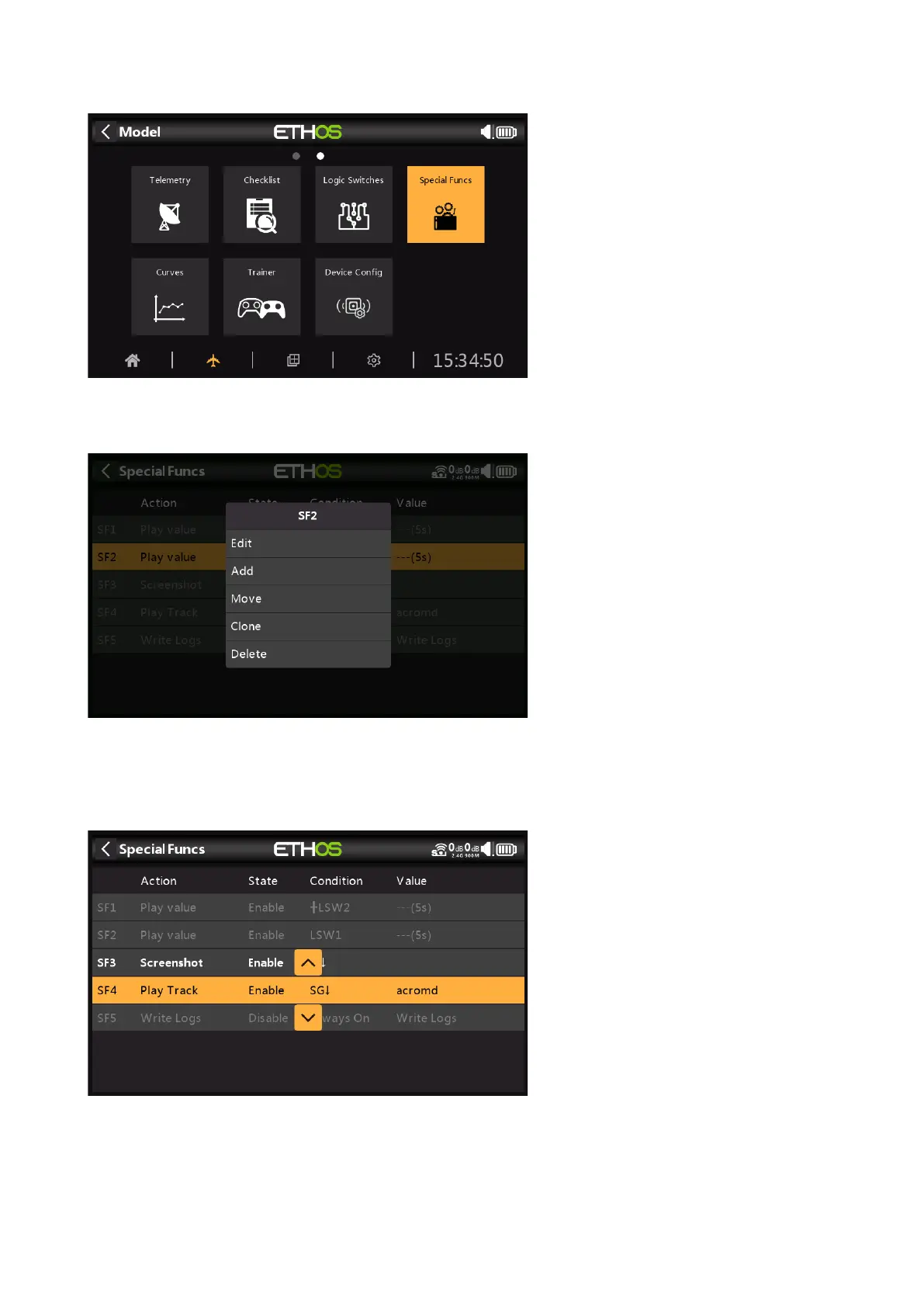
Special Functions can be configured to play values, play sounds, etc. Up to 100 Special
Functions supported.
There are no default Special Functions. Tap on the ‘+’ button to add a Logic Switch.
Once Special Functions have been defined, tapping on one will bring up the above popup
menu, allowing you to edit, add, move, copy/paste, clone or delete that switch.
Selecting 'Move' will bring up arrow keys allowing the special function to be moved up or down.



 To Next Page