X20/X20S and Ethos v1.0.11 User Manual
Model Select
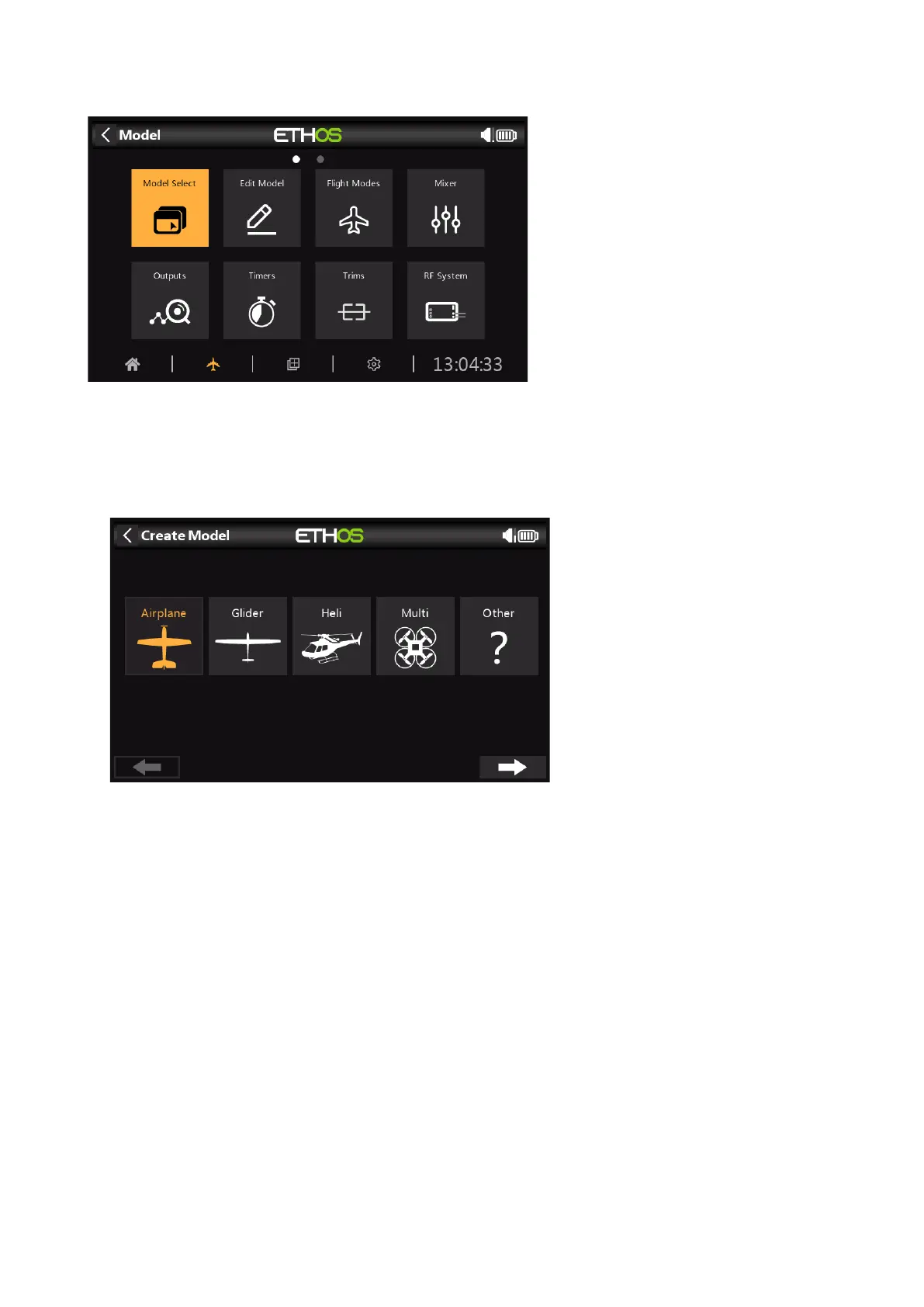
The Model Select option is accessed by selecting ‘Model select’ from the System menu. It is
used to Select the Current Model, Add a New Model, or Clone or Delete it.
Adding a New Model
The first time you tap on Model Select (or at first startup) you are advised that there are no
models, and the Model Creation Wizard is started automatically. Choose the category of
model you wish to create, and follow the prompts.
There are wizards for:
Airplane
Glider
Helicopter
Multirotor
Other
Created models will be shown in groups based on the model categories, and will be sorted
alphabetically within each group.
Example: Airplane Wizard
The Airplane wizard assists you with the basic setup for a fixed wing model. It takes you
through a number of steps to configure the basic setup of the model, allowing you to
choose the number of motors/engines, ailerons, flaps, type of tail (e.g. traditional with
elevator and rudder. Finally is asks you to name your model and optionally link an image
of it.



 To Next Page