X20/X20S and Ethos v1.0.11 User Manual
In addition, the slider across the bottom allows for the rotary encoder output per click to be
adjusted from 1:1 or fine on the left, and coarse on the right. The slider may also be
adjusted with the rotary encoder while the [Page] key is held down.
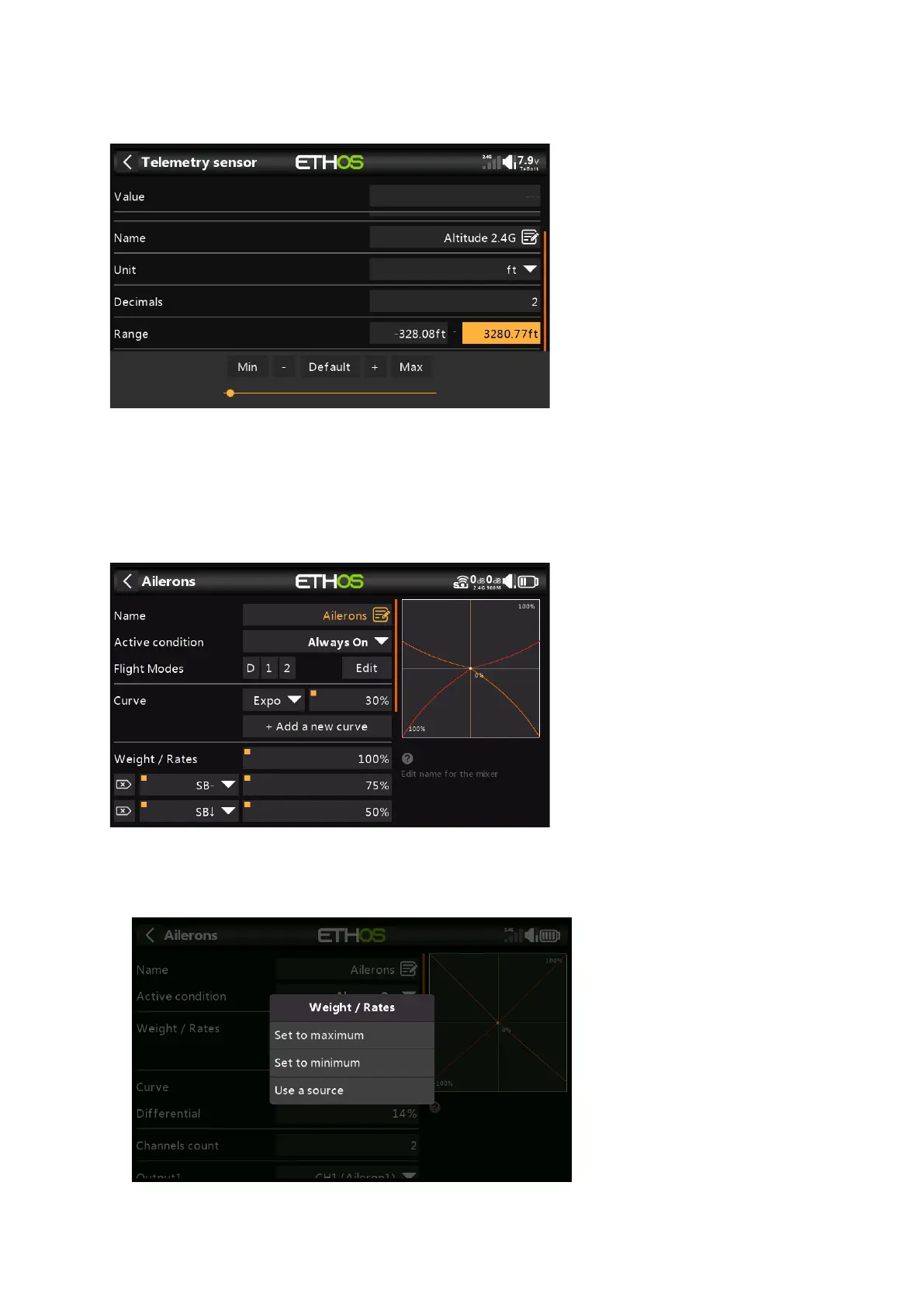
Another example is a Telemetry Range value, which can be edited in a similar way.
Options feature
Ethos has a very powerful 'Options' feature. Almost anywhere a value or source is expected,
a long press of the Enter key will bring up an Options dialog.
Fields with this feature can be identified by the square dot in the top left corner of the field.
Value options



 To Next Page