X20/X20S and Ethos v1.0.11 User Manual
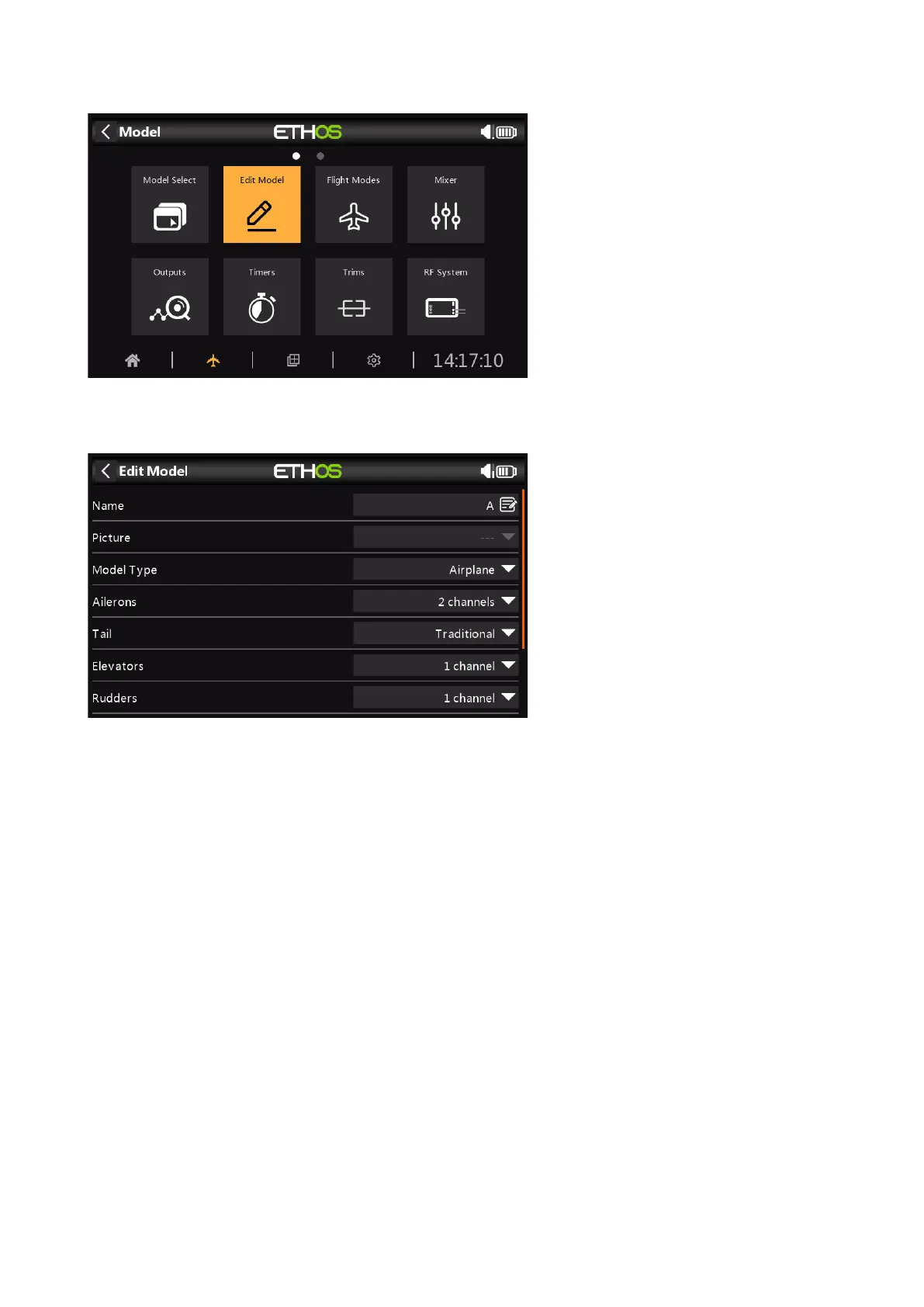
Edit model
The ‘Edit model’ option is used to edit the basic parameters for the model as set up by the
wizard.
The model can be renamed, or the picture assigned or changed. However, changing the model
type, tail type, or heli swash plate will cause all mixers to be reset. Enabling 'Reset All Mixers'
will also reset everything.



 To Next Page