X20/X20S and Ethos v1.0.11 User Manual
Throttle Mixer
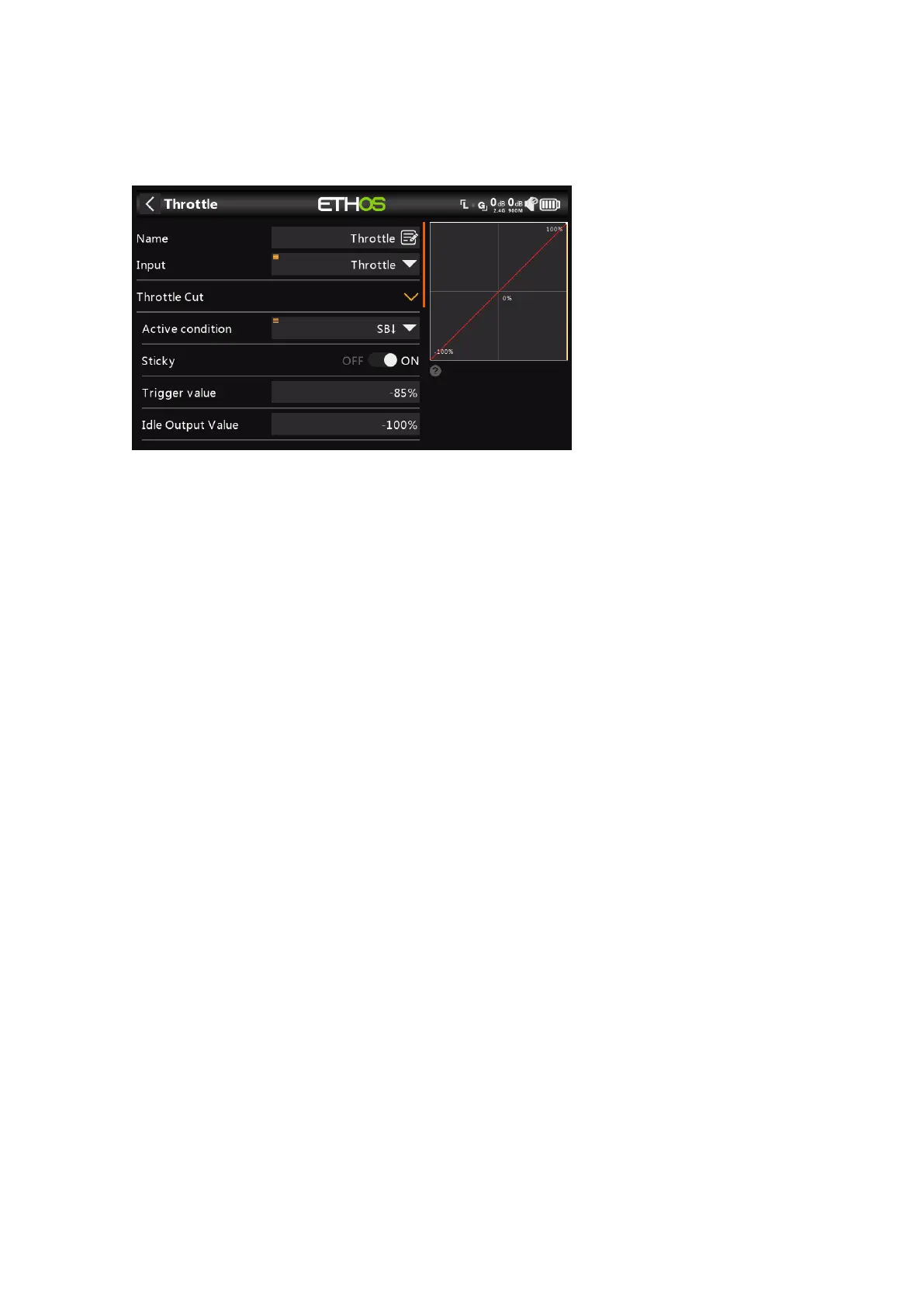
The Throttle mixer has parameters for managing Throttle Cut and Throttle Hold. Throttle
Cut features a throttle input safety interlock, while Throttle Hold has a simple on/off
function.
Input
The source for the Throttle mix can be selected here. It defaults to the Throttle stick, but
can be changed to an analog, switch, trim, channel, gyro axis, trainer channel, timer or
special value.
Throttle Cut
Throttle Cut features a throttle input safety interlock. When used with Low Position Trim
(see below), it can be used for managing the throttle and idle settings on glow or gas
powered models.
Active Condition
The active condition may be chosen from switch or button positions, function switches,
logic switches or trim positions.
Sticky
When Sticky is in the ON position, the throttle channel output will be switched to the
Idle Output Value (default -100%) as soon as Throttle Cut becomes active.
When Sticky is in the OFF position, once Throttle Cut becomes active, the throttle
channel output will be switched to the Idle Output Value (default -100%) as soon as
the throttle stick goes below the Trigger value (default -85%).
Trigger Value
The Trigger Value determines the value below which the throttle input triggers the
throttle safety interlock.
For safety, once Throttle Cut becomes inactive, the throttle channel output will only
leave the Idle Output Value if the throttle input has been below the Trigger Value. This
ensures that the engine or motor only starts from a low throttle input value.



 To Next Page