X20/X20S and Ethos v1.0.11 User Manual
Date and Time
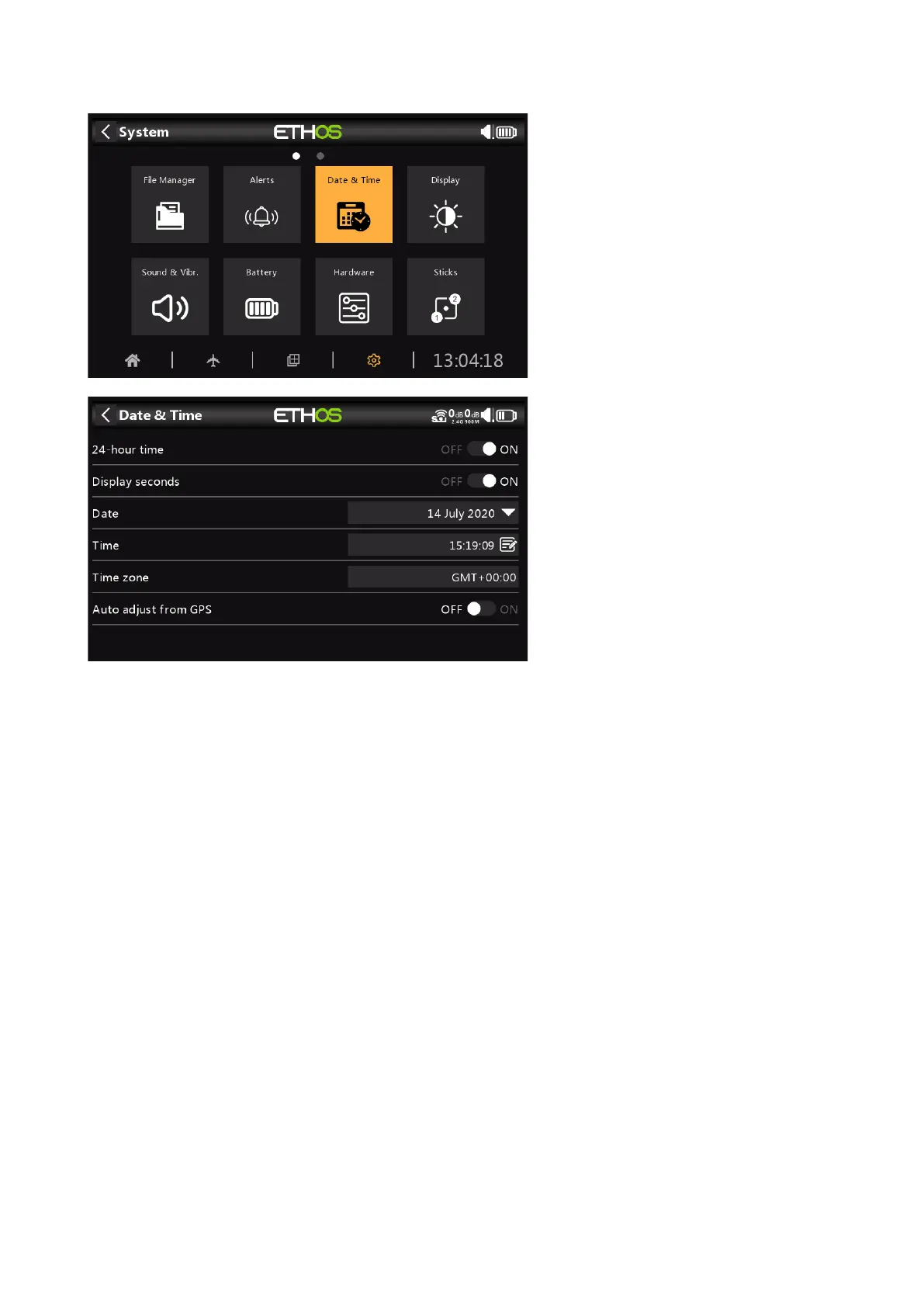
The Date and Time settings are:
24 Hour time
The clock displays in 24 hour format when enabled.
Display seconds
The clock will display seconds when enabled.
Date
Should to the current date. This is used in the logs.
Time
Should to the current time. This is used in the logs.
Time Zone
Allows configuration of the user's time zone.
Auto Adjust from GPS
When enabled, the time and date will be automatically set from GPS data.



 To Next Page