X20/X20S and Ethos v1.0.11 User Manual
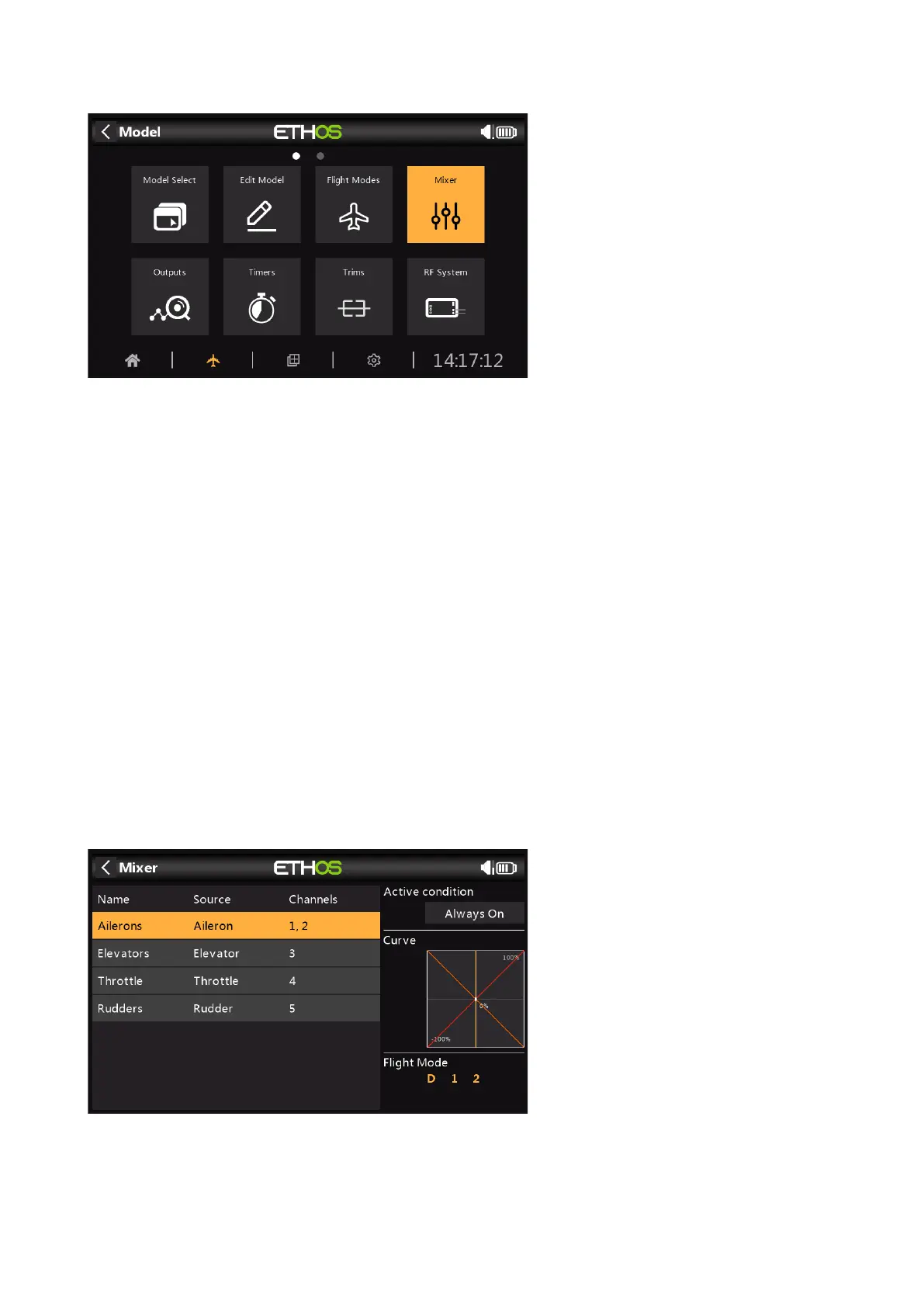
Mixer
The Mixer function forms the heart of the radio. This is where the model’s control functions are
configured. The Mixer section allows any of the many sources of input to be combined as
desired and mapped to any of the output channels. Ethos has 100 mixer channels available for
programming your model. Normally the lowest numbered channels will be assigned to the
servos, because the channel numbers map directly to the channels in the receiver. The X20
Internal RF (Radio Frequency) module has up to 24 output channels available.
The upper mixer channels can be used as 'virtual channels' in more advanced programming, or
as real channels using multiple RF modules (Internal + External) and SBus. The channel order
is a matter of personal preference or convention, or it may be dictated by the receiver. We will
use AETR for our example.
The source or input to a mix can be chosen from analog inputs such as the sticks, pots and
sliders; the toggle switches or buttons; any defined logic switches; the trim switches; any
defined channels; a gyro axis; a trainer channel; a timer; a telemetry sensor; a system value
such as the main radio voltage or RTC battery voltage; or a ‘special’ value such as 'minimum',
'maximum' or 0.
This section also allows the source to be conditioned by defining weights/rates and offsets, and
adding curves (eg Expo). The mix can be made subject to a switch and/or flight modes, and a
slow function to be added. (Note that Delays are implemented in the Logic Switches because
they are related to switches.) The mixer includes contextual help text that dynamically
changes as mixer options are touched. Up to 100 mixer lines may be defined.
If your model was created using one of the model creation wizards in the ‘Model select’
function in the System menu, the base mixer lines will be shown when you tap on the ‘Mixer’.
In addition, the most common predefined mixes can be added as well as free mixes that are
user configurable.



 To Next Page