X20/X20S and Ethos v1.0.11 User Manual
Display
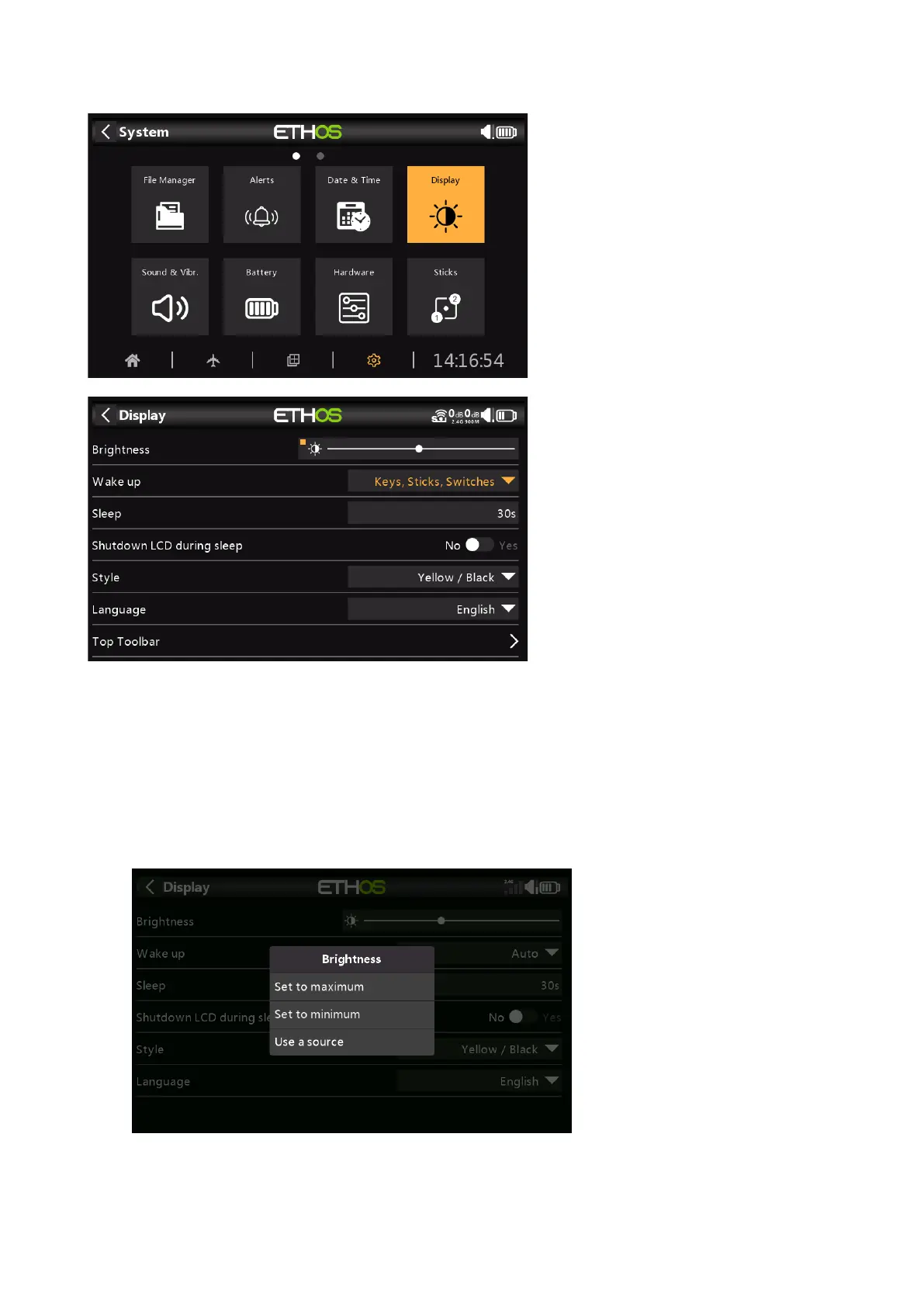
The LCD Display attributes can be configured here:
Brightness
Use the slider to control the screen brightness, from left to right to set brightness from dark
to bright. Long press [ENT] brings up options to use a source, or set it to minimum or
maximum.
Pot Option
Long press on [ENT] when the bar is selected to bring up a dialog to set brightness to
maximum or minimum, or to select a pot to use as brightness control.



 To Next Page