X20/X20S and Ethos v1.0.11 User Manual
Special Functions
Currently the following Special Functions are supported:
Reset
Screenshot
Set failsafe
Play track
Play value
Haptic
Write logs
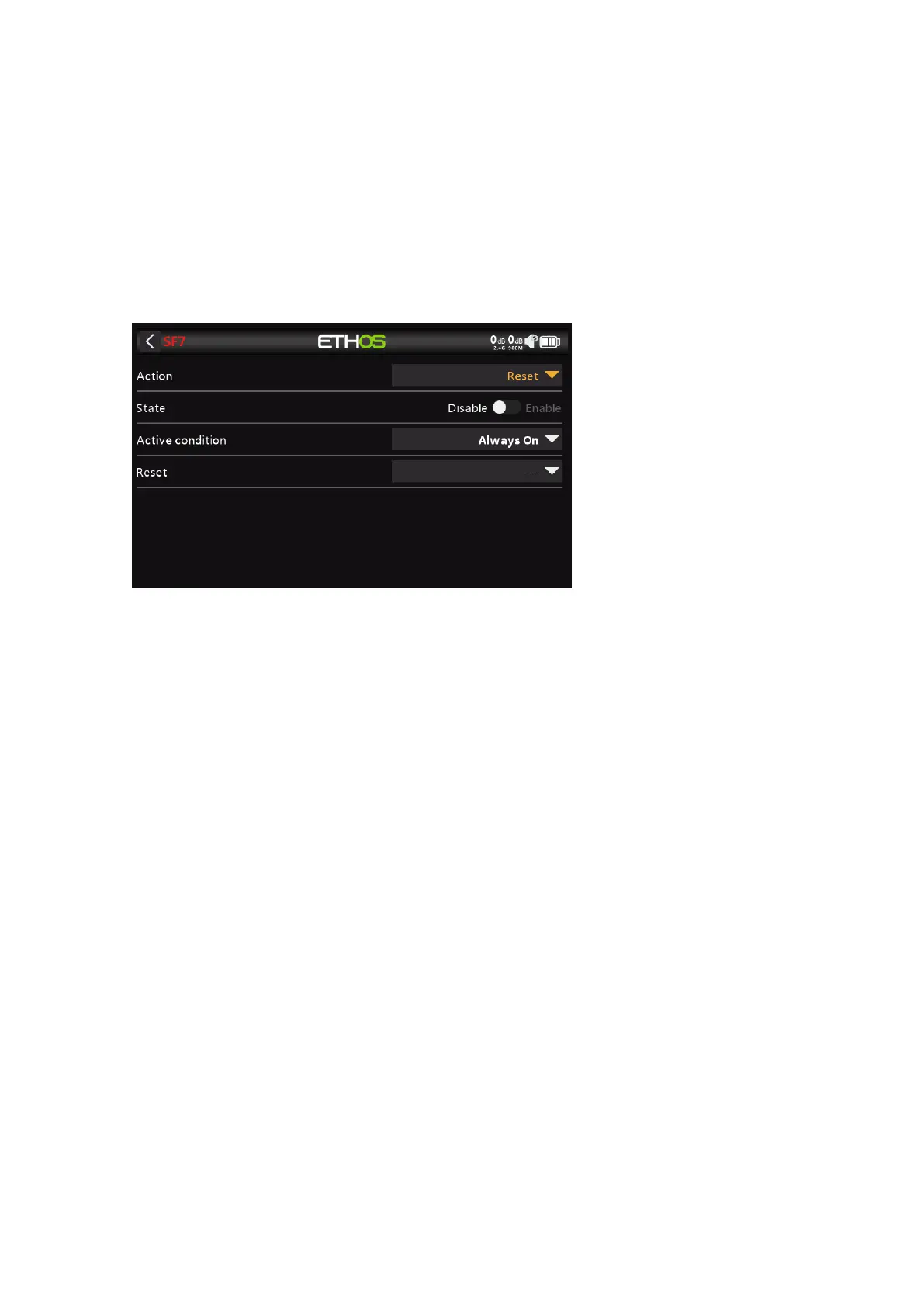
Action: Reset
State
Enable or disable this Special Function.
Active Condition
The Special Function may be Always On, or activated by switch positions, function
switches, logic switches, trim positions or flight modes.
To select the inverse of for example switch SG-up, if you long press Enter on the
switch name and select the Negative check box in the popup the switch value will
changes to !SG-up. This means the Special Function will be active when switch SG is
not in the up position.
Reset
The following categories may be reset:
- Flight data: resets both telemetry and timers
- All timers: resets all 3 timers
- Whole telemetry: resets all telemetry values.
Action: Screenshot



 To Next Page