X20/X20S and Ethos v1.0.11 User Manual
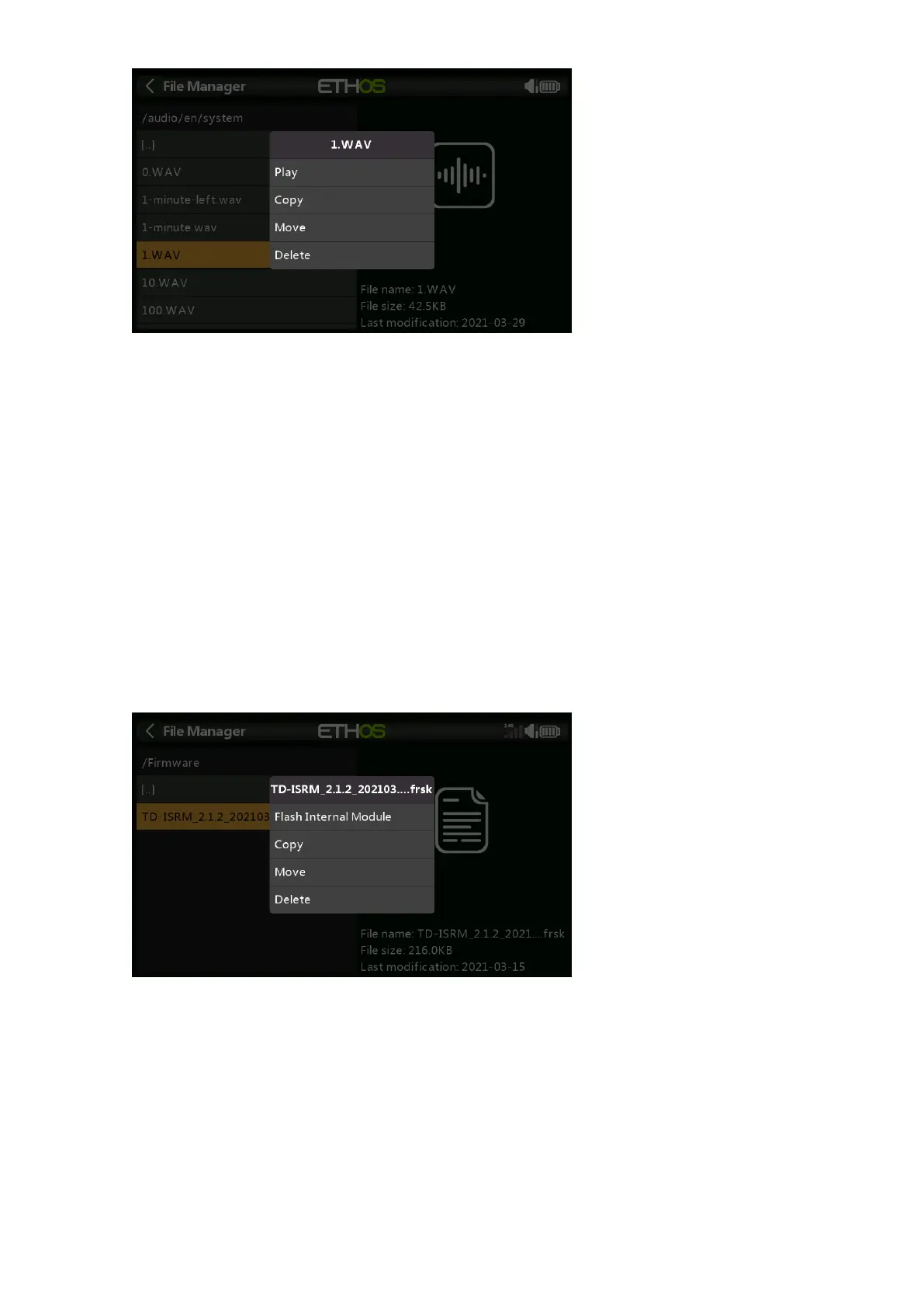
Tap on a WAV file, and select the Play option to listen to it.
The files may also be copied, moved or deleted.
bitmaps/
user/
This folder is for user model images. Image size for the main X20 screen is 300x280 and
180x166 for the X10.
USB drive path: SD Card (drive letter)/bitmaps/user/
Firmware
Firmware updates for the X20 Internal TD-ISRM RF module, external modules and other
devices like receivers etc. are stored here. They can then be flashed from here via
external S.Port or OTA (Over The Air). The new firmware must be copied to the Firmware
folder after placing the X20 in boot-loader mode and connecting to a PC via USB.
Tap on the Firmware folder to view the firmware files that have been copied to this
folder. Then tap on the Flash option in the popup dialog.
The files may also be copied, moved or deleted.
Logs
Data logs are stored here.
USB drive path: SD Card (drive letter)/Logs/



 To Next Page