X20/X20S and Ethos v1.0.11 User Manual
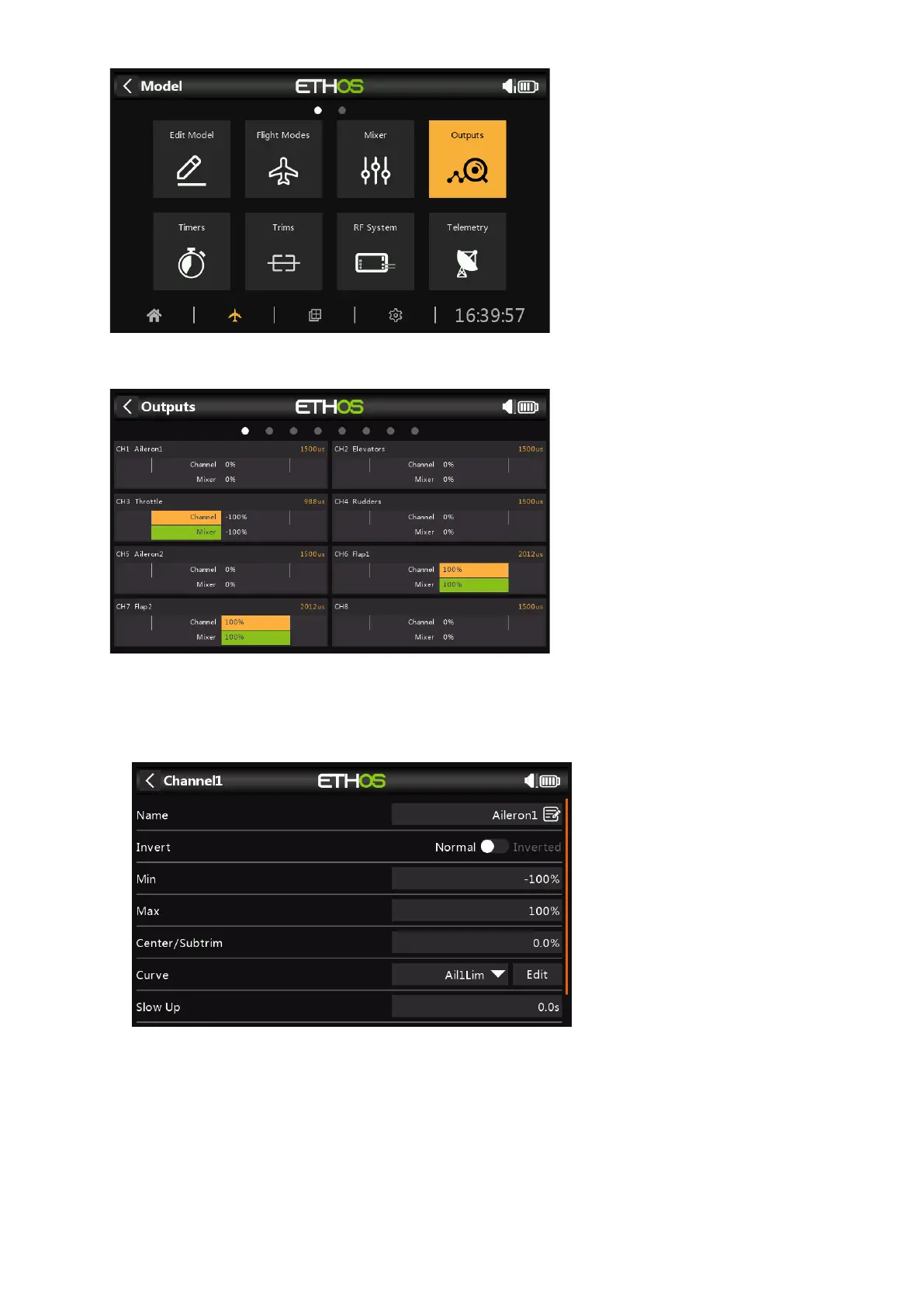
Tap on the Outputs icon to configure the Outputs.
Tap on an Output channel to configure it.
Example 1: Aileron1
The servo or channel limits can be configured with the Min and Max settings, but an easy
way is to use a curve. In this example we have defined a curve 'Ail1Lim' and assigned it
to the Aileron1 (left aileron) channel.



 To Next Page