X20/X20S and Ethos v1.0.11 User Manual
Type: ACCESS
ACCESS changes the way receivers are bound and connected with the transmitter. The
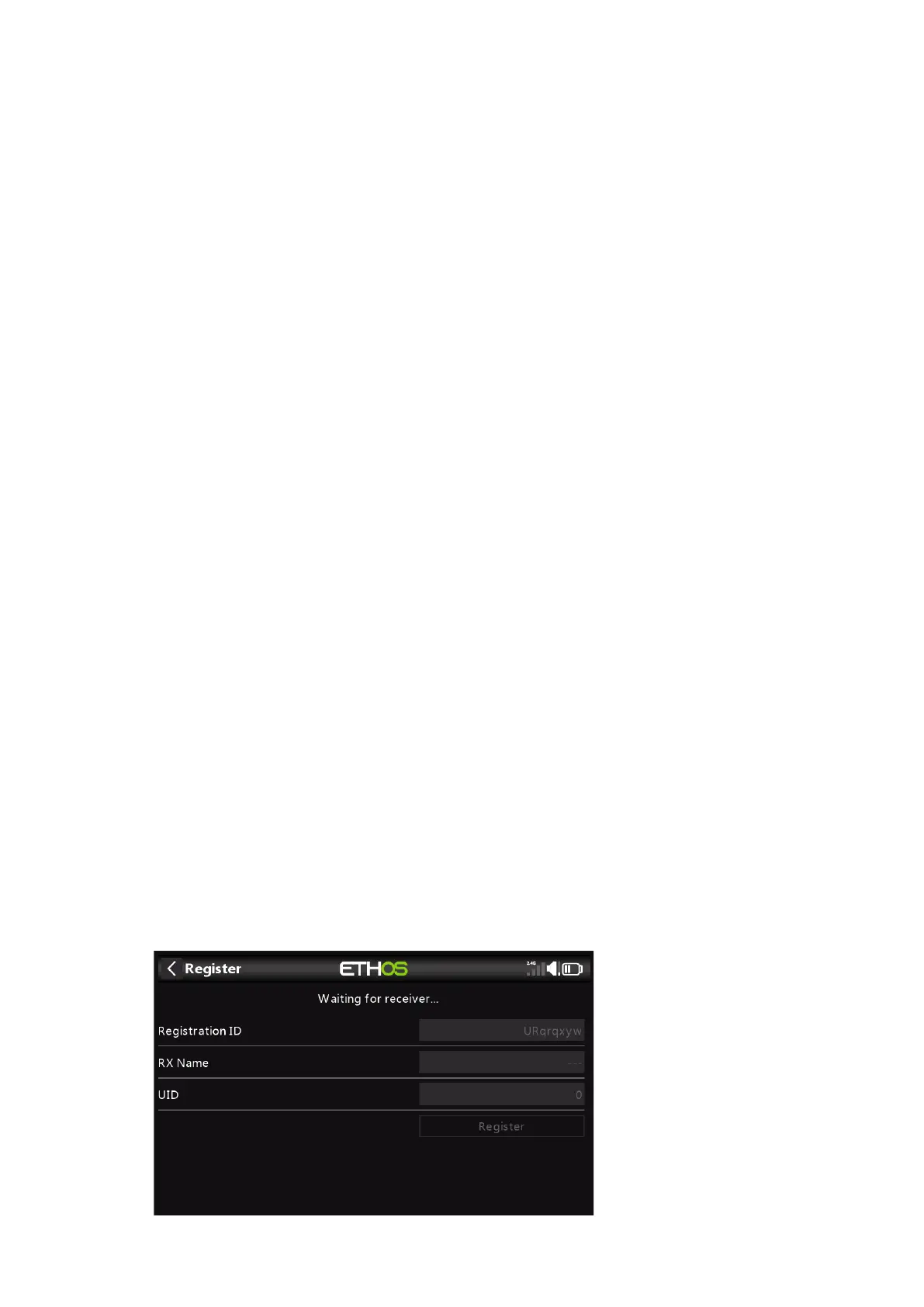
process is broken into two phases. The first phase is registering the receiver to the radio
or radios it is to be used with. Registration only needs to be performed once between
each receiver / transmitter pair. Once registered, a receiver can be bound and re-bound
wirelessly with any of the radios it is registered with, without using the bind button on
the receiver.
Having selected the ACCESS mode, the following parameters must be set up:
2.4G
Enable or disable the 2.4G RF module.
Select Internal or External (on ANT1 connector) Antenna. Although the RF stage
has built-in protection, it is good practice to ensure that an external antenna has been
fitted before selecting the External antenna.
900M
Enable or disable the 900M RF module.
Antenna: Select Internal or External (on ANT2 connector) Antenna. Although the RF
stage has built-in protection, it is good practice to ensure that an external antenna has
been fitted before selecting the External antenna.
Power: Select the RF Power desired between 10, 25, 100, 200, 500mW.
In ACCESS mode the 2.4g and 900m RF paths work in tandem with one set of ACCESS
controls. There can be three 2.4G receivers registered and bound or three 900M
receivers registered and bound or a combination of 2.4G and 900M for a total of three
receivers.
Model ID
When you create a new model, the Model ID is automatically allocated. The Model ID
must be a unique number because the Smart Match function ensures that only the
correct Model ID will be bound to. This number is sent to the receiver during binding,
so that it will then only respond to the number it was bound to. The Model ID can be
changed manually. Note also that the Model ID is changed when the model is cloned.
Channel Range:
Since ACCESS supports 24 channels, you normally choose Ch1-8, Ch1-16, Ch9-16 or
Ch17-24 for the receiver being set up. Note that Ch1-16 is the default.
Phase One: Registration
Set:
1. Initiate the registration process by selecting [Register].



 To Next Page