CT114_Rev2
Set Up the Cleaver
Power Supply
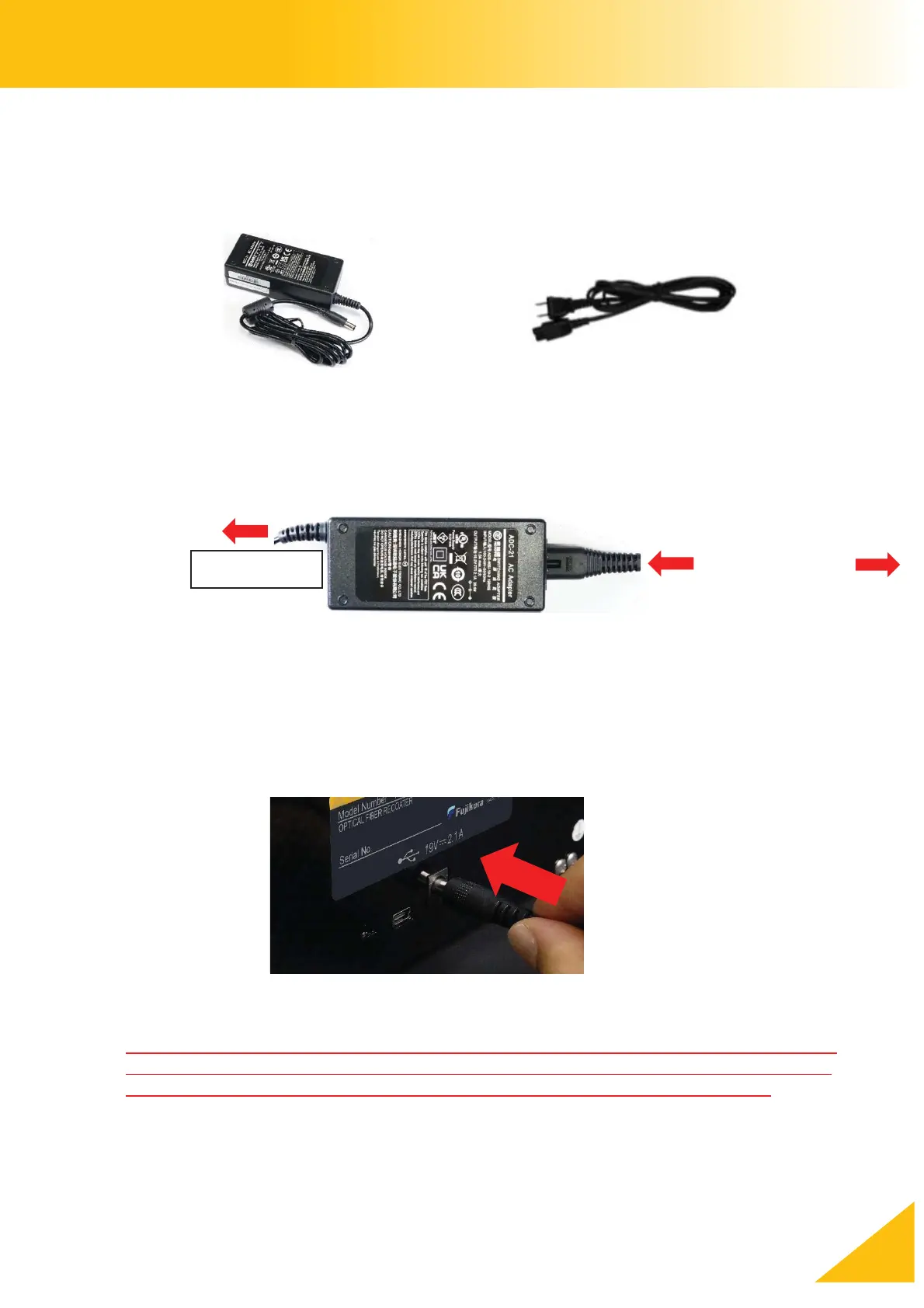
1. Only use a genuine Fujikura AC adapter and AC power cord.
2. Plug in the AC cord and insert the AC cord into the AC port of the AC Adapter.
3. Plug the AC adapter cord into the power port of the cleaver.
Disconnect the AC power cord from the AC adapter or from the wall outlet immediately
when mechanical or electrical problems occur with the cleaver or AC adapter. Use the
cleaver in a place where you can quickly access to disconnect the power cord.
CC-** to wall
and ADC-21



 To Next Page