CT114_Rev2
Setting Menu
Settings Menu
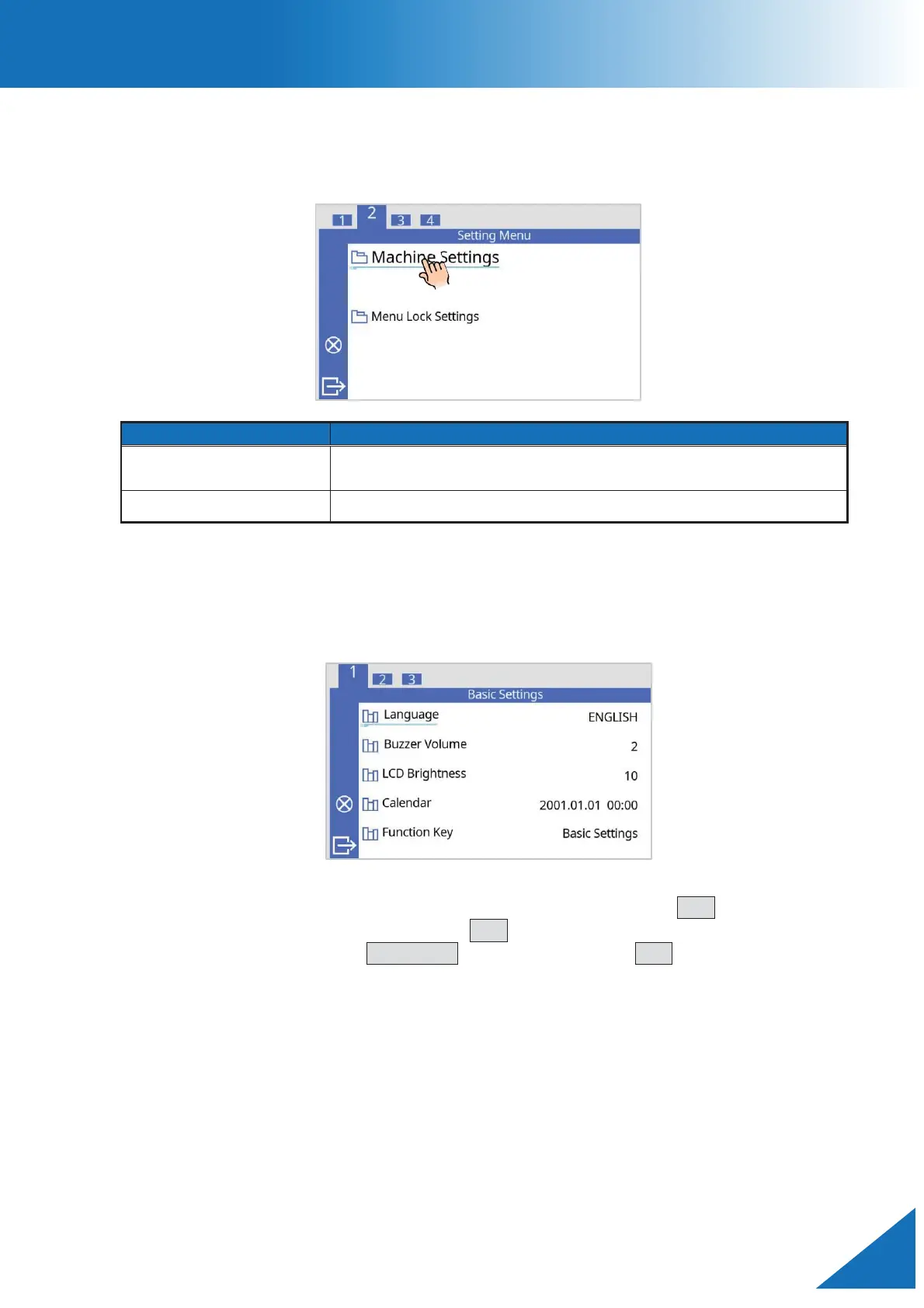
The configuration of machine can be changed in the [Settings Menu] screen.
achine Settings
Changes the settings related to the operation of the cleaver
itself
Allows certain functions to be restricted by an administrator.
Machine Settings
The parameters related to basic operation of the cleaver itself can be changed.
1. Select “Machine Settings” in the [Setting Menu] and press the SET key.
2. Select an item to be changed. Press SET key to edit a setting.
3. Change value using the UP/DOWN keys, then press the SET key to save.



 To Next Page