CT114_Rev2
Set Up the Cleaver
How to Adjust the Clamp Force
Clamping the fiber with an appropriate level of force will stabilize the cleave quality.
The magnet positions are different for each mode. Adjust the magnet position as displayed
in the selected mode.
Confirm the magnet’s position
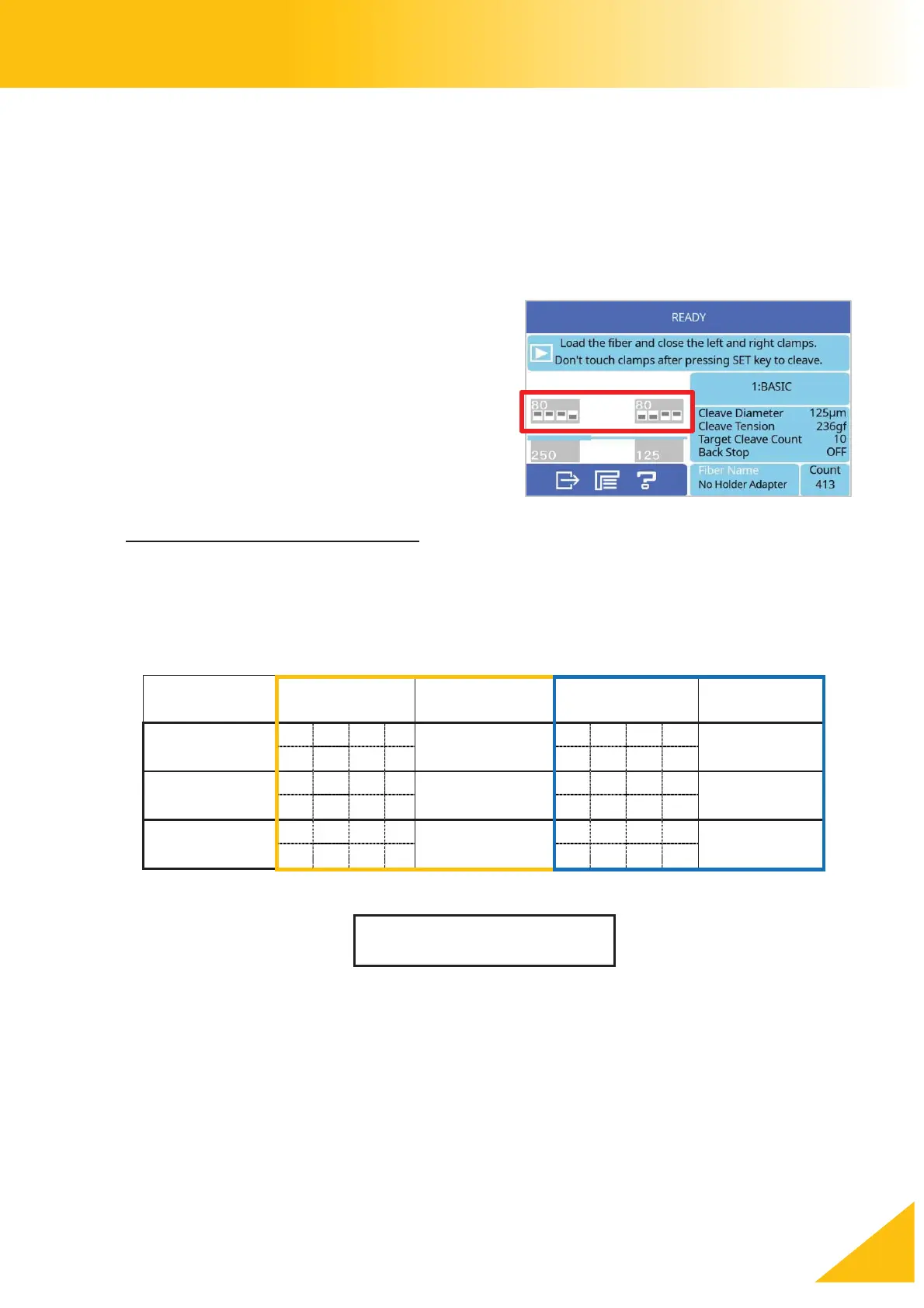
The upper and lower magnet positions are
indicated by the illustration on the [READY]
screen. Match the magnet positions to what
is displayed.
(This is the basic setting recommended by
Fujikura and can be changed.)
Recommended magnet positions
Recommended magnet positions for cleaving common fibers are different for the left
and right clamps. Change the magnet position according to the diameter of the fiber
being cleaved.
L: Lower Position



 To Next Page