CT114_Rev2
Cleave Menu
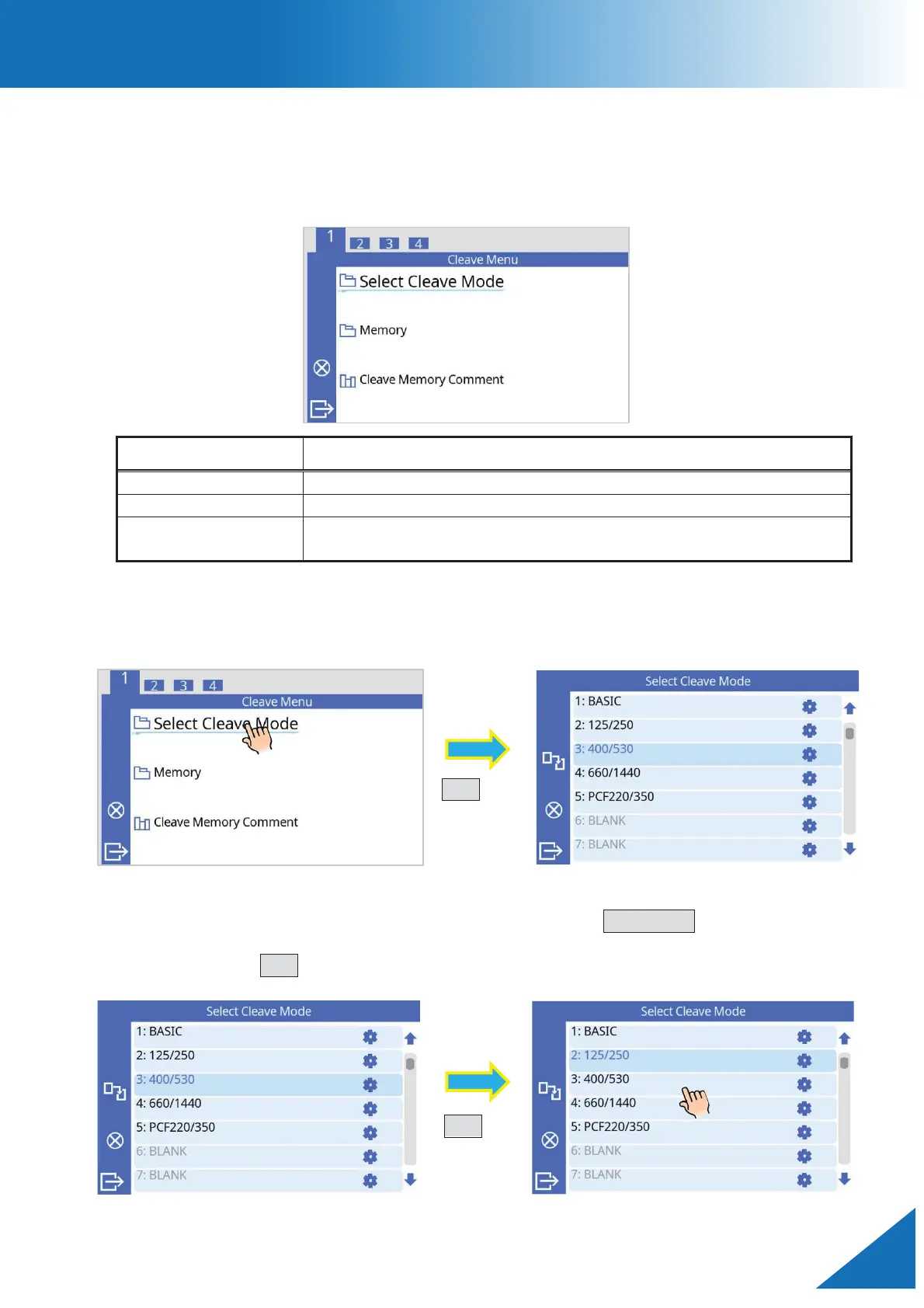
Composition of Cleave Menu
Cleave mode parameters and other settings common to all cleave modes can be chosen in
this menu. Here, you can also reference cleave result memory.
Select Cleave Mode
The cleaver can record up to 100 cleave modes. Choose and/or edit the appropriate cleave
mode before cleaving.
How to change the cleave mode.
1. Touch to select, or move the cursor by pressing the UP/DOWN key to highlight the
desired mode.
2. Press the SET key to select a cleave mode. The cleave mode is now changed.
Choose cleave mode according to fiber type.
Retrieve cleave results and associated parameters.
dd a comment to a memory file after cleaving.



 To Next Page