CT114_Rev2
Maintenance Menu
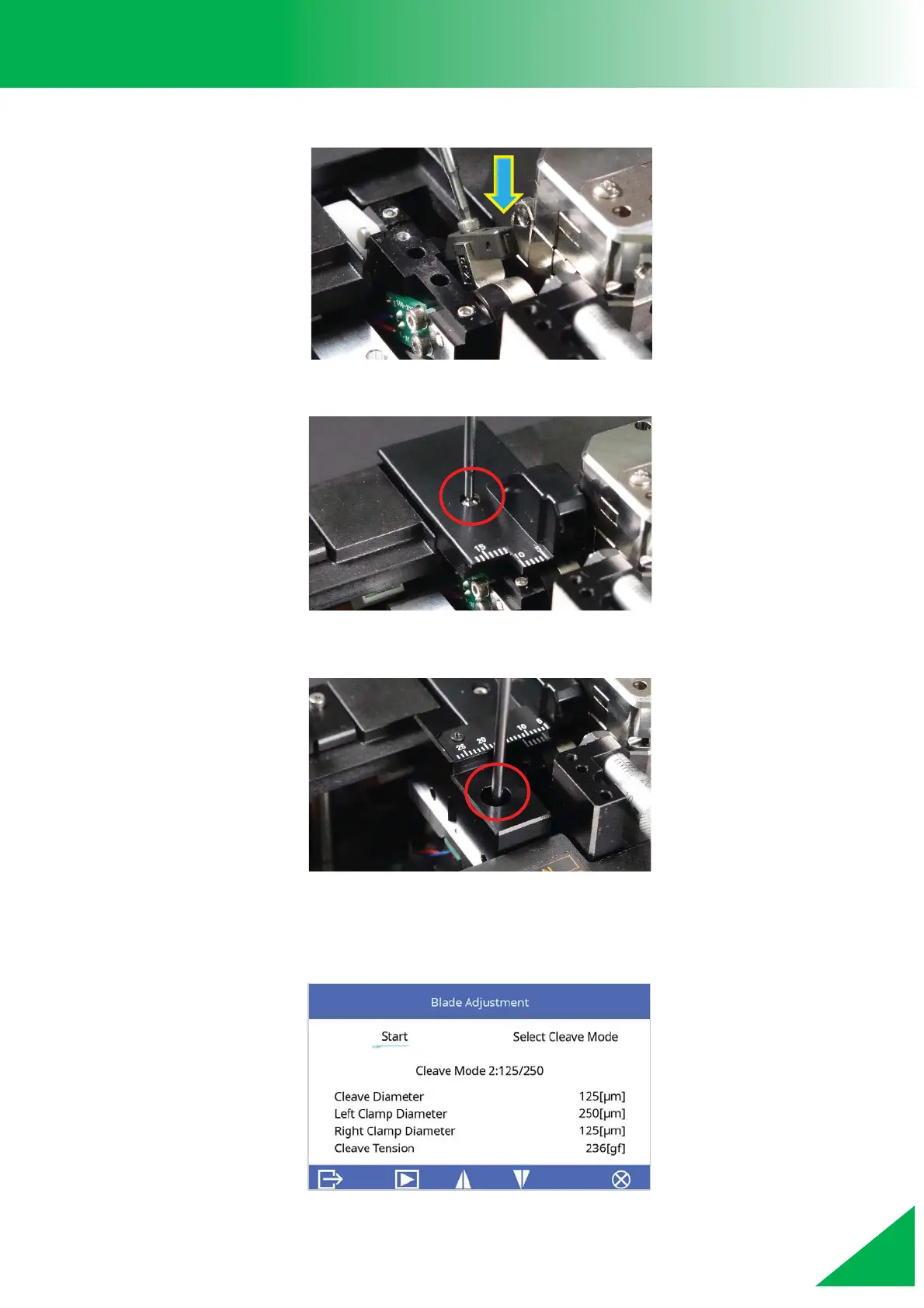
7. Attach the new cleaver blade to the blade arm.
8. Install the blade cover and tighten the blade cover screw.
9. Install the scale base and tighten the scale base screw.
10. Turn on the cleaver and the “Blade Adjustment” function will show up automatically.
Perform a “Blade Adjustment” procedure. (Refer to “Blade Adjustment” for the
process of adjusting the cleaver blade.)



 To Next Page