USING SETUP MODE
5-22 User's Manual
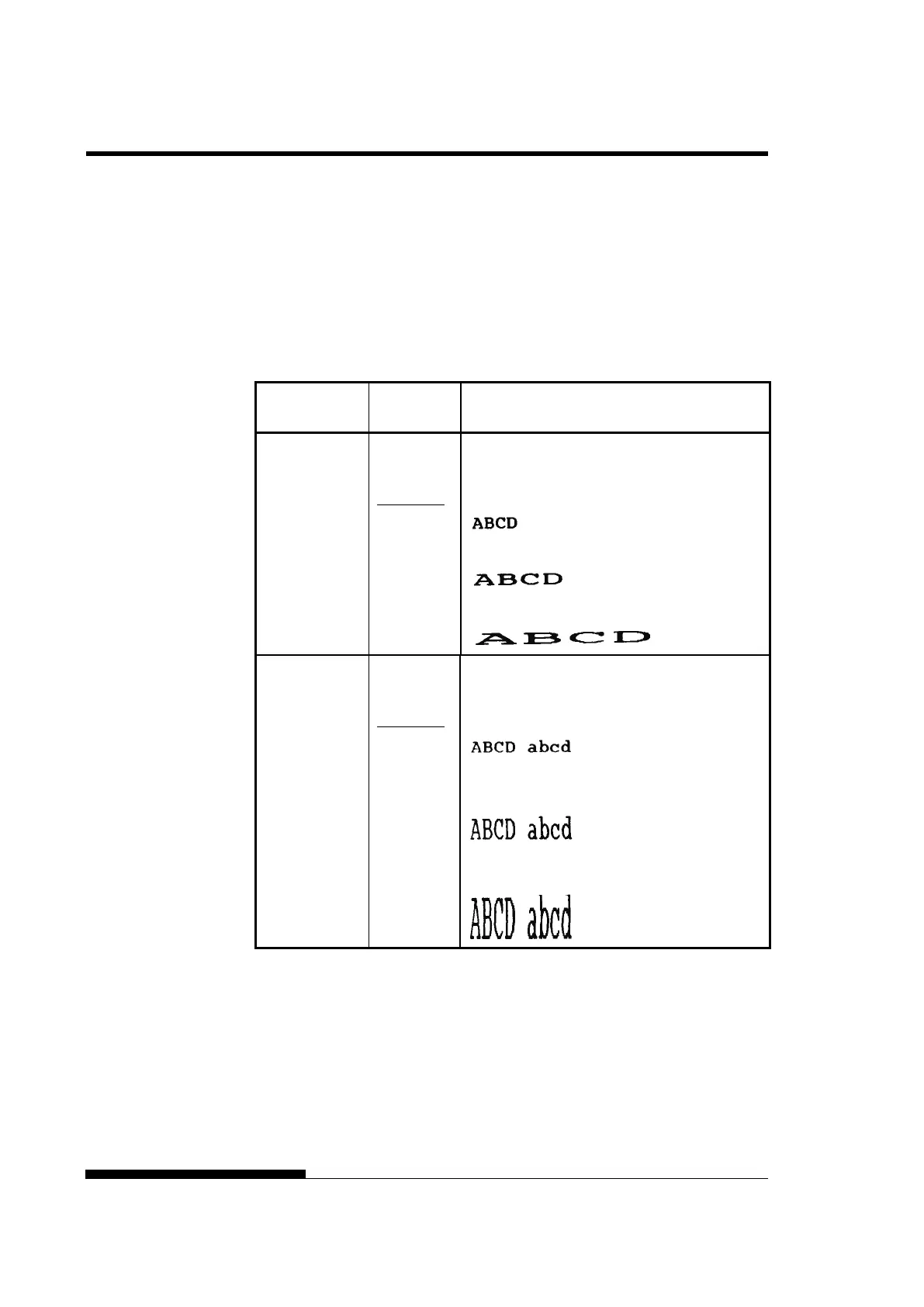
Table 5.4 MENU1 and MENU2 Items and Options (Cont.)
NOTES:
• Underlined options are the factory defaults.
• Asterisks identify items and options that differ for the IBM XL24E
and Epson ESC/P2 emulations. The notes are defined at the end of
the table.
MENU1 and
MENU2 Items
Options Description
<CHAR-W> Change also the pitch 2 TIMES or 4 TIMES is
selected.
NORMAL Standard character width
2 TIMES Double character width
4 TIMES
(*1)
Quadruple character width
<CHAR-H> Change also the line spacing if 2 TIMES or 4
TIMES is selected.
NORMAL Standard character height
2 TIMES Double character height
4 TIMES
(*1)
Quadruple character height



 To Next Page