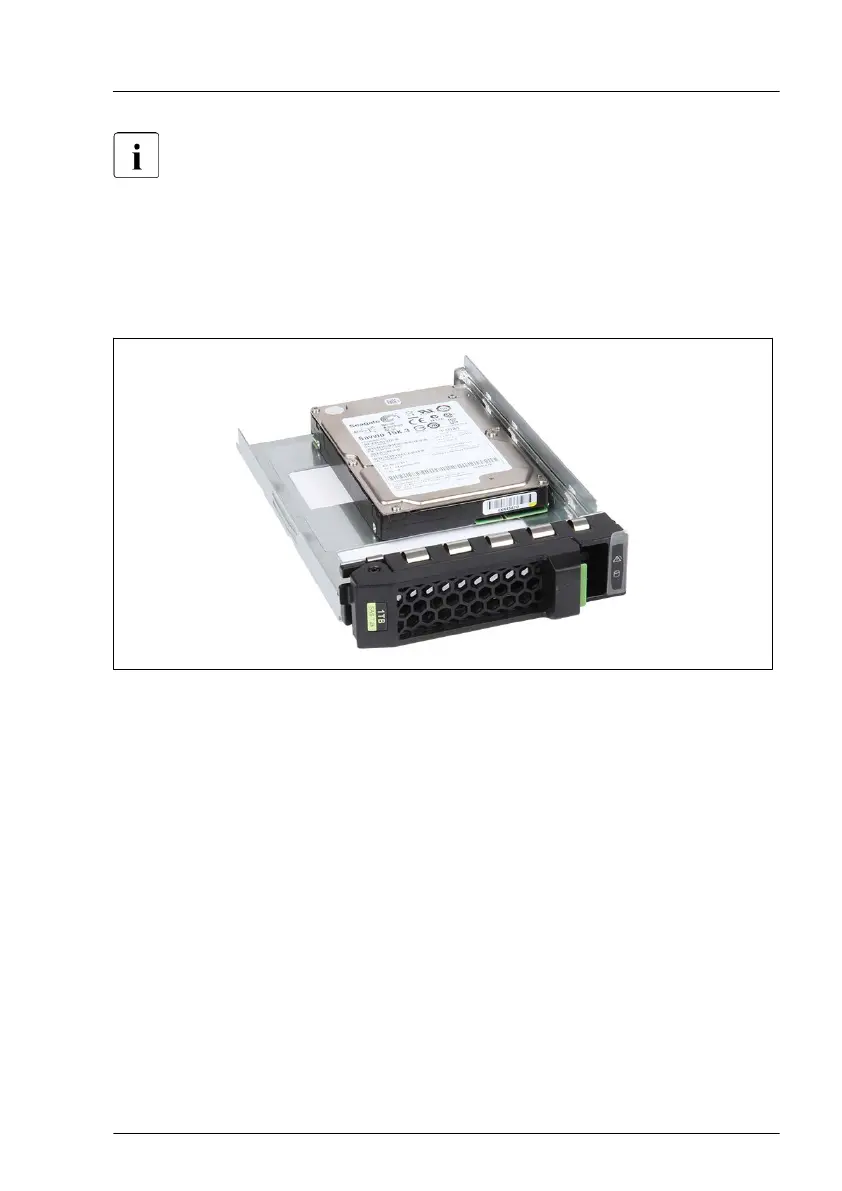
In order to use 2.5-inch HDD/SSD, you can install a 2.5-inch HDD/SSD
in the 3.5-inch installation frame.
Preliminary steps
No steps needed.
Installing a 2.5-inch HDD/SSD in a 3.5-inch installation frame
Figure 57: Installing the 2.5-inch HDD/SSD in the 3.5-inch installation frame (A)
▶
Lay the 2.5-inch HDD/SSD into the 3.5-inch installation frame as shown.
Hard disk drive (HDD) / solid state drive (SSD)
RX1330 M4 Upgrade and Maintenance Manual 137



 To Next Page
 Loading...










