5.4 Using the ScanSnap as a Copy Machine
ScanSnap S300 Operator's Guide 125
About Actions
5
Operation
6. Load the document on the ScanSnap.
7. Press the [SCAN] button .
⇒ Scanning is started.
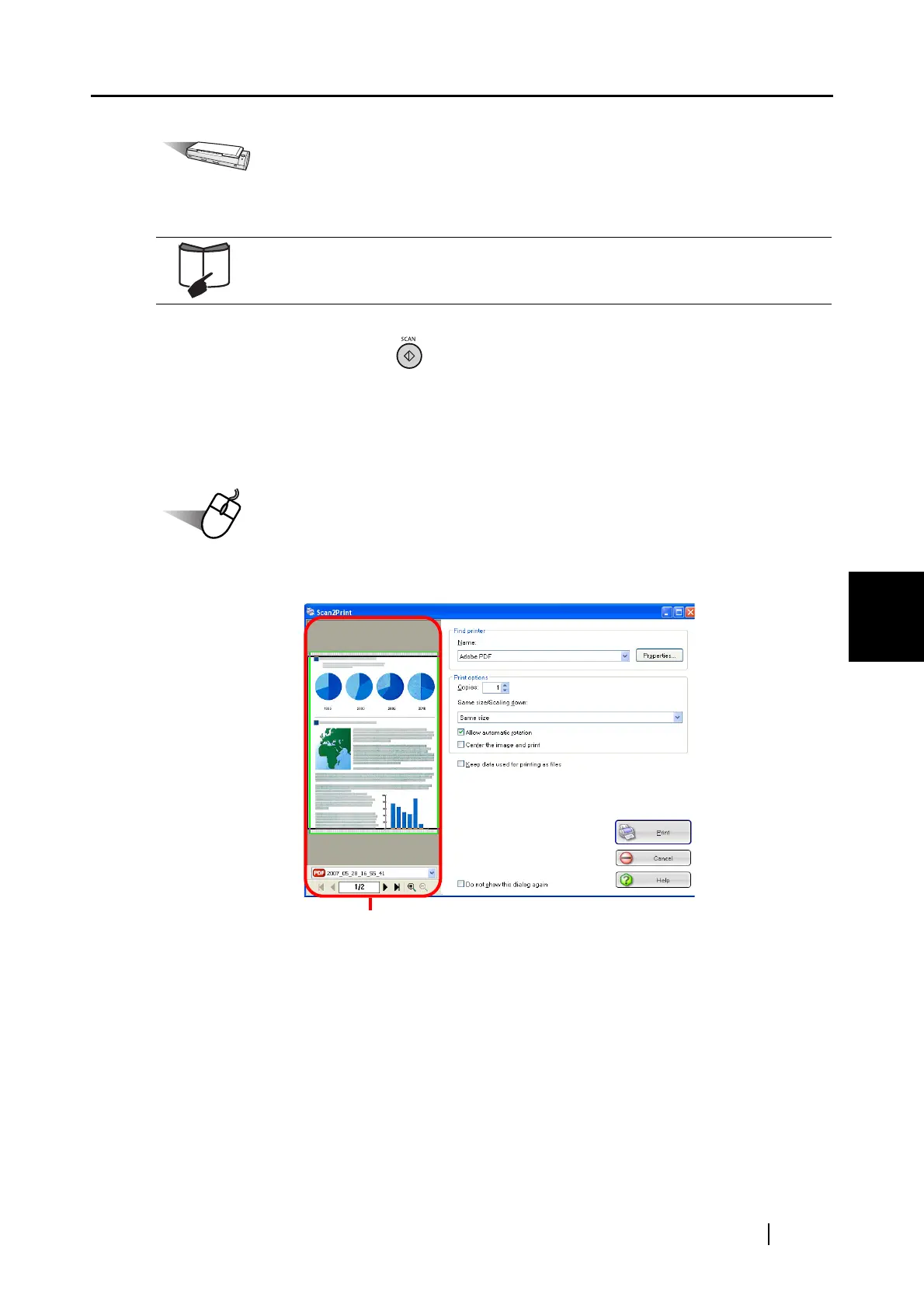
⇒ When scanning is complete, the [Scan2Print] dialog box appears.
(You can change settings not to display the [Scan2Print] dialog box.)
Operation
8. Configure print setup options, and then click the [Print] button.
For details, refer to sections "3.2 Paper Sizes of Documents to be Scanned"
(page 38) and "3.3 Loading Documents" (page 40).
Preview Window


 To Next Page
 Loading...













