35
GPS Delay Time by Time Sync: Enter minimum time delay for time
synchronization. Time synchronization is started
only in the time set here.
GPS Difference Interval: The time set here is added to the GPS time to
synchronize the system time. Leave at the default
0 value setting.
GPS Sync Giveup Time: If the system receives the GPS time within the
time set, the system synchronizes with the time.
When not receiving a signal, the system displays
an “error 26” message.
ZDA Timeout Enter value (seconds) for ZDA timeout (234 error)
from GPS.
Note*: Enter and display note.
*Marked Items are optional.
2.16 Vessel
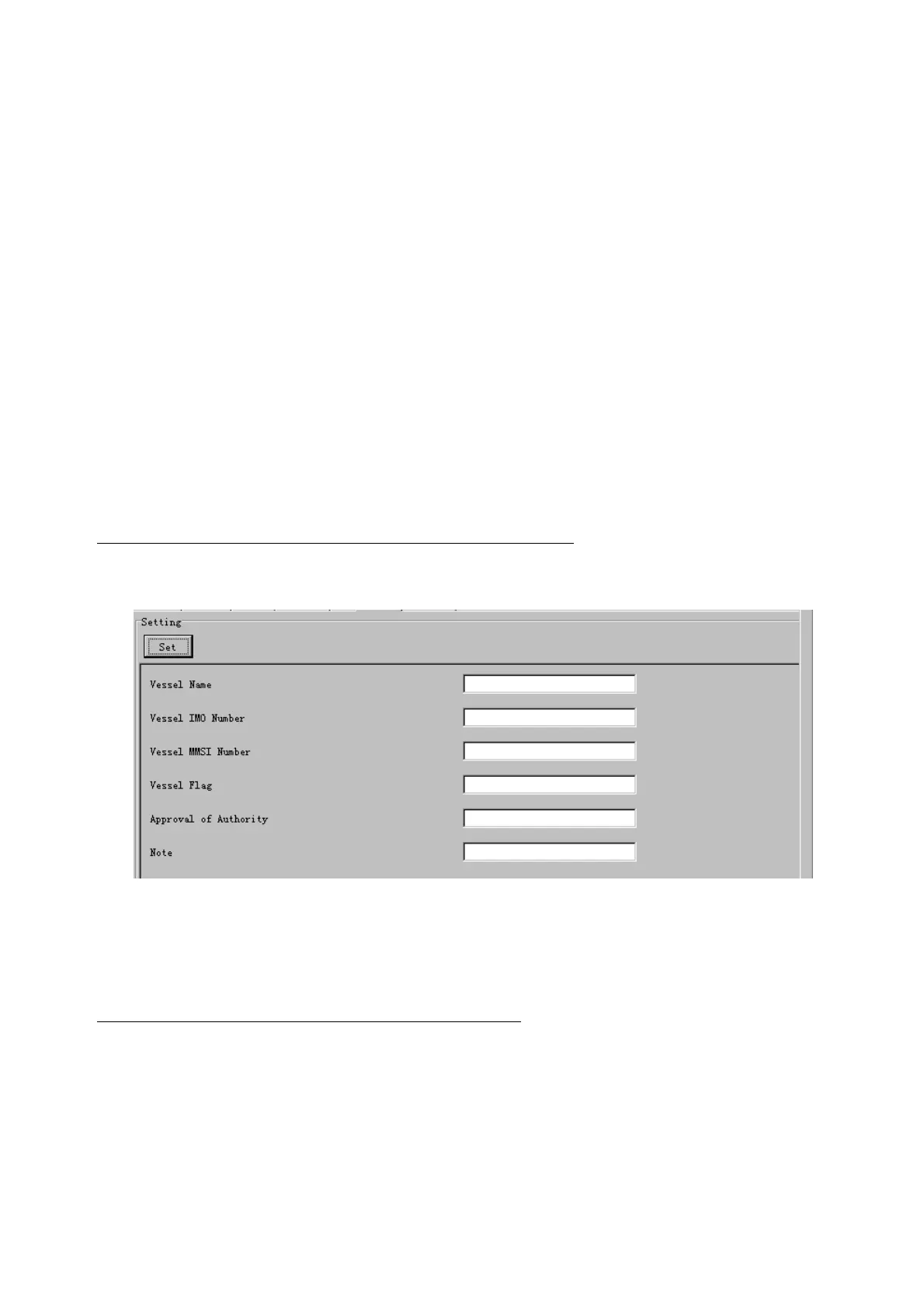
The Vessel tab sets and displays own ship's information, such as name and IMO number.
The basic procedure for using the Vessel tab is as follows:
1. Click the Vessel tab.
2. Set up information in the Setting window.
3. Click the Set button. (Be sure to do this before moving to another port.)
4. From the Maintenance menu, click VDR Config Management and then Config.
5. Click the Write buttons to save data to the DRU, backup HDD, CF.
The buttons in the Setting window works as follows:
Vessel Name: Enter name of vessel.
Vessel IMO Number: Enter IMO number of vessel.
Vessel Flag: Enter flag of vessel.
Approval of Authority: Enter name of approving authority.
Note*: Enter note.
*Marked items are optional.



 To Next Page