27
2.9 Hardware
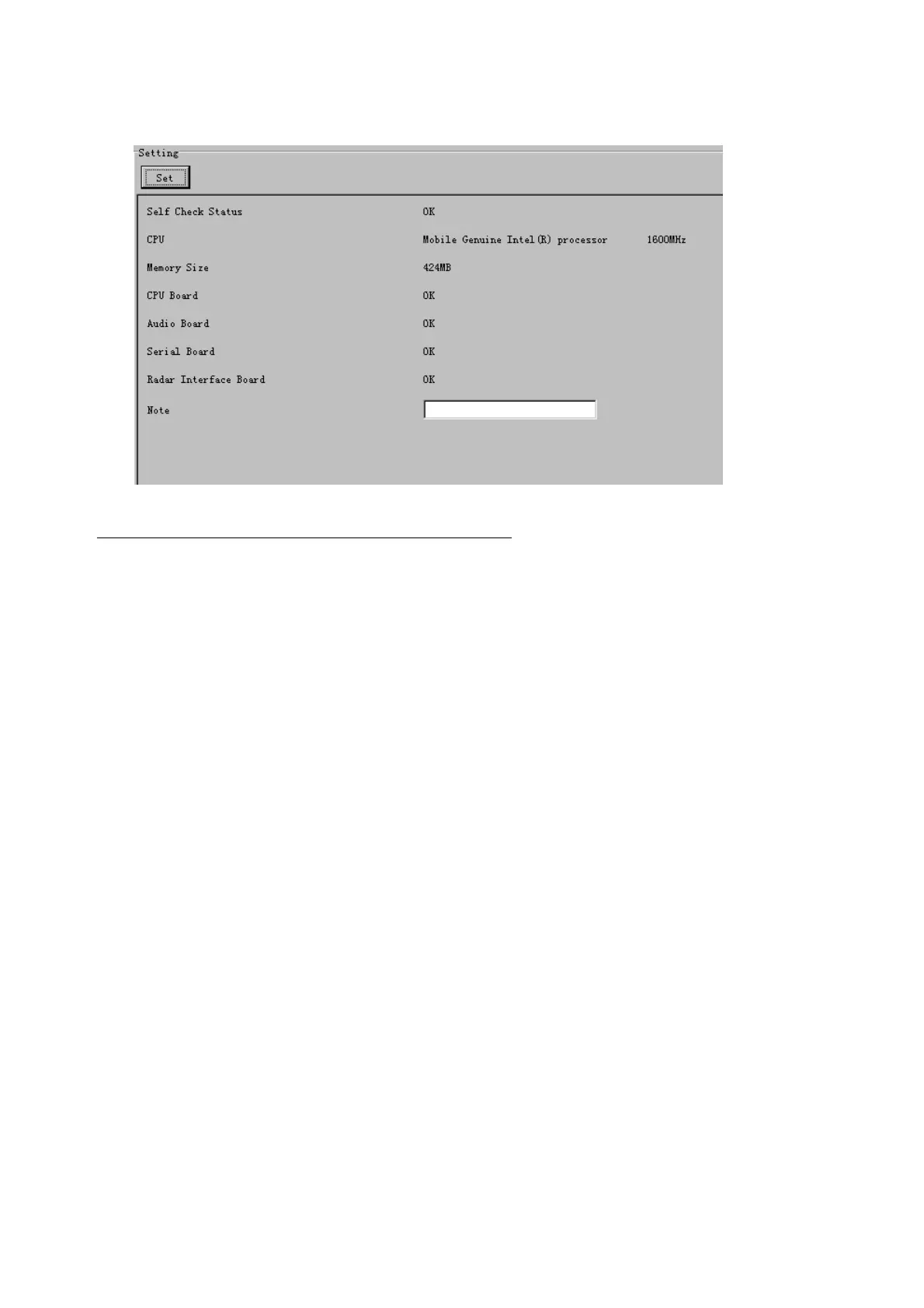
The Hardware tab provides information about the system hardware.
The buttons in the Setting window work as follows:
Self Check Status: Display status of self check.
CPU: Display information about the CPU.
Memory Size: Display memory size.
CPU Board: Display status of CPU board.
Audio Board: Display status of Audio board.
Serial Board: Display status of Serial board.
Radar Interface Board: Display status of Radar Interface board.
Note*: Enter and display note.
* Marked items are optional.



 To Next Page