39
4. How to Upload Configuration Data
from a PC
The procedure below shows how to upload configuration from the PC to a
VR-3000/VR-3000S.
1. Click the Maintenance menu.
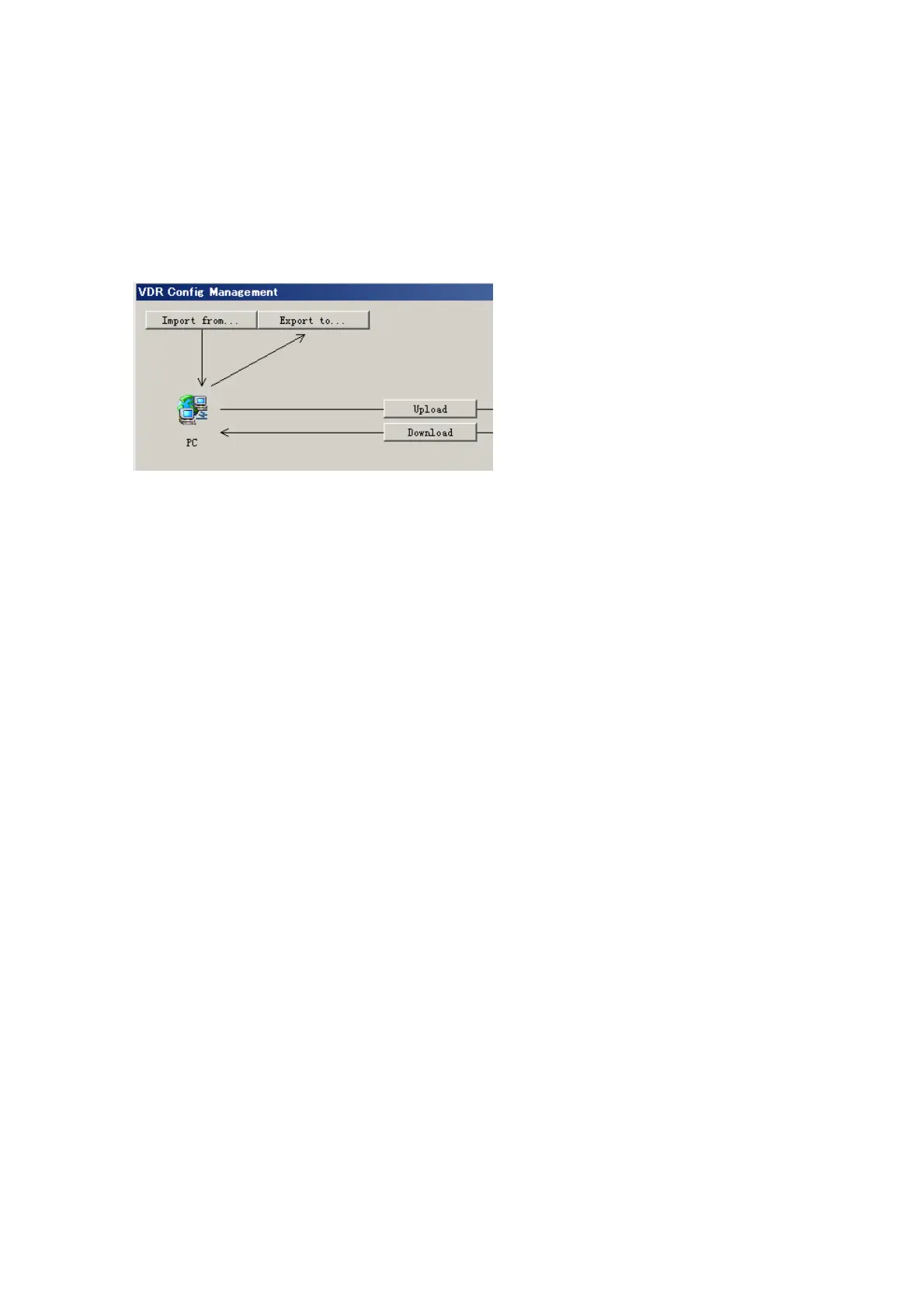
2. Select VDR Config Management.
3. Click the Import from button.
4. The Open window appears. Select configuration data, and then click the Open button.
5. Click the Upload button to upload data to the VR-3000/VR-3000S.
6. Click the Write buttons to save data to the DRU, backup HDD, and CF.



 To Next Page