54
6.8 Other
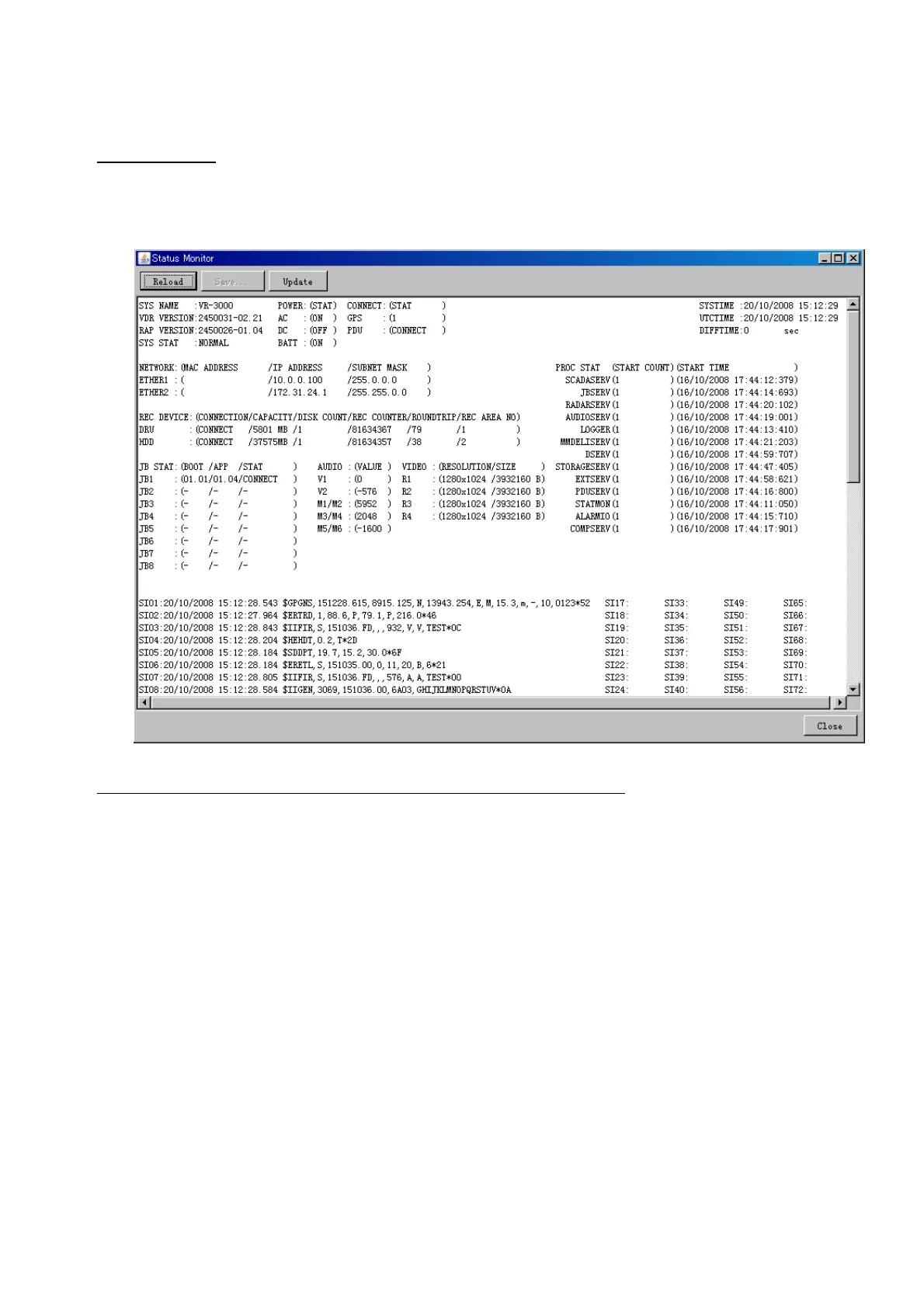
Status Monitor
The status monitor feature provides comprehensive data about the status of the VDR.
From the menu bar, click Tool> Status Monitor to show the Status Monitor window.
The buttons in the Status Monitor window work as shown below:
Reload: Settings for automatic refreshing of the status monitor.
ON: Turn automatic refresh OFF.
OFF: The Status Monitor is refreshed every five seconds.
Save: Available when Reload ON is selected. The contents of the Status Monitor can be
saved to a text file.
Update: Update the Status Monitor display.
Close: Close the Status Monitor display.



 To Next Page