32
Installation Date: Enter the date of the installation.
MIC Test Time: Enter the date of the MIC test.
Note*: Enter note. *Marked items are optional.
USB memory logging: Do not check Enable.
IEEE1394 BUS Error Auto Restart function: Not used.
IEEE1394 Active Node Count: Do not change the default value of 3. (However, set to 5
for serial number 5000 or less of DRU.)
IEEE1394 Recover Process Limit Count: Do not change the default value of 10.
DRU Error Auto Restart function: Not used.
REBOOT DELAY TIME (sec): Do not change the default value of 10.
LIMIT REBOOT COUNT: Do not change the default value of 10.
Live Player Max Connection Count: The max. number of Live Player V4 that can be
connected simultaneously. The default no. is two,
but a maximum of five can be set here. After you
change this option, reboot the VDR to apply the
setting. Disconnect the cable connected with
Live Player V4 (PC) from the VDR and then
reconnect it.
VRrap Sentence Output Enable:
Do not uncheck the checkbox. This menu item
appears with the software version 1.6x or 2.6x.
MIC Test Power Off Interval
(msec)
:
Do not change the default value of 100.
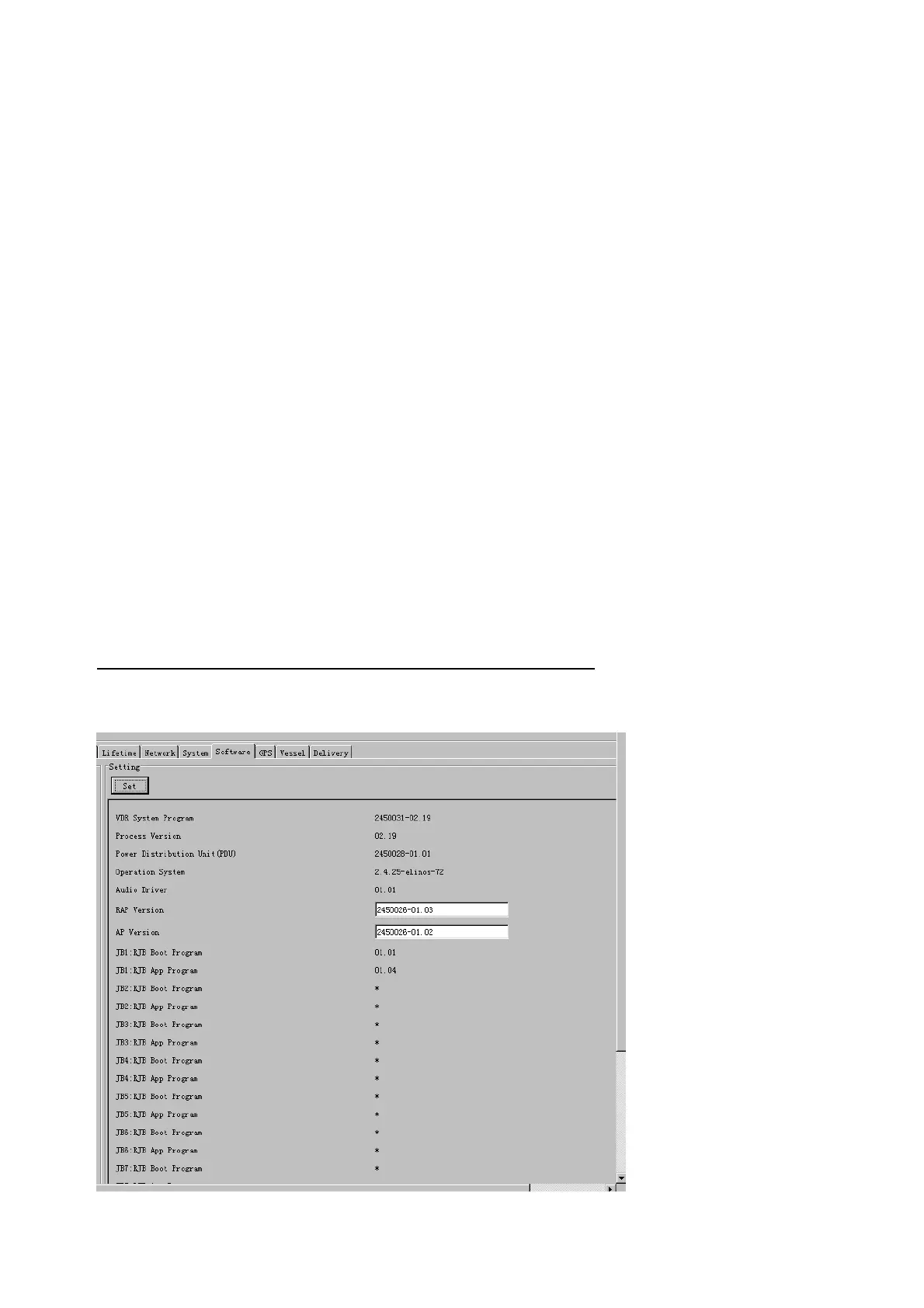
2.14 Software
The Software tab sets and display software-related operations.
The basic procedure for using the Software tab is as follows:
1. Click the Software tab.
2. Set up the chosen Item from the Setting Area.
3. Click the Set button.



 To Next Page