24
2.7 Alarm
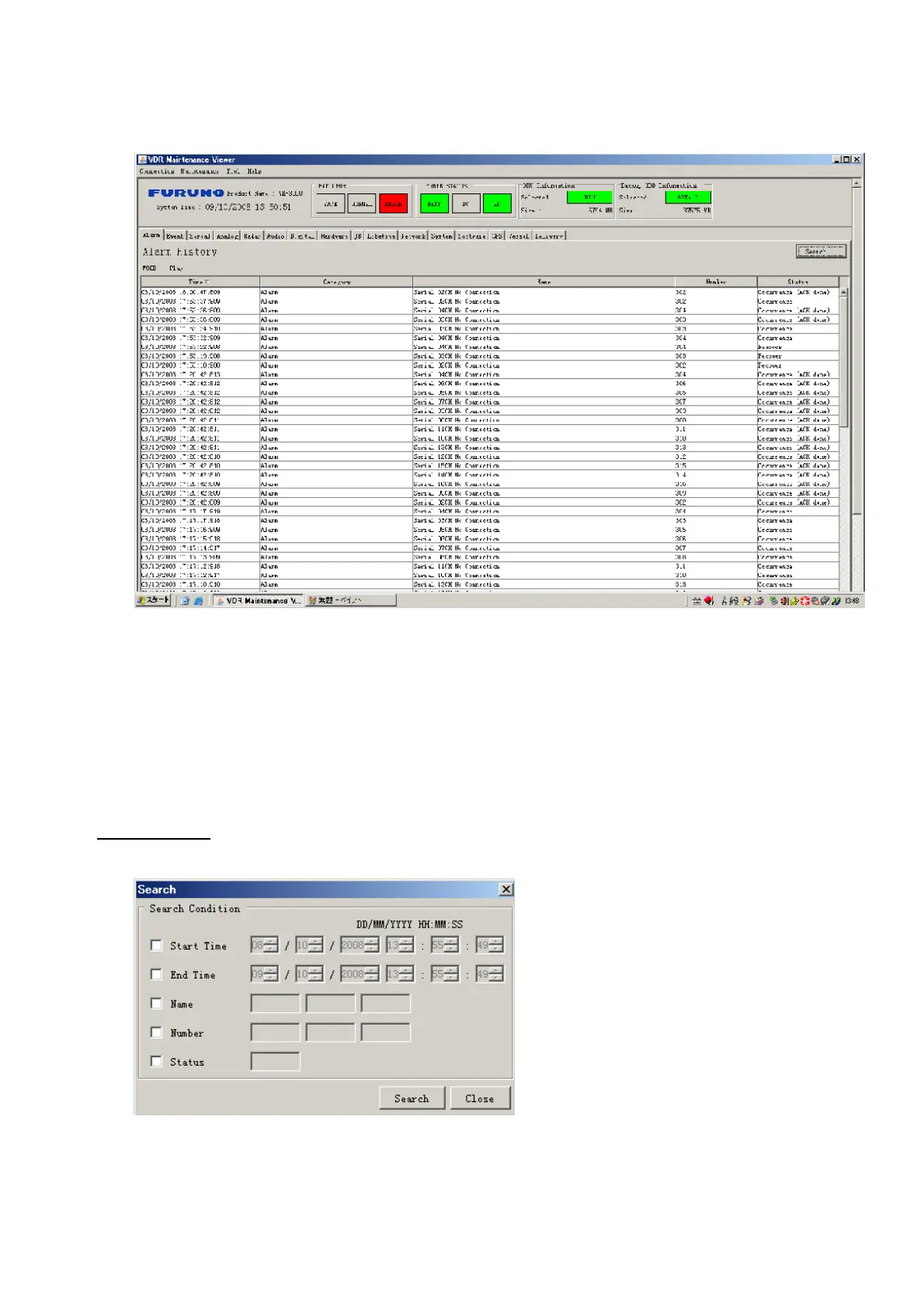
Alarm and Alarm Status settings are found in the Alarm tab.
The Alarm tab shows the following information about alarms. Click the Time, Category
and Name tabs in the title bar to sort.
Time: Time of alarm
Category: Alarm category
Name: Name of alarm
Number: Alarm number
Status: Alarm status
Alarm Search
1. Click the Search button above the Alarm tab. The Search dialogue box appears.
2. Add a checkmark to any desired search items (multiple items can be selected).
Start Time: Display name of alarms generated after a certain time.
End Time: Display name of alarms generated before a certain time.
Name: Display information for alarm name entered.



 To Next Page