40
5. Media Management
The media management feature deletes data from recording media; initialization the
system, etc. There are two method; LAN connection and Direct connection. The Direct
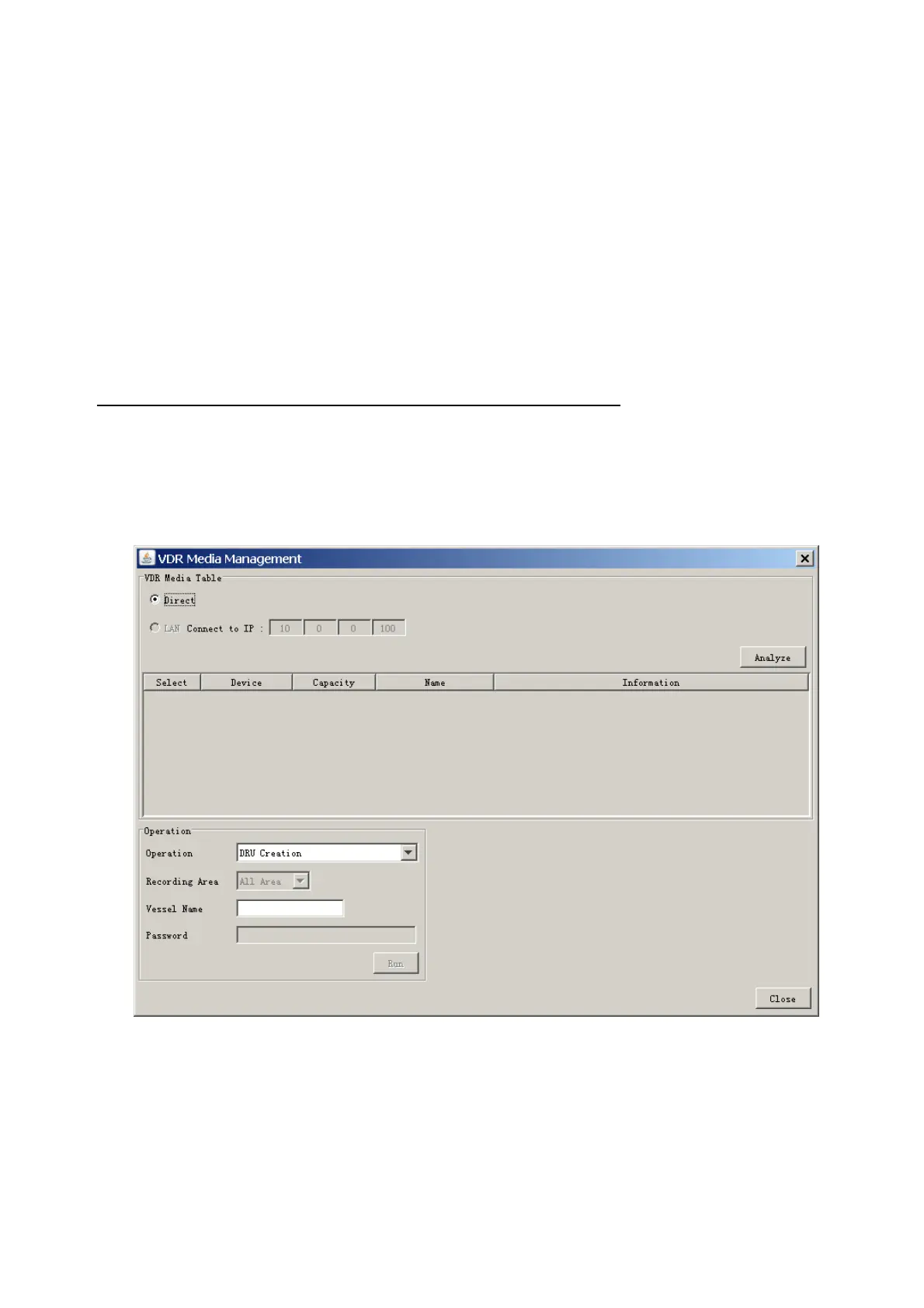
connection takes longer time than the LAN connection. Basically, use the LAN connection
method.
Note: Initialization or creation of recording media is not available when Source Select on
the Live Player V4 is selected to Backup HDD.
5.1 Initialization
This section shows how to delete data from the recording media. Configuration data is
not deleted. After performing the software configuration, delete the data from the DRU,
and HDD.
Do the following to delete data from the DRU (LAN connection):
1. Set the Playback/CPU switch in the DCU to the CPU position.
2. Use an Ethernet cross cable to connect the PC to J14 (DATA) in the DCU (See page
5).
3. Open the Tool menu.
4. Select Media Management to open the VDR Media Management window.
5. Check that IP address shown in the “LAN Connect to IP” in VDR Media Table Area is
the same as the IP address access point.
6. Select “LAN Connect to IP” in the VDR Media Table column.



 To Next Page