GAT Access 6100 Terminal Series
Operation
70
HB_GAT-ACCESS6100--EN_14
www.gantner.com
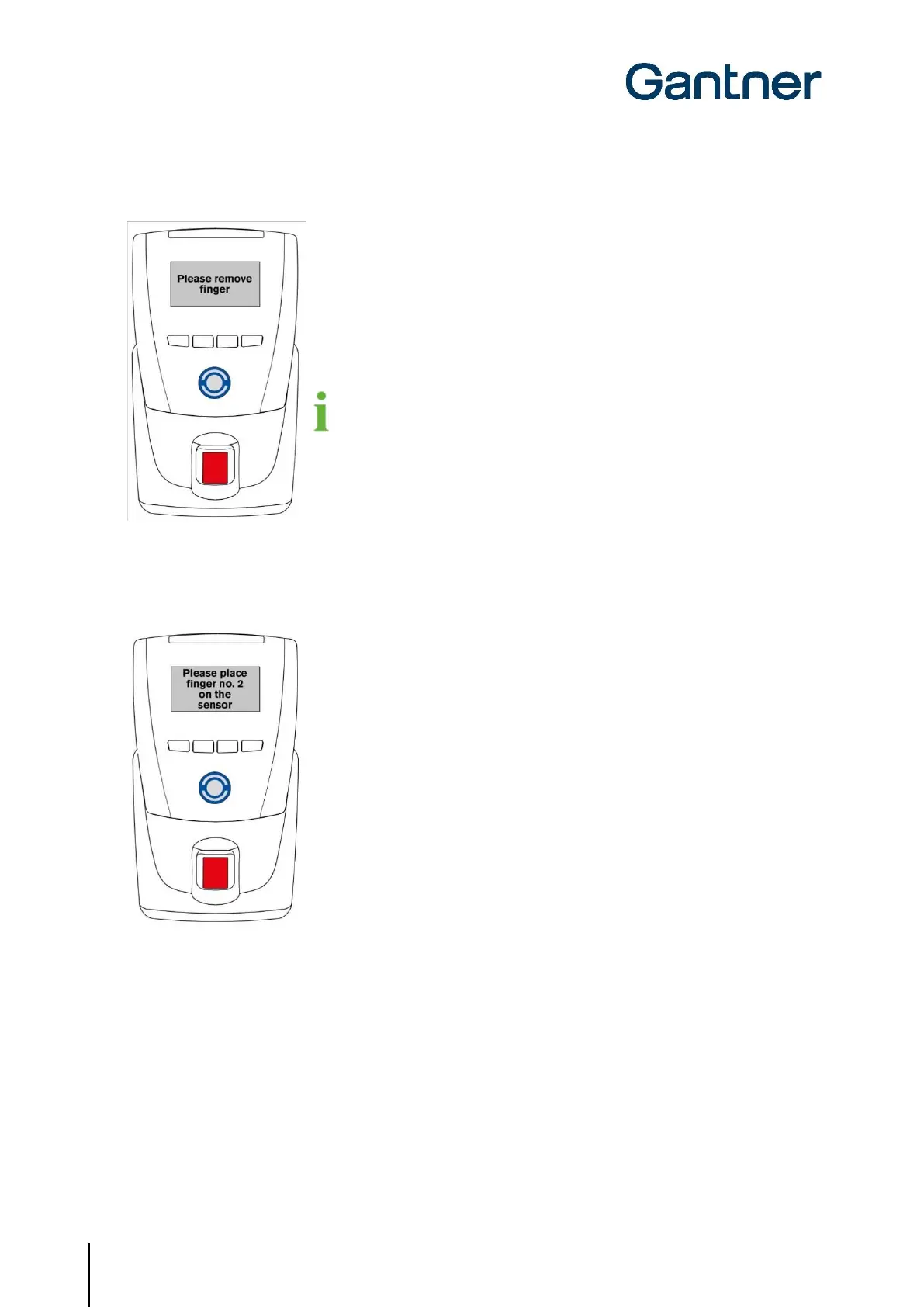
If the fingerprint was scanned correctly, the display shows a message instructing
the visitor to remove their finger from the sensor.
If the fingerprint was not scanned correctly, a corresponding message is displayed.
The fingerprint sensor should be cleaned regularly (see chapter “6.6.4.
Cleaning the Fingerprint Sensor”).
5. Once the fingerprint has been correctly scanned, the visitor must remove their finger from the sensor and repeat
step 3 using the same finger. The fingerprint must be scanned correctly 3 times to ensure reliable data.
6. Depending on the terminal configuration, the enrollment station may ask to scan a second fingerprint. Proceed to
step 8 otherwise.
Invitation to scan the second fingerprint.
7. Repeat steps 3 and 4 using the second finger. The second fingerprint must also be scanned correctly three times.


 To Next Page
 Loading...